Stream video from bunny.net

I am trying to stream a video from bunny.net in my maintenance template. I built it using one of the Remote Templates (Hero Charlie) which has a video element included. This is the video that I would like to include. I’ve tried entering this iframe URL but the video doesn’t render.

I’d rather not use YouTube if possible because of the YouTube branding, even when ‘Controls’ are deselected. This is the website.

Hi Johnny,
You can’t use the iFrame URL within the video element, but the file URL instead, which is this in your case: https://vz-33ecd102-d27.b-cdn.net/a63ba23a-2a91-461c-9fc4-728a685ae955/playlist.m3u8.

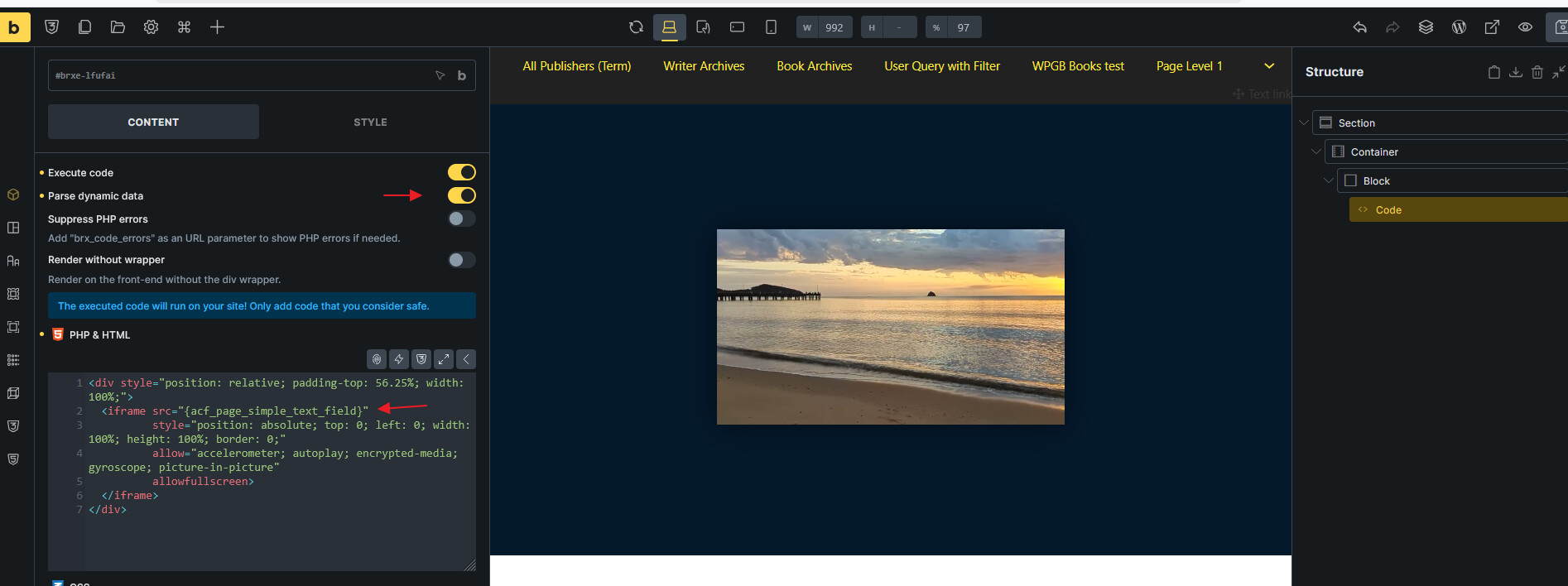
If you want to use the bunny player, you can theoretically put the whole iFrame code in a code element and execute it.

Hi Timmse!

I’m new here and I’m trying Bricks before committing to a license for my 3 websites or the lifetime if it saves me from older plugins I use.

Video integration form BunnyNet is a must for me. I’m planning on opening an Academy section on my website and in general my website is media-heavy. Videos, audio, images, the works.

The website I’m talking about is a full company/blog/e-commerce website that features product pages, knowledge base articles, blog articles, different product types and features, and now we’re launching an Academy section behind a paywall. everything is build using JetEngine and Elementor with the transactions handled by FastSpring. That’s the core stack.

BunnyNet is one of the top video platforms, unmatched pricing, top video stream performance, automated encoding, and many more features.

As you understand, an e-learning platform like the one I’m building cannot be a viable business model if the videos are self hosted, and cannot be protected if the videos cannot be locked to the domain for playback.

I could try to load the iFrame - as you suggested - into a code element and then execute it. for my purposes I also need to know if it’s possible for the iFrame code to be retrieved by the element form dynamic data (custom post meta) that I created using JetEngine. Courses, Chapters, Lessons, are all custom post types in JetEngine and each lesson has a meta field for the video iFrame that is linked for that lesson. I get that iFrame from my BunnyNet Stream library.

Would that work?

Unfortunatelly, code execution is not allowed on the Trial Bricks Editor that I now use to try Bricks, and you don’t offer a free or demo version to put in my hosting and try.

So, right now, I’m locked without being able to test if Bricks works for me. Let me also say, I really would like for it to work for me :slight_smile:

Can you help?

Thanks for your time!

All the best :slight_smile:
Btw, if you or any of your colleagues like to do your own tests, I can generate an iFrame and unlock a domain on my BunnyNet Stream library for you to try, saving you from having to create that resource yourself.

Hi @Pan.Athen ,

I think you should be able to achieve it like this.

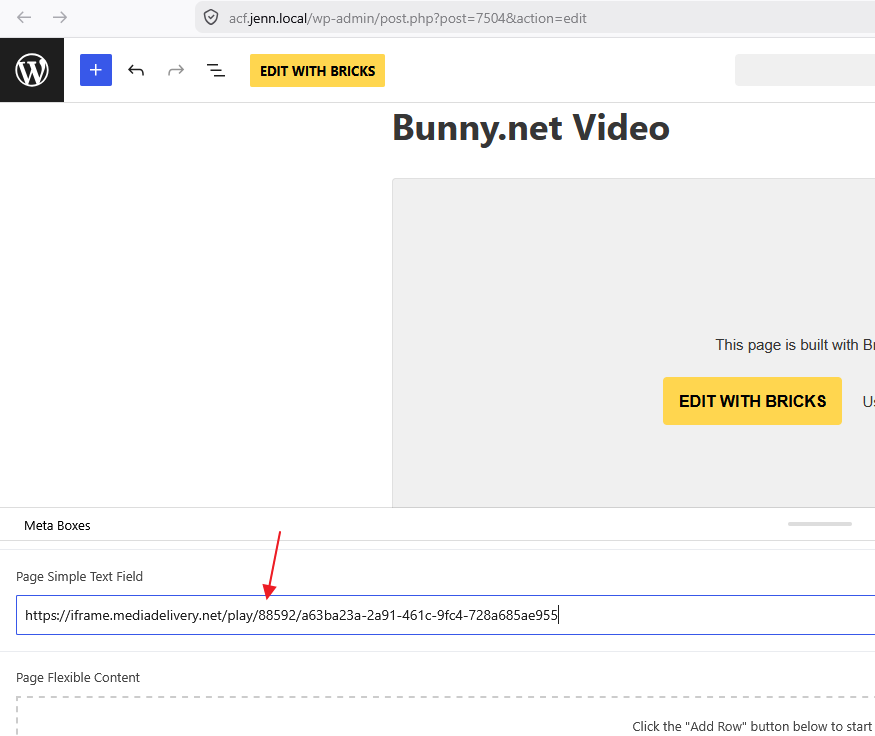
My Metabox.io custom field just stores the video link

Code element to prepare the iframe and can just place the dynamic tag in the src, then sign it once will do.

Regards,
Jenn

Thanks! I’m using JetEngine, do you’re proposing to use another plugin like Metabox or try the same technique with JetEngine? In general it should work with any of those frameworks.

But! in any case, I’m not able to do that because the code execution is forbidden in the Bricks trial environment. So, there’s no way to try this… :frowning:

I think it would be helpful to have a way to test these smaller details, as they are often the kinds of issues that end up causing migration projects to exceed their budget or timeline. Alternatively, an official yes-or-no answer on whether what I’m proposing is supported would also be greatly appreciated.