SOLVED: Gap problems with masonry layout (version 2.3.9)

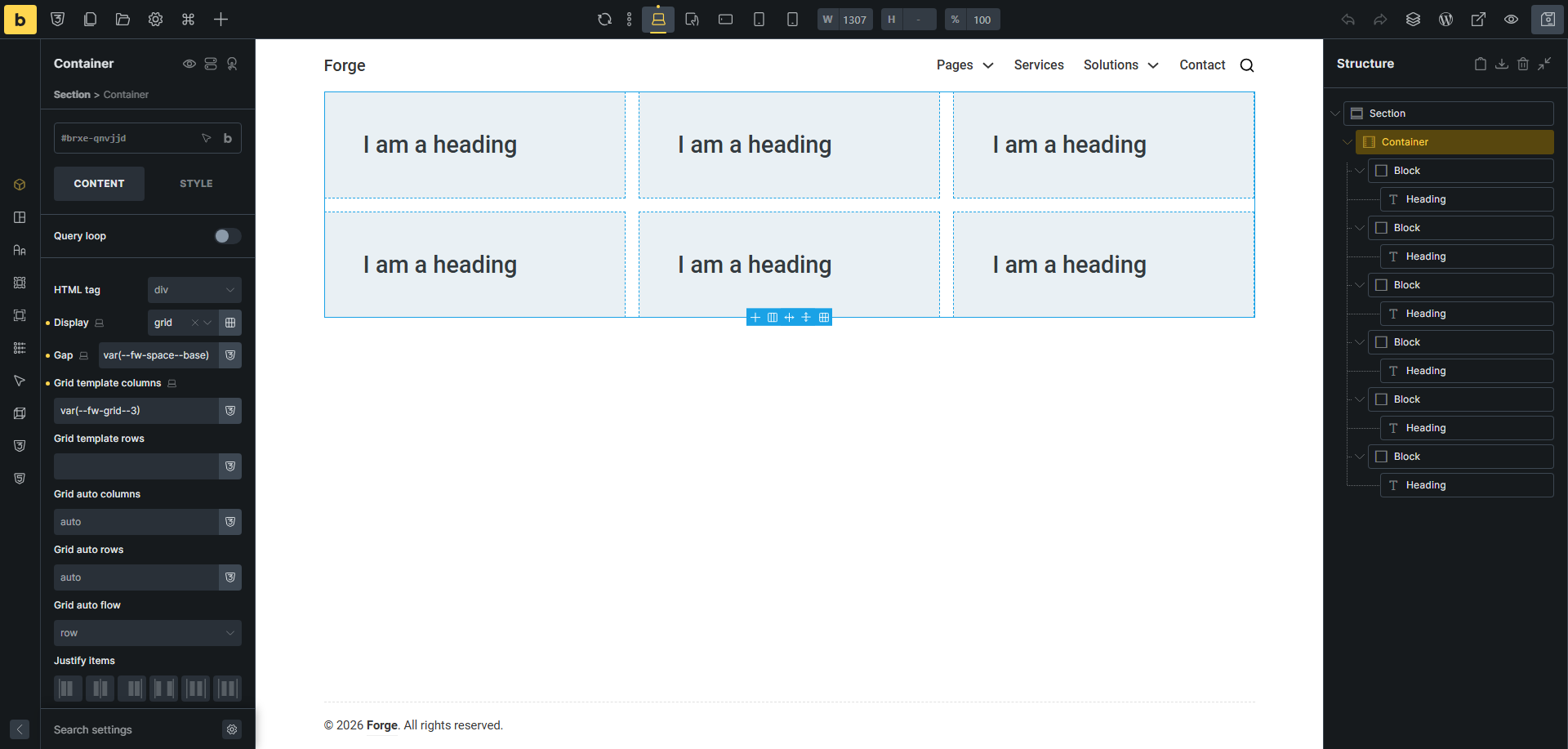
Quick question: does anyone else find that the masonry layout gap setting doesn’t set a gap between columns in bricks version 2.3.9? It sets the gap between rows, but not between columns. The gap setting works fine on image galleries with masonry layout, but not on other masonry layouts.

Thanks for looking into this.

Stuff works fine for me when creating a grid layout.

Thanks for checking! Just to be clear, you’re using version 2.3.9?

Yes, I am using the latest WP and latest Bricks with a child theme.

What other things do you have setup? Plugins? Custom Code? Those can make a difference as well.

I also see issues with gaps in Masonry Layout when using the default flex.

Thank you. No plugins, and not much custom code. Curious to see if anyone else experiences this.

Hi @T-bone ,

Thanks for reporting the issue in the forum.
It’s a bug in 2.3.9, we are aware of the issue when using Masonry Layout, and already in our bug tracker.

Regards,
Jenn

I have the same problem. Looking forward to the fix

Any ETA on this? We’re about to relaunch our website, and this bug is breaking the layout on most of our landing pages.

I think the issue is that Bricks applies the selector ‘.bricks-gutter-sizer’ to the gutter parameter of isotope/masonry. According to the docs Isotope · masonry the horizontal space between elements will take the width of this element. But Bricks hasn’t set a width. So I’m using the following in my Bricks → Settings → Custom Code → Custom CSS as a work-around until a fix is released:

@layer bricks {
.bricks-masonry .bricks-gutter-sizer {
width: var(–gutter);
}
}

Don’t know if this is proper or will work in all scenarios but works for me.

Is it safe to simply re-upload v2.3.8, since that version didn’t have this bug, or could doing so cause any conflicts?

Version 2.3.8


The scanner element has a calculated CSS left value of 34.2727% .

Version 2.3.9


The scanner element has a calculated CSS left value of 31.3636% .

Hi @Borlabs-Ben ,

The fix for this issue is already merged into our next release code.

There is no actual ETA for the release yet.

You can re-upload 2.3.8 as a workaround for now.

Regards,
Jenn

Just tested this, and it works perfectly as a workaround. Thank you!

Thank you very much. That works like a charm.
Caution for copy&paste: This forum converted the variable’s two dashes to an mdash.

We’ve addressed this in Bricks 2.3.10, now available as a one-click update in your WordPress Dashboard.

Please read the changelog entry before updating, and let us know if you experience any issues.