Browser: Chromium-based browsers (latest)
OS: Windows 11
URL: N/A (client site - see images below)
Video: N/A (client site - see images below)
When uploading files via the forms element, the m4a file format does not work.
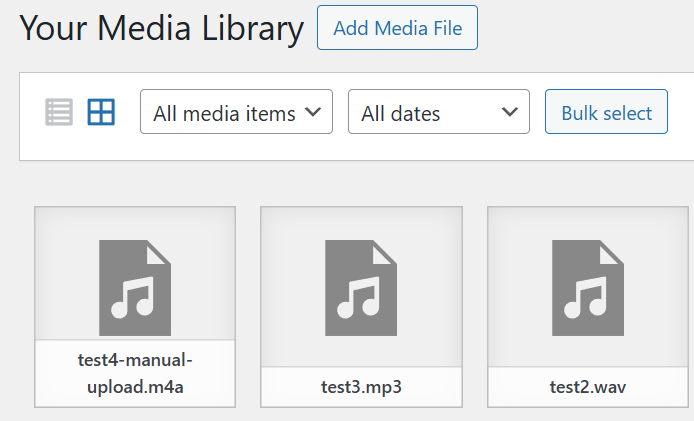
This is despite it being allowed in WP itself (able to directly upload m4a’s via the Media library without issue).
Process:
- Add form element
- Enable file upload field
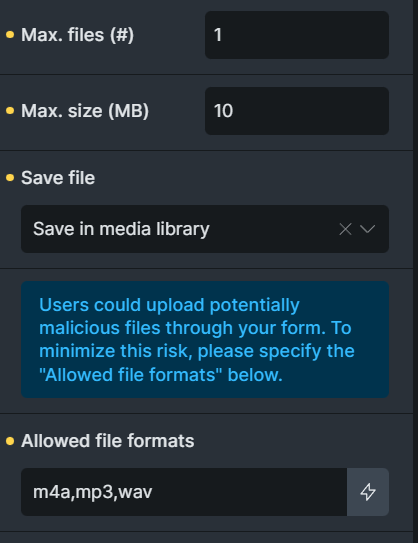
- Add in allowed file formats (m4a,mp3,wav)
- Configure max files to 1, max size to 10mb, save in media library
- Configure remaining fields & actions (eg, email, name, hCaptcha,etc)
- Save and open on front end
- Attempt to upload mp3/wav = success (success message + can see file in media library)
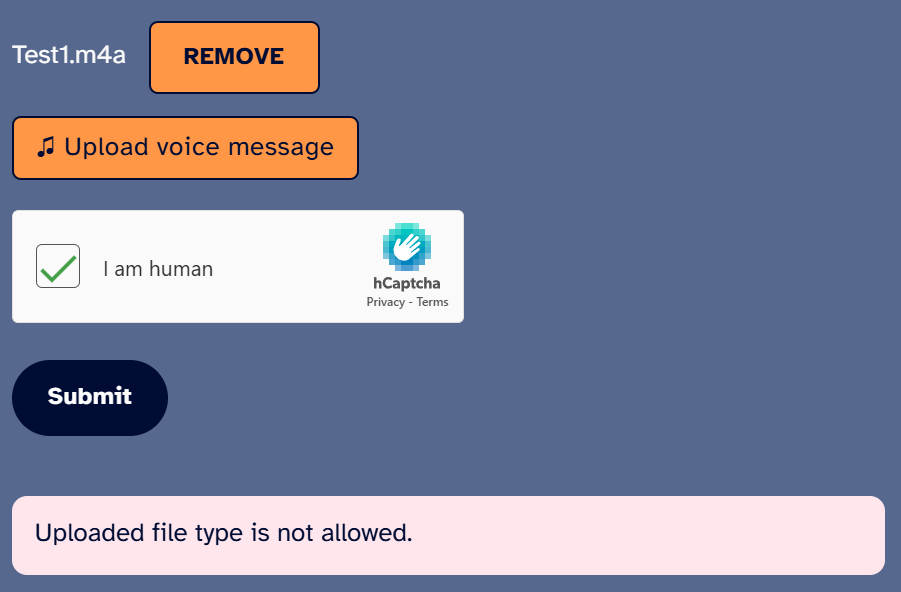
- Attempt to upload m4a = error (msg = “Uploaded file type is not allowed”) + no file in media library
 Note, this is similar to a previous post, which was marked as solved.
Related images