While using Bricks Builder, I encountered several usability issues. That inspired me to develop Gấu Bricks Child Theme, focusing on practical refinements:
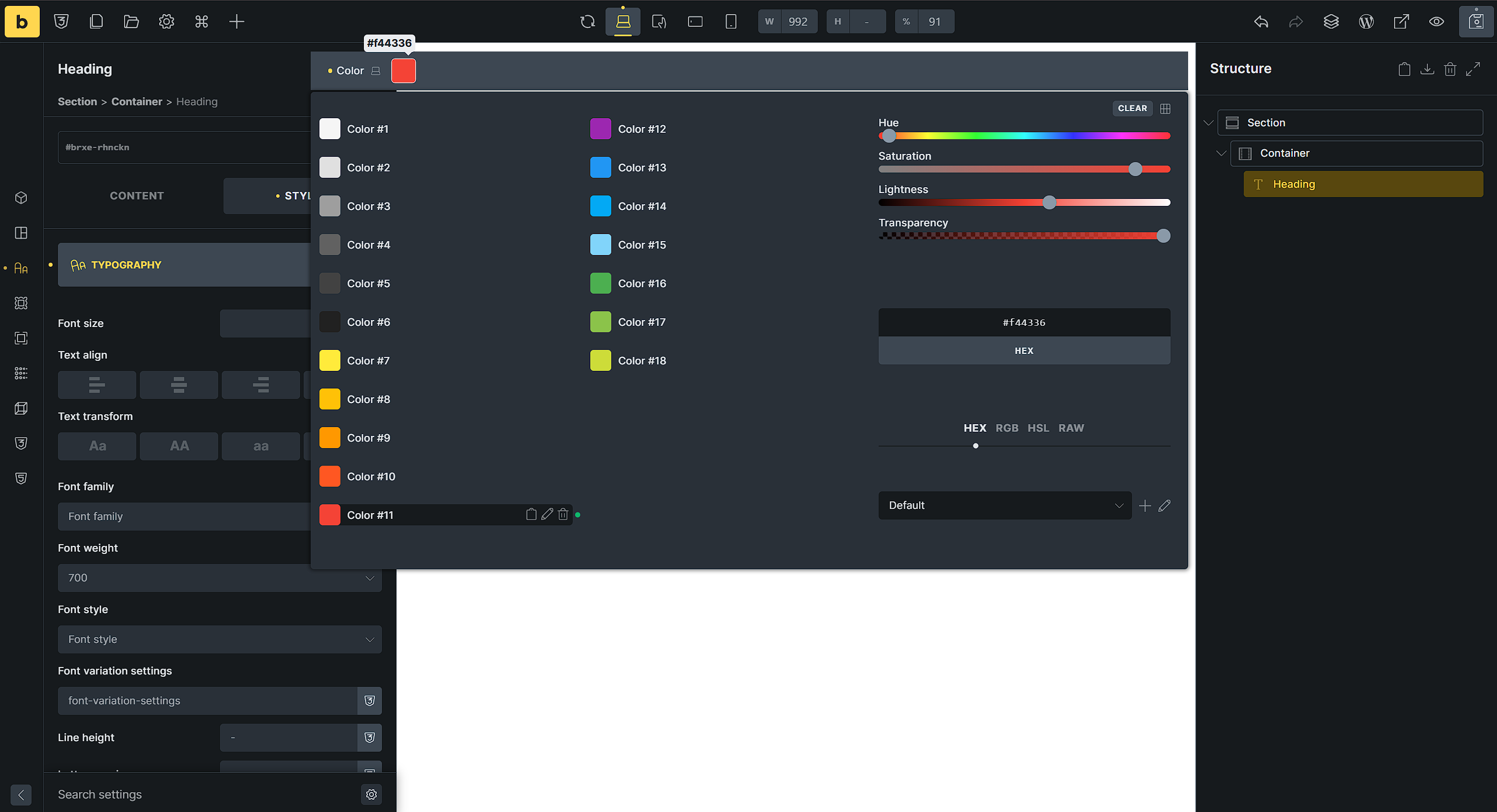
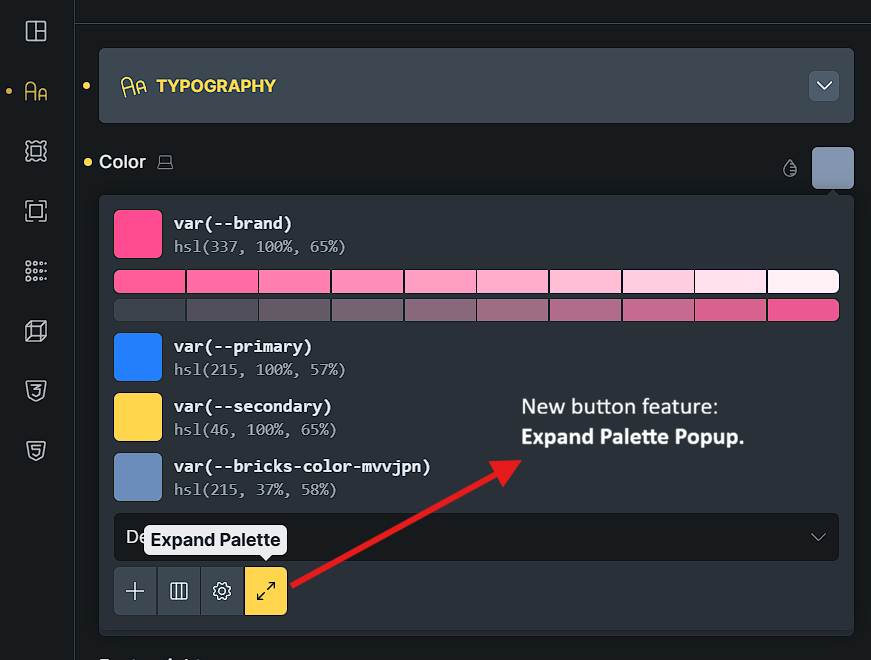
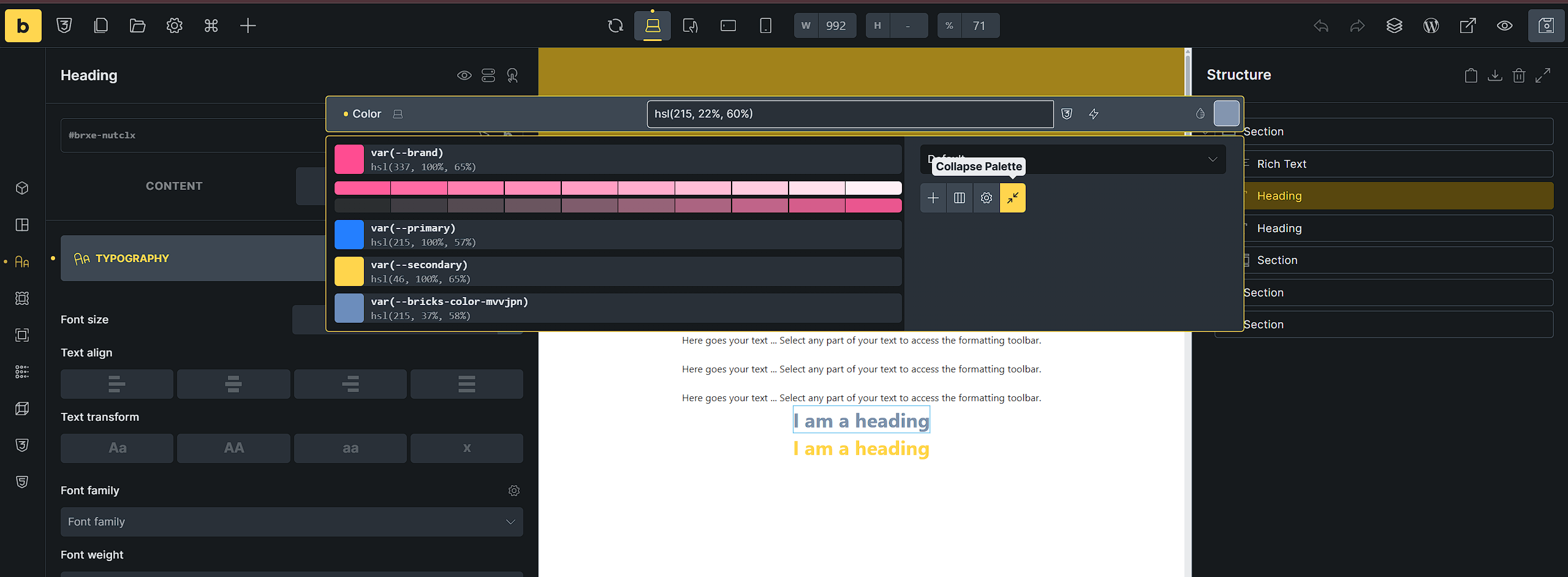
1. “Popup” for the Color Palette selector:
Problem: By default, the Color Palette is embedded in the Panel, which is cramped and inconvenient.
Solution: I moved it into a separate Popup, much more user-friendly.
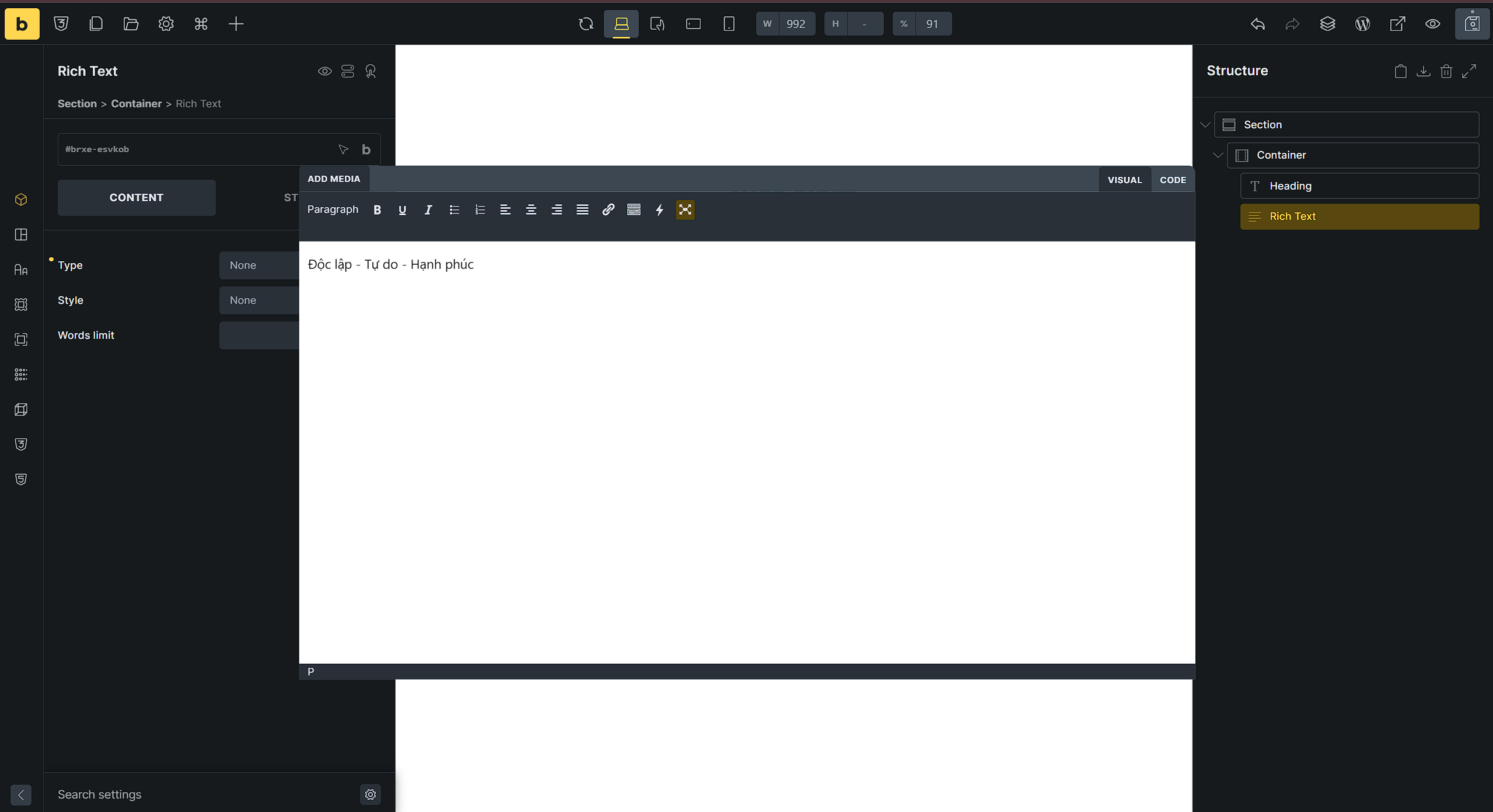
To celebrate the 80th Anniversary of Vietnam National Day (Sep 2, 1945 – Sep 2, 2025), I added a small feature: an optional Vietnam Theme for Bricks Builder.
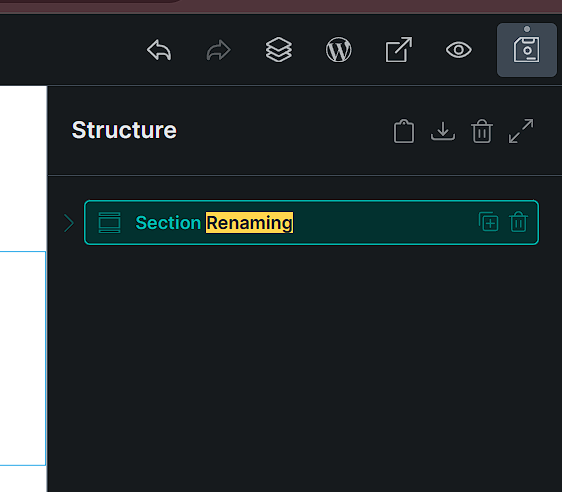
Unfortunately I’m already using a child theme that gives me gsap etc. I don’t want to be that guy that asks if these enhancements could be implemented by using code snippets. I found you posted them for the rename handling. Any possibility to post them for the other improvements if possible?
Thanks in advance and your work is much appreciated
Thanks for sharing. Clean code and CSS only fullscreen color control popup is great.
Just share it back here
/*** color-palette-popup.css ***/

/*** after line 53, gradient two tone color for bacjground ***/
background: linear-gradient(to right, var(--builder-bg) 63%, var(--builder-bg-2) 63%);
box-shadow: inset 0 0 0 6px #b05990;

/*** after line 83 and 101, scrollbar ***/
scrollbar-color: var(--builder-color-accent) var(--builder-bg-3);
scrollbar-width: thick;
Using MutationObserver just to handle color palette list toggling seems isn’t really performance-efficient — it’s overkill for such a simple UI change.
A direct event listener or a small state check would be more lightweight and performant in this case.
// color-palette-popup.js
// replace it from line 19 to 35

window.addEventListener('load', () => {
    const innerPanel = document.getElementById('bricks-panel-inner');
    if ( ! innerPanel ) return;

    let colorTimeout;
    innerPanel.addEventListener('click', (event) => {
        const targetEle = event.target;
        if ( targetEle.closest('.bricks-control-preview') && targetEle.closest('div[data-control="color"]') ) {
            clearTimeout(colorTimeout);
            colorTimeout = setTimeout(() => {
                const colorControl = targetEle.closest('.bricks-control-preview');
                const colorPopup = colorControl?.nextElementSibling;
                const colorPalette = colorPopup?.firstElementChild;

                if ( colorPalette?.classList?.contains('color-palette') ) {
                    maybeSetColorsToList(colorPopup);
                }
            }, 300);
        }
    });
})
Hi @bricksonemore
Thanks for the improved source code. I will update in a patch.
If you have time please go through and evaluate the other features.
Thanks