Browser : Version 140.0.7312.0 (Official Build) dev (64-bit) OS : Windows 11 PRO Version 24H2 Build 26100.4652 URL : https://apm.circea.dev/ PHP : 8.3.22 WP : 6.8.2
Description
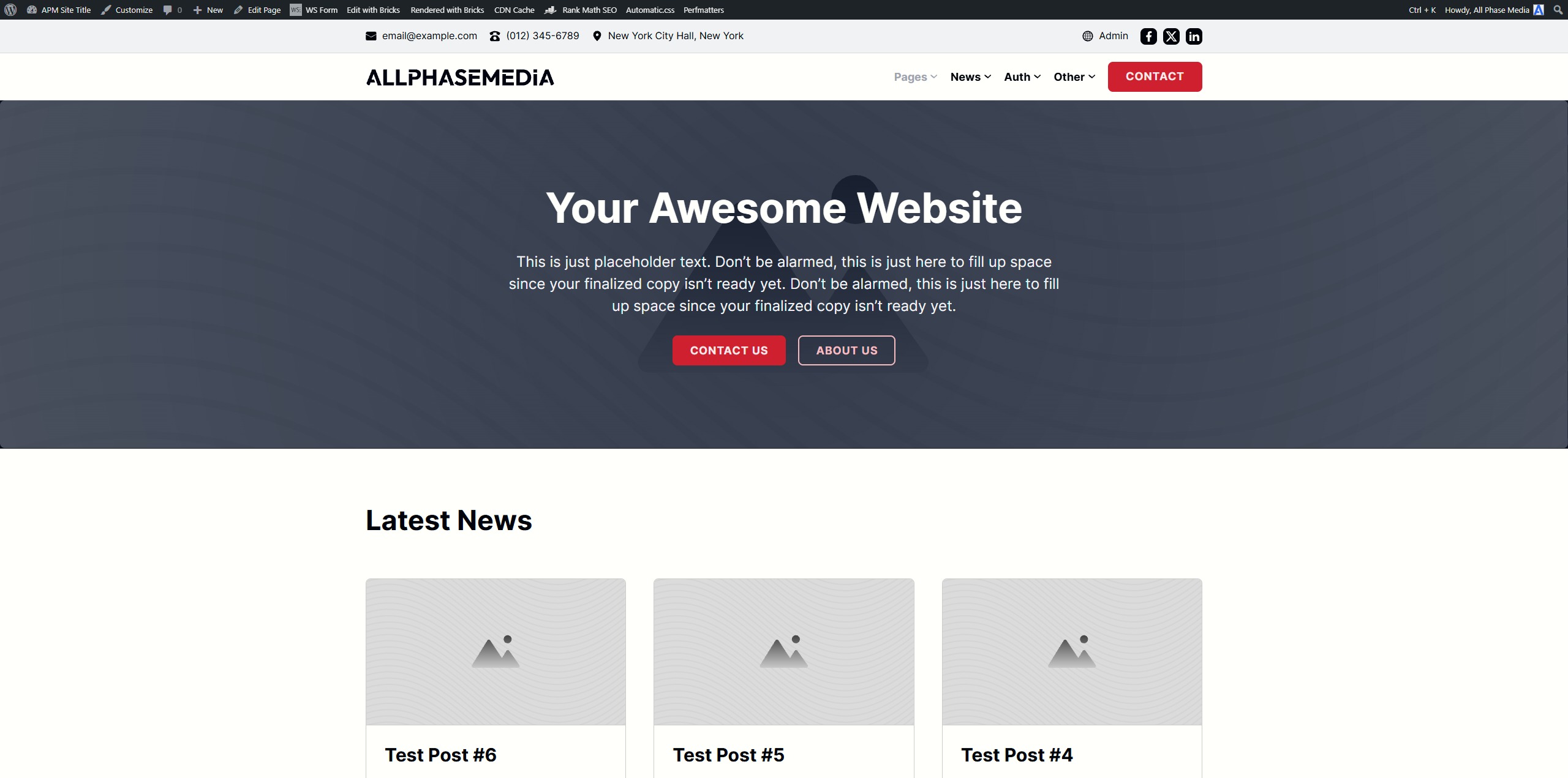
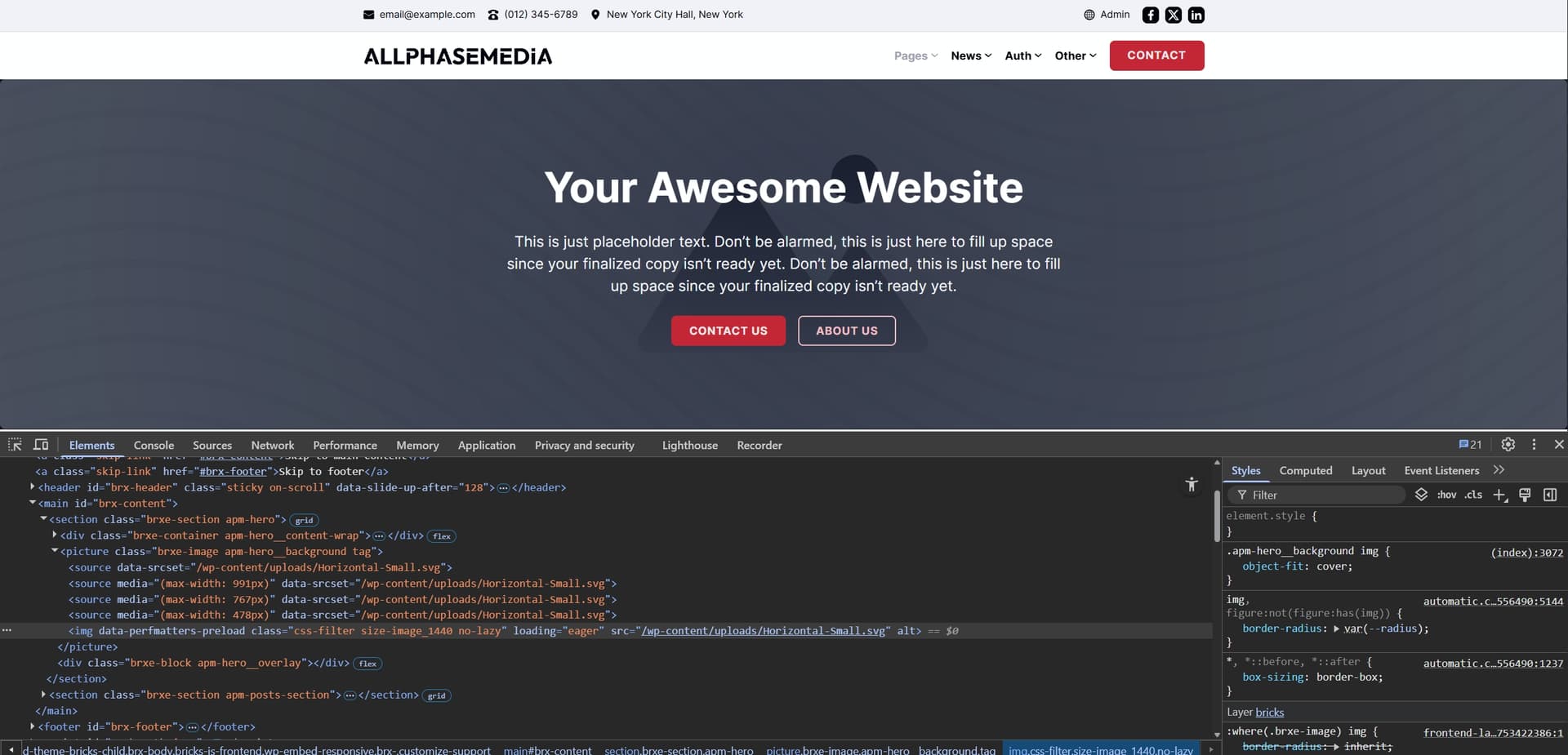
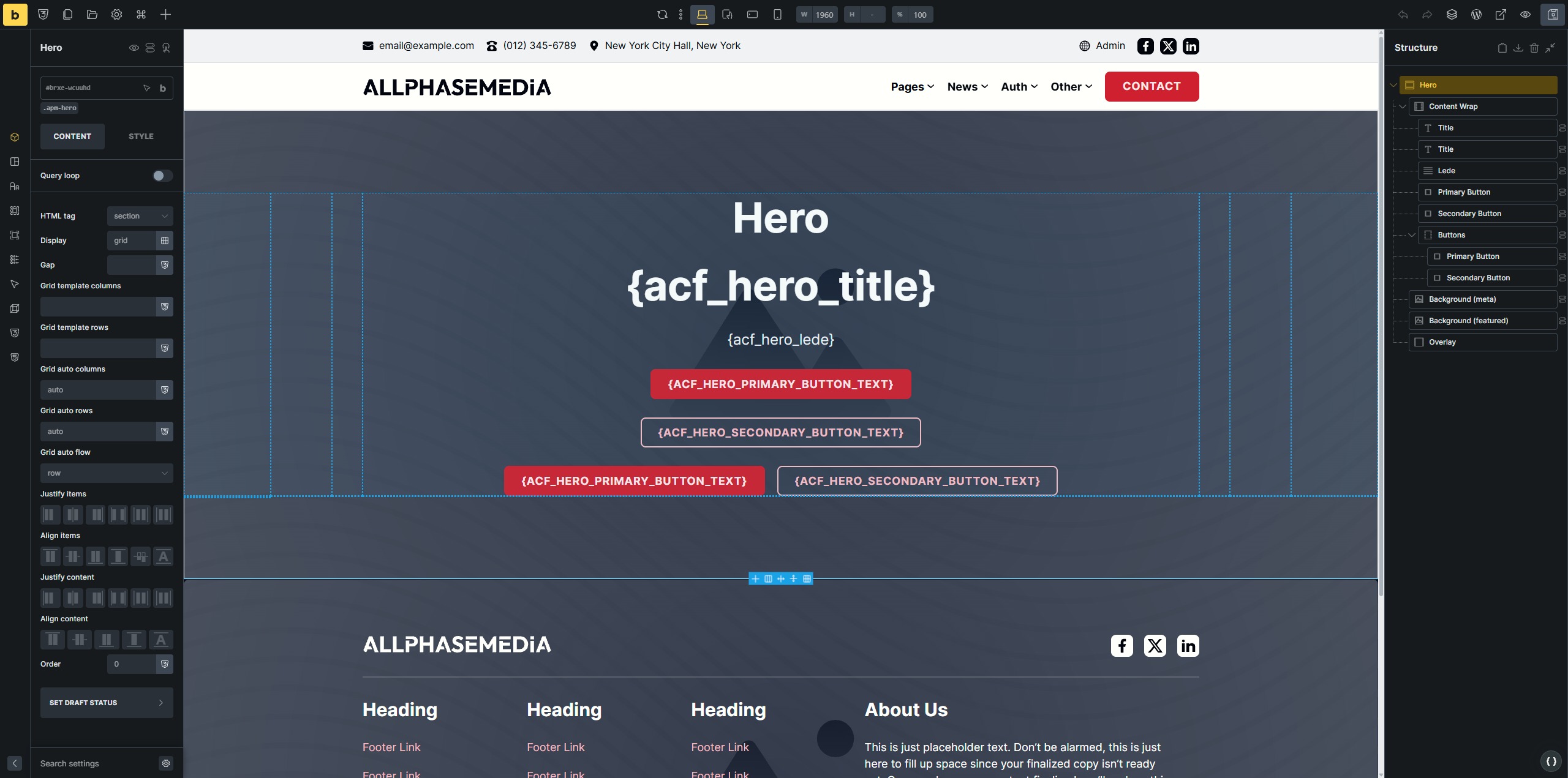
I have a Hero template that uses dynamic data (ACF) for the text, image, etc.
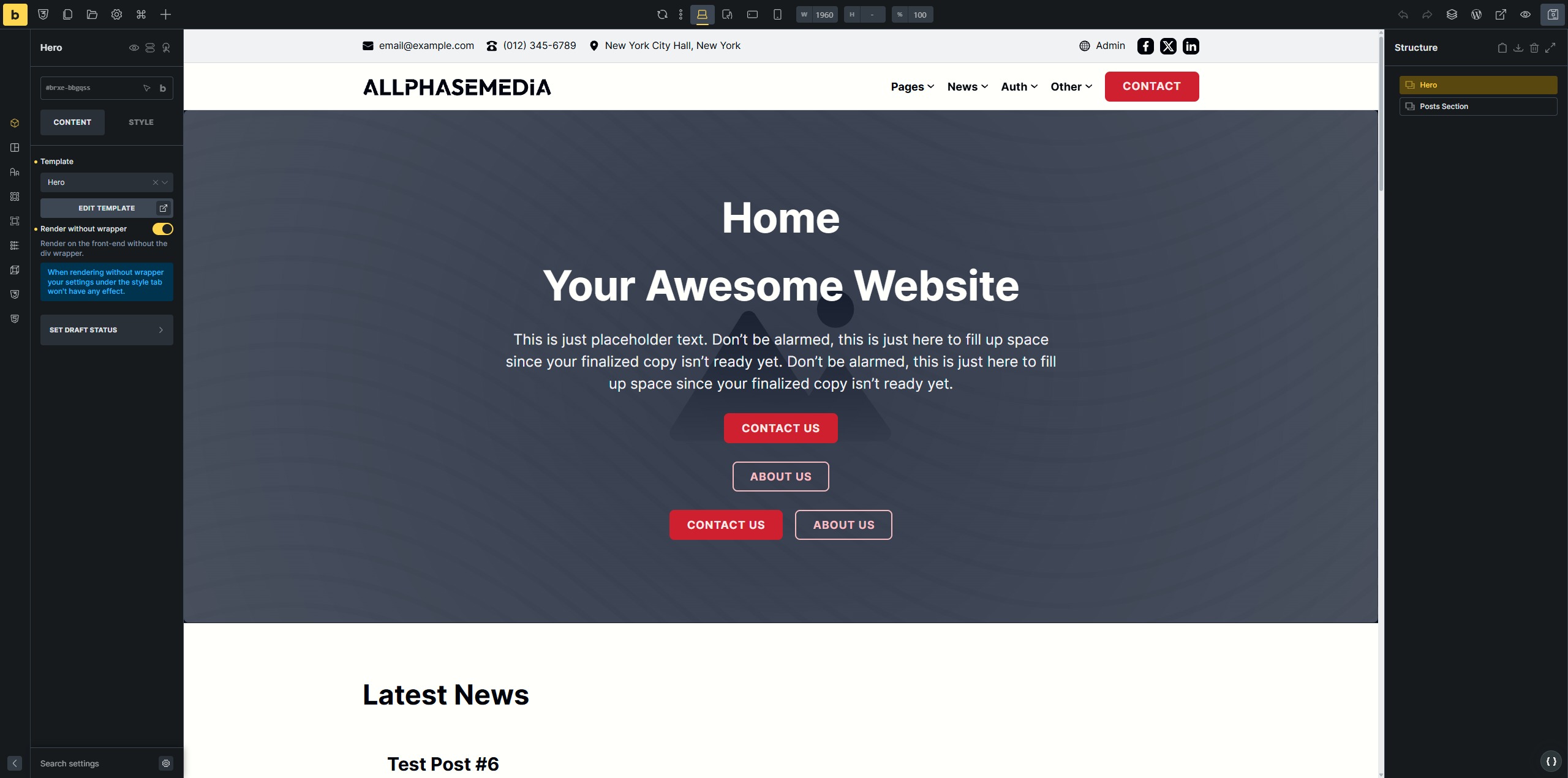
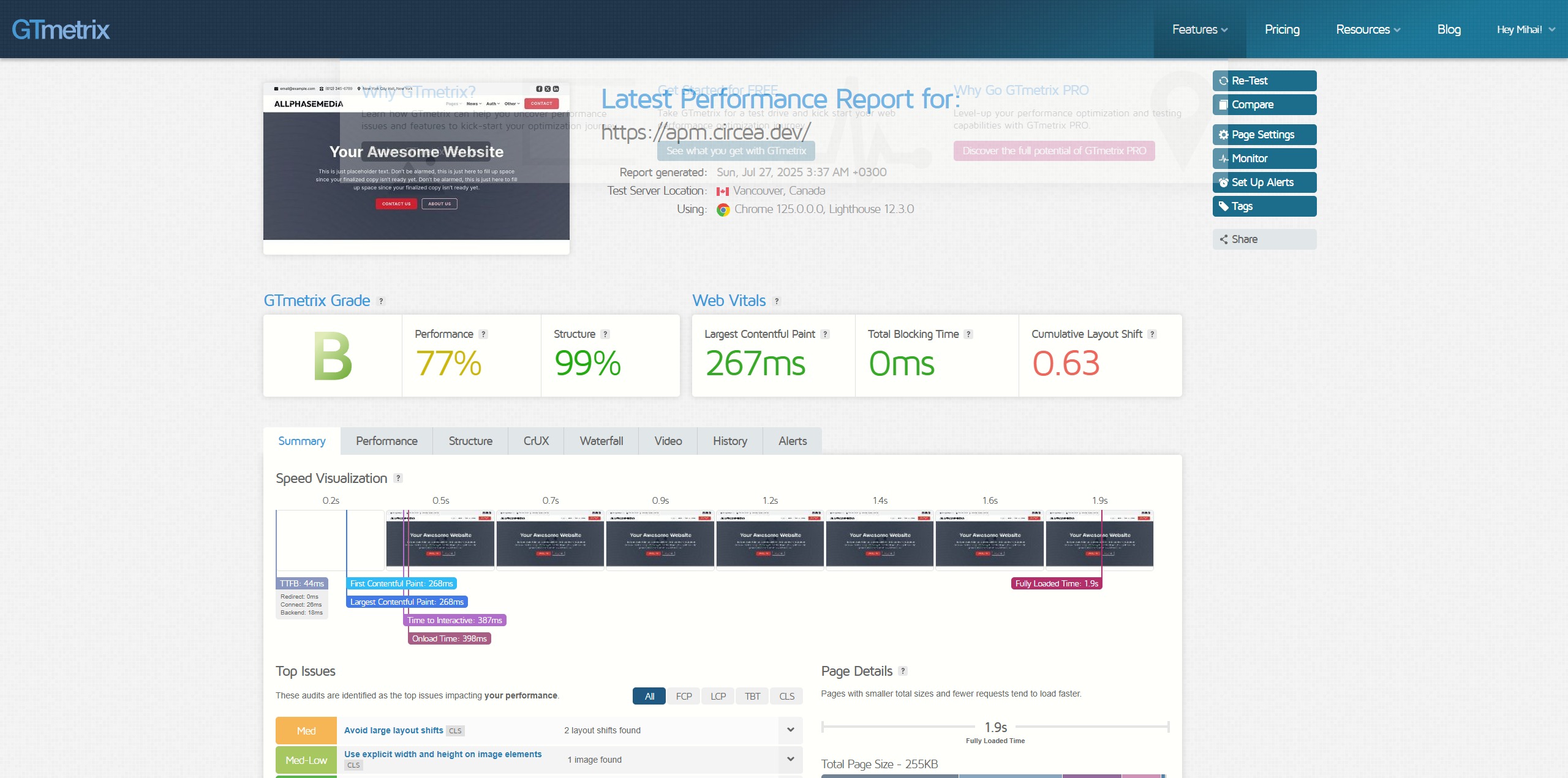
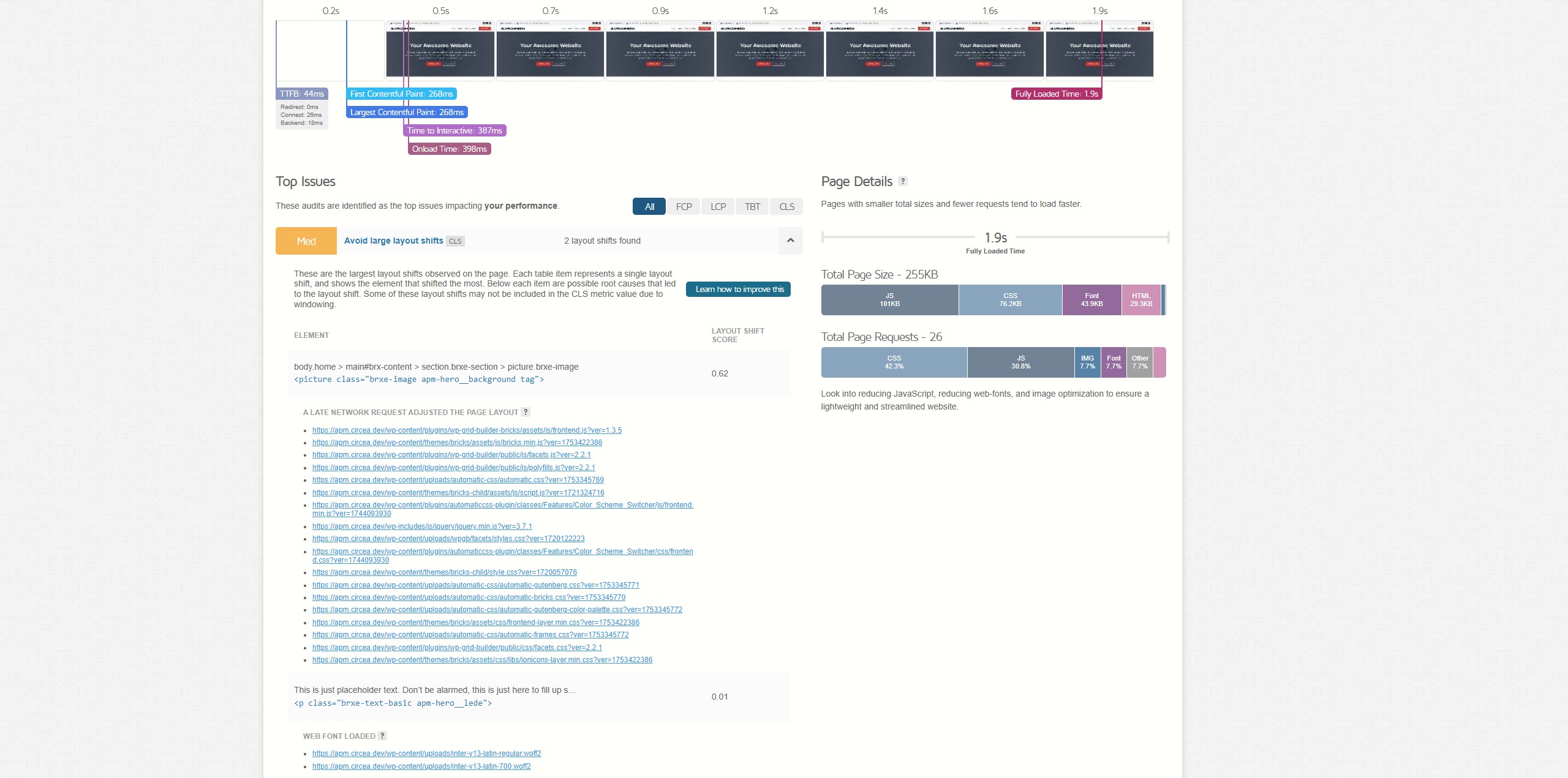
Inserting the template on the Home page using the template element causes huge CLS.
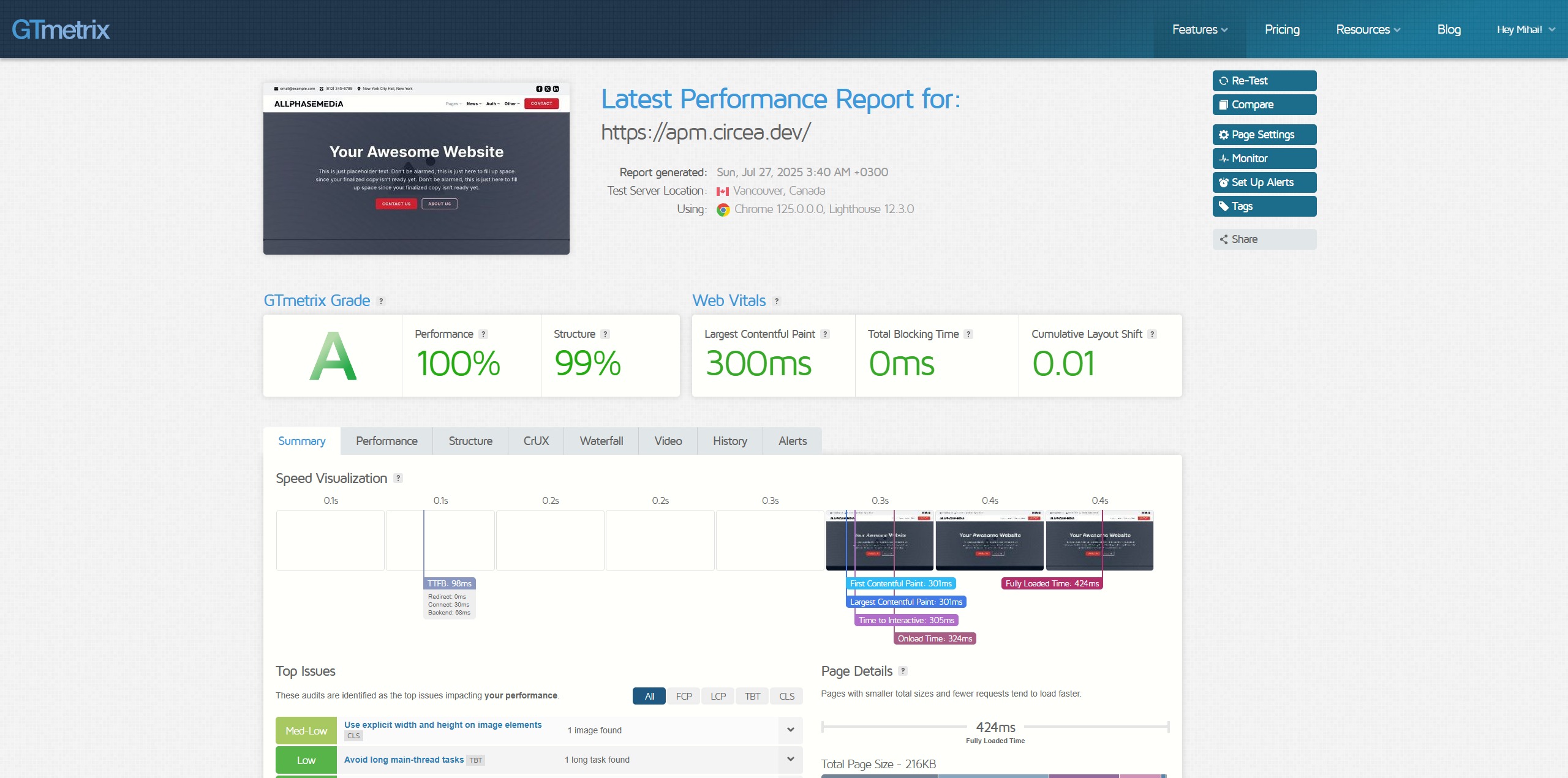
Inserting the template on the Home page directly does NOT cause any CLS.
Directly = open the templates modal inside the builder, find the template, and click “insert”
Last screenshot is a test with the template inserted directly.
The other two GTMetrix screenshots are with the templated being inserted via the template element.
As you can see from the screenshots, this template doesn’t even contain any nested templates.
IMPORTANT:
Sometimes, when the hero is inserted using the template element, the first test says no CLS, but subsequent tests show huge CLS.
When the hero is inserted directly, it never shows any CLS.
Does the problem only occur with inline styles, or also when you switch to external files? If not, this is also a known problem that we are already working on.
Please check it briefly so that I know whether I can add it to the existing task - then you are welcome to switch back to inline styles. This will cost you about two minutes of your time…
Ok, thanks so much! I’ll add your report to the existing task and close it, since it appears to be the same issue as reported here (with template hooks): WIP: Layout shift and no styling at first load