I have experienced this issue on multiple sites. But now mentionting here, bcz it’s an issue which I think should be solved.
When we create a template and hook into bricks_before_header or bricks_after_header
Everything else, the Header, main content, everything loads perfectly but the “Topbar” styles loads with a delay.
I’m not using any cache plugin, it’s not a server cache issue, bcz I built the sites for cleints on different servers with the same issue.
When I put the “Topbar” directly in header template, then it loads fine.
Recently, I was solving this issue by adding a code element before the actual “Topbar” element and styling it via Custom CSS. So that bricks can load CSS, before loading the actualy template.
can you try on 1.12-beta on one of your staging websites, if you see the same issue? Because we solved some CLS problems in latest beta, so maybe worth a try.
But please, just do it on staging, with your setup, and let me know.
i have the same issue and it‘s not solved in 1.12.1. i use a template for a hero section with the hook bricks_before_header and it causes cls:-/ it rates my lage 30 points down because of this :-/
I can see the layout shift happening on hero while the page loads.
on your hero both your video bg and the center logo shifts way way too much.
and they load slow as well.
give fixed heights and positions exacly for the desktop so it doesnt shift.
hero layout shifts are pain to fix because thats the first thing it loads and usualy they are big in area so smallest mistakes kills your scores on hero.
this is not bug.
just optimize better. set your heights sizes positions …etc
I’ve defined fixed heights etc. but it’s not working… it’s loading the css of the template slower than the content. so the content is visible for milliseconds and then the hero is coming and pushes all the content down…
@Matej I switched the CSS Option to “External Files” and now the problem is solved. So with the inline CSS, the CSS is still loaded after the footer (bricks-dynamic-data-inline-css).
@Matej Is it possible that the Lighthouse Test of Google Page Speed has a problem with a template before the header? Because when I remove the template, the test works fine. do I add the template with the hook bricks_before_footer it works too. It has no impact of inline CSS or external files…
Does the style tag in the header still fix this? Respectfully, this bug seems to have been surfaced over a year ago… Is this still on your tracker or something we need to work around?
It’s been 9 months or more and the issue still exists. It’s really annoying because on almost 99% of websites we need to add a topbar, but this layout shift is ruining the layout and causing instability, Layout Shift.
I also can’t put the topbar inside the header, since the header is sticky and we don’t want the topbar to be sticky as well.
I’d really appreciate it if you could look into this issue. It’s strange that the topbar CSS loads with a delay.
this issue does not have an easy solution, so this takes a while. But I can see that there was a progress on this task - I don’t know the details of implementation, but it’s been worked on.
any news about the development of the fix? Bug is partially fixed one year ago but only using the external css. Inline almost always generate a huge CLS due to template style outputted below the footer.
Hi @Deadlift79,
The problem should already have been solved with WordPress 6.9, as the bricks-dynamic-inline-css styles containing the “hooked” styles are output in the head (inline styles). With external files, the template stylesheet is also located in the head.
Please check if this is also the case for you—it should be. We haven’t marked the thread as resolved yet because we want to make sure that it actually works in all scenarios.
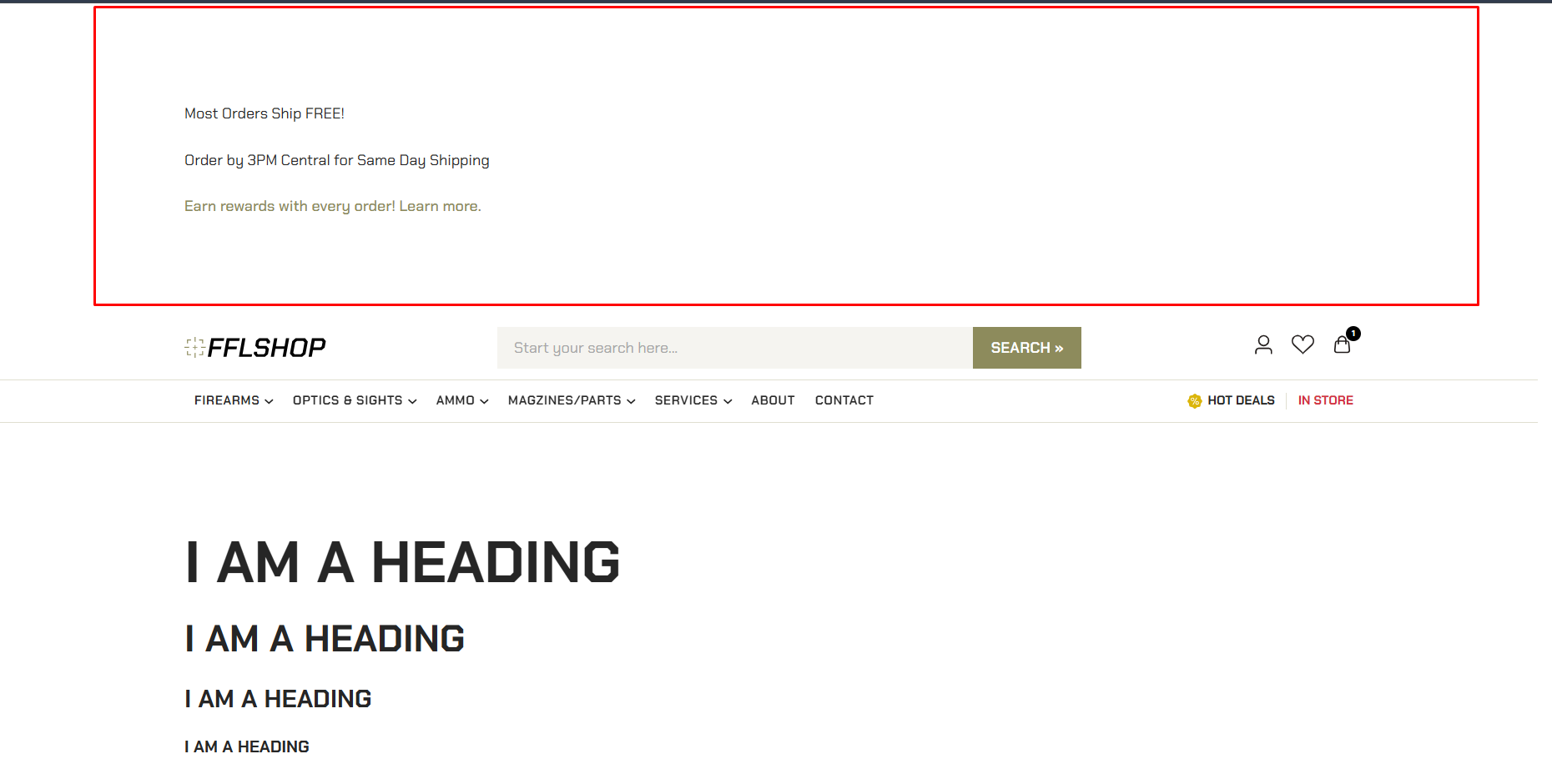
 You can check it now.
