Browser: Chrome 110
OS: macOS / Windows / Linux / etc.
URL: Link to a page that illustrates this issue
Video: Short screen recording that illustrates this issue (free tool: jam.dev)
Hello,
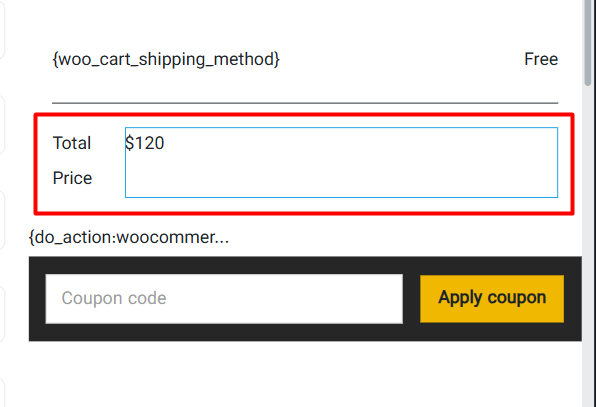
I tried adding dynamic data such as {woo_cart_order_total} to the Code Element and enabling the “Render without wrapper” option to achieve cleaner output. However, the issue is that within the builder, the element’s width becomes uncontrollable and compresses the surrounding content, whereas it displays correctly on the front end.