Browser: Chrome 110 OS: macOS / Windows / Linux / etc. URL: Link to a page that illustrates this issue Video: Short screen recording that illustrates this issue (free tool: jam.dev)
Hello bricks team,
I have placed a dynamic data in the code element and enabled the Render without wrapper option. Everything is fine on the frontend, but in the builder the width of the code element is 100%, causing the layout to break.
This was already the case in previous versions, i.e. it is not a bug. If you want the element to take up the width of the content, set the width to auto.
Aaaaah, so it’s just a problem in the builder, right? Unfortunately I can’t tell from your screenshot
However, the root wrapper in the builder is still needed as the Code element could have multiple elements on the root level. However, it should not take up 100%. I’ll create an improvement task for this

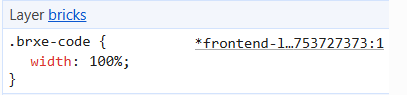
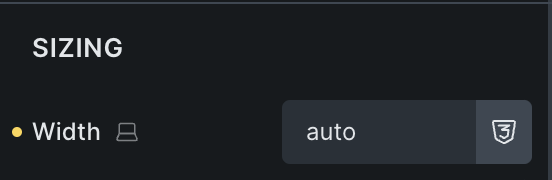


 Everything is fine on the frontend, but in the builder the width of the code element is 100%, causing the layout to break.
