All the above are great points and suggestions.
I’d love to see Bricks to go in this direction.
Or maybe add it like an option - “Bricks Pro Mode” for advanced/power users who knows what they doing and wants to x3 their workflow.
Once a builder gains traction, revolutionary features are ignored because devs know that there will be a good fan-base no matter what.
Elementor is the perfect example: they started as innovators but are now bogged down by the worst workflow in the industry.
Divi waited so long that they are now forced into a painful, complete rewrite.
Bricks needs to avoid this trap. Ignoring modern workflows until you are ten years behind should not be a strategy.
“A better way to track different custom code, including CSS, JS and PHP. Right now global code is accessed in one place, page level code in another, and the builder also allows inline code, which makes everything scattered and harder to track. A single place to access all of this easily would help a lot. When it comes to tracking and custom code, a manager for CF getters and custom dynamic tags would be useful too.”
As to your second point (quoted above), I see Bricks providing options and it is up to the developer to define a workflow that works for them. I would not want to have those options reduced by Bricks. Some folks use a single, external stylesheet, if you are looking for a centralized approach.
Nora, I agree with you, I don’t want Bricks to reduce our options either.
In fact, using a single external stylesheet is actually a very limiting solution.
The point I was trying to make wasn’t about removing options, but about improving how we access the ones we have, just with a more streamlined way to access each scope of custom code. For example, being able to edit global CSS from inside the Builder, instead of going to Bricks settings and scrolling down to the section, would simplify the workflow without forcing anyone into a specific pipeline. These are the kinds of developer friendly improvements I’d love to see them focus on.
The sytle panels are OK if you are a beginner, but at some point, it slows your workflow down and it is better to have the HTML/CSS/Javascript text editors. Being able to select options in style panels is really nice when you can instantly see the resulting code. It makes a great learning tool.
If Bricks implemented this and made the HTML/CSS/Javascript text editors work like IDEs, they could say it is a “Visual IDE Builder” to stand out from the crowd.
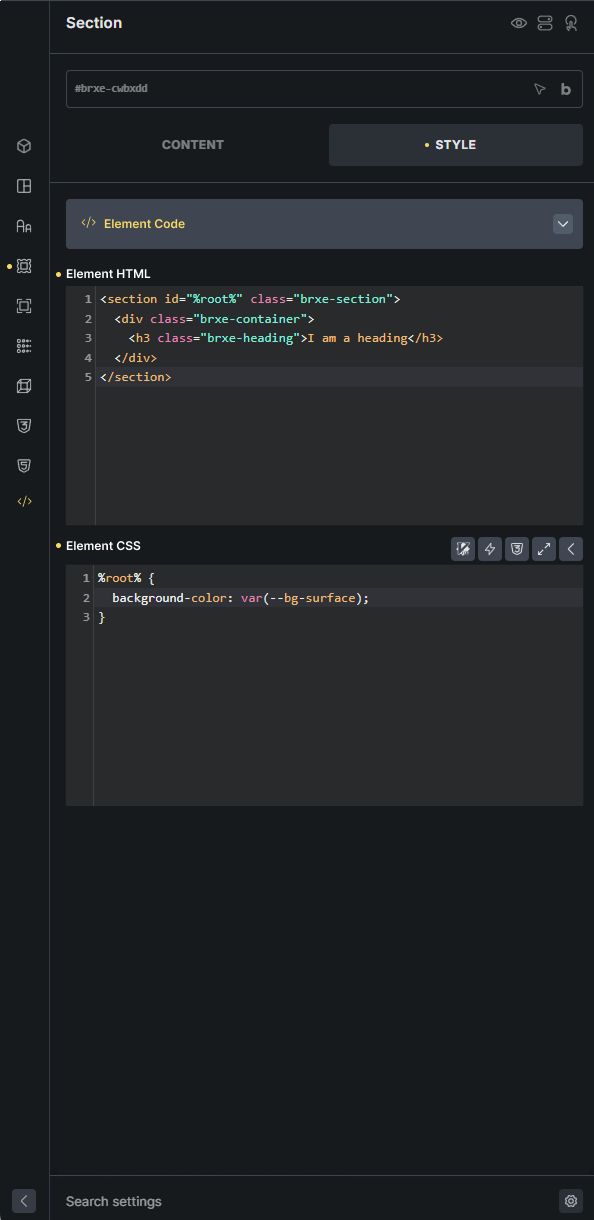
I’m not sure if this will be helpful, but I’ve created an AI Skill on Claude (I believe it can also be used with other AI tools). This skill converts an HTML file (with or without /css/js) into Bricks JSON/CSS (if needed) and JS.
Feel free to take a look! 

 GitHub - iamfilipp/html2bricks
Best,
Filipp
I just did what you said it can’t do.
This is a very important feature that will clean up the css and html workflow, take the builder to the next level, and greatly improve the workflow for more advanced users.
People started to ask for it after etch or before the etch? can anyone show a proof of it so it won’t create another controversy like core framework?
Core Framework is very basic by design. Because Bricks users also wanted a lightweight, fundamental system, some overlap was inevitable. Complaining that it’s a ‘copy’ doesn’t make sense. You can’t build a functional css framework without including the same industry-standard fundamentals.
Etch didn’t start it.
I saw this feature in Builderius first.
I saw it in Advanced Themer first. I tried AT’s implementation and didn’t care for it; I didn’t like having two different spots I ‘could’ go to when I only need one. If you have been building sites long enough, you should already have the style foundations, components, and patterns you use frequently. In other words, you don’t reinvent the wheel each time, so you need the style panels and custom code zones less; it’s more about assembling pages then it is about code.
If you aren’t a beginner and are re-writing code and re-assembling patterns and templates with each build, the “professional” workflow would be to create your internal library for those. Not have more options to author code.
I asked for this idea after the first time I used Bricks several years ago, long before Etch.
Although it’s not 2 way, I have noticed that when I set certain styles in my child theme’s CSS file, I do see those in some parts of the builder which is cool, but it does not seem totally consistent yet.
I would strongly welcome this feature.
Especially when working with multiple breakpoints and different media queries, styling in the current Style Panel can quickly become difficult to track and manage. As projects grow, it becomes increasingly hard to maintain a clear overview of where certain responsive styles are defined.
A reliable way to convert HTML/CSS into native Bricks styles — and ideally keep styling more structured and centralized — would significantly improve maintainability and workflow efficiency, particularly for larger or more complex builds.
I would also praise this feature as I am coming from the php/html/css coding world but wanted to have an easier way of following good practices, patterns, standards on the websites I develop. With Bricks I have the ability to fine tune everything I want I don’t have to worry about the underlying skeleton. So having a css/html editor that reflects the visual editor and vice versa would be a huge performance upgrade for me.
This is somehow similar to my other thread: Is there a centralized class editor? But this thread is more precise so I link and follow this instead.
Very agree this would be the best feature of allready amazing Bricks!
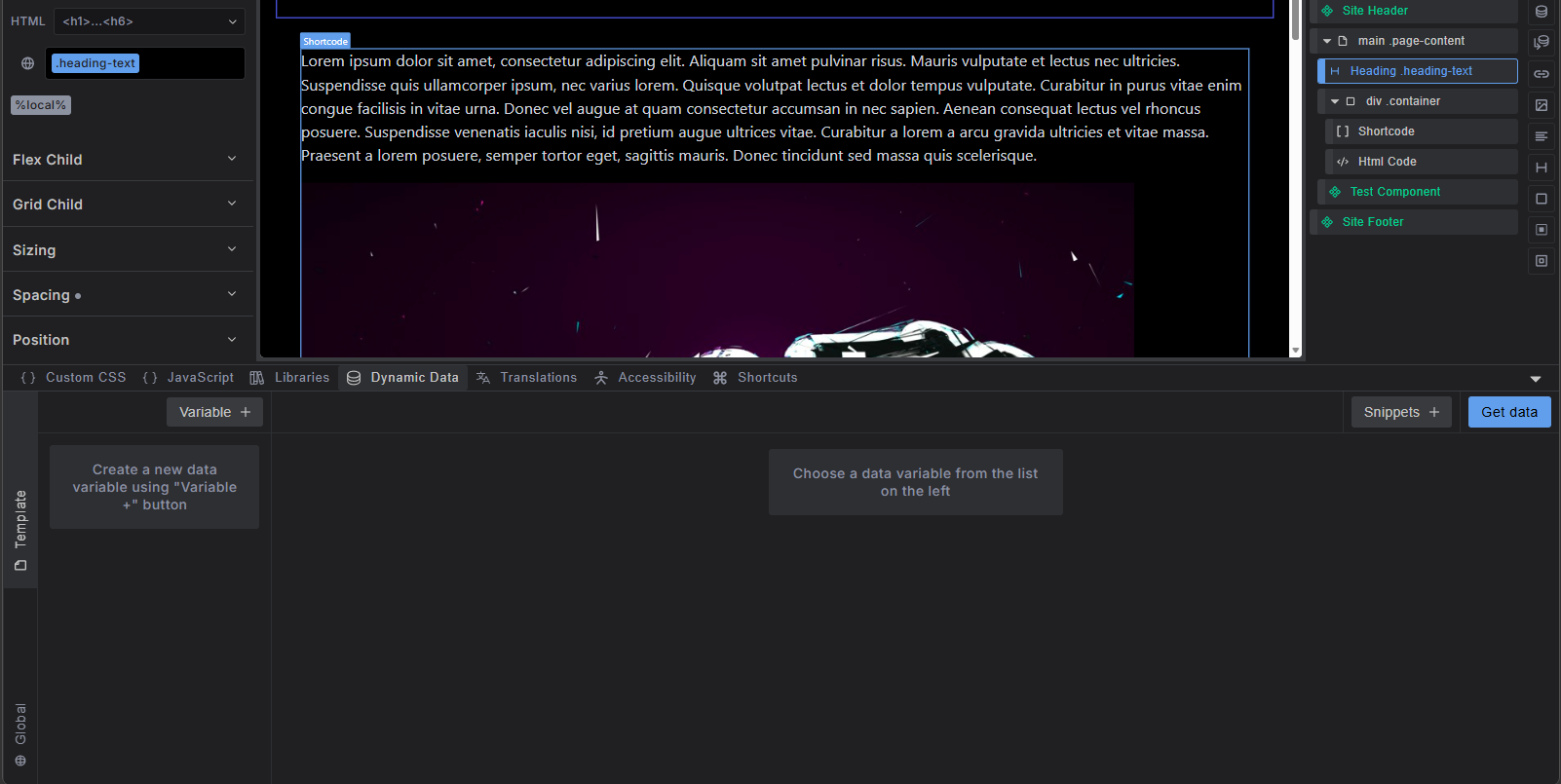
One part of this feature request is released today in BRICKS 2.3 is live 
We’ve addressed this in Bricks 2.4-beta (beta release), now available for manual download from your Bricks account.
Please read the changelog entry before testing, and let us know if you experience any issues. Note: beta builds are not recommended for production sites.