Browser: Chrome 110 OS: macOS / Windows / Linux / etc. URL: Link to a page that illustrates this issue Video: Short screen recording that illustrates this issue (free tool: jam.dev)
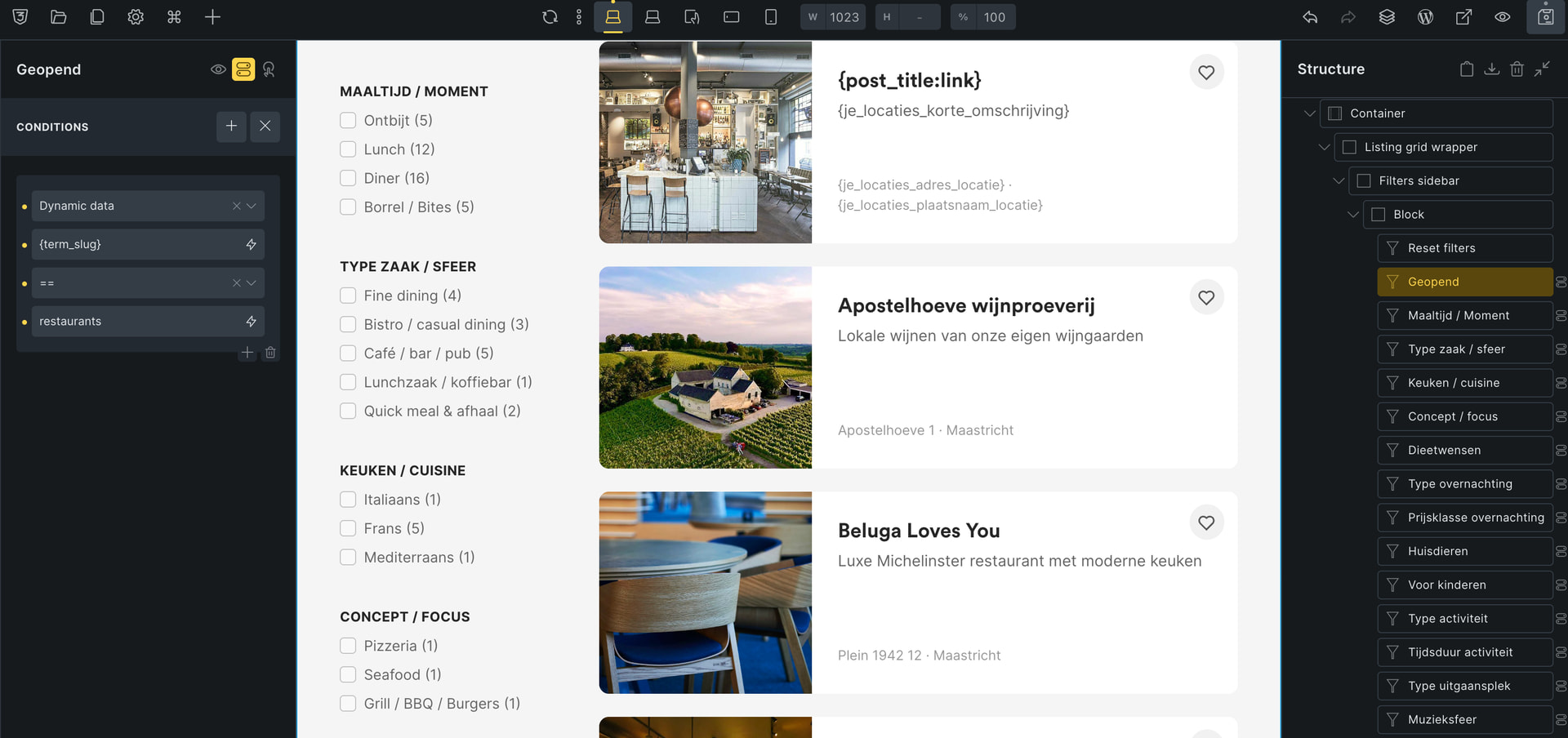
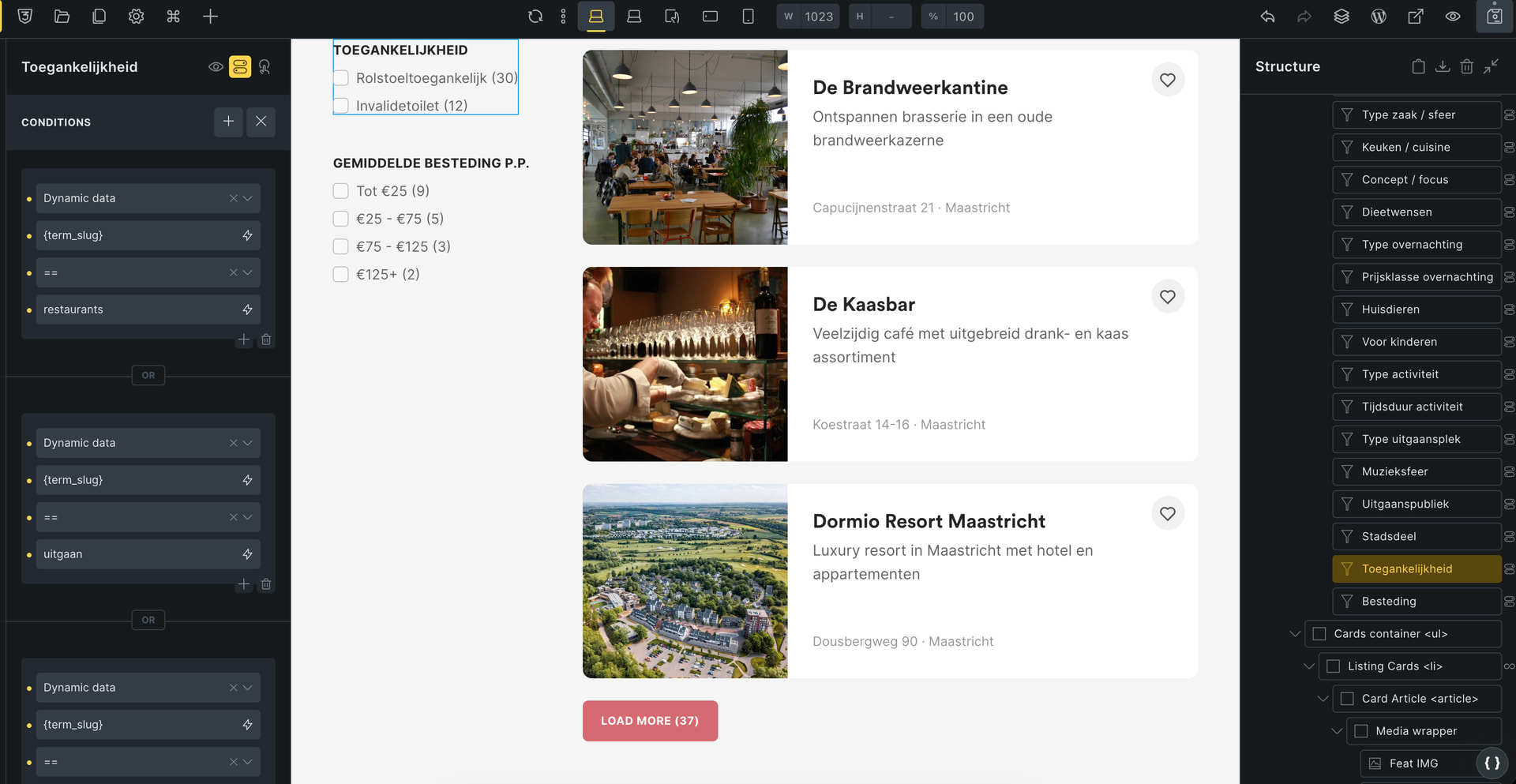
I have a Bricks template that functions as an archive for my listing pages. In the sidebar, I have WPGB facets that show depending on a taxonomy. So if a certain taxonomy is true, certain facets show.
With the beta, all the facets hide — so the conditions don’t work properly.
I already rolled back the version, but I thought I’d report it so it can be looked into.
Can you please try inserting a basic text element and placing {term_slug} on it to check what will be printed on the actual frontend?
I followed your condition but was unable to replicate the issue. The condition is still working as expected. What if you place the condition on a dummy element? Will it be rendered correctly? Or is it only the Facet element that cannot render?
You are welcome to share your admin credentials with us via email (help@bricksbuilder.io) so I can check directly on your site. (Please prepare a staging site so I don’t interrupt your live site when debugging)