Browser: Chrome 146.0.7680.165
OS: Windows
Hi team,
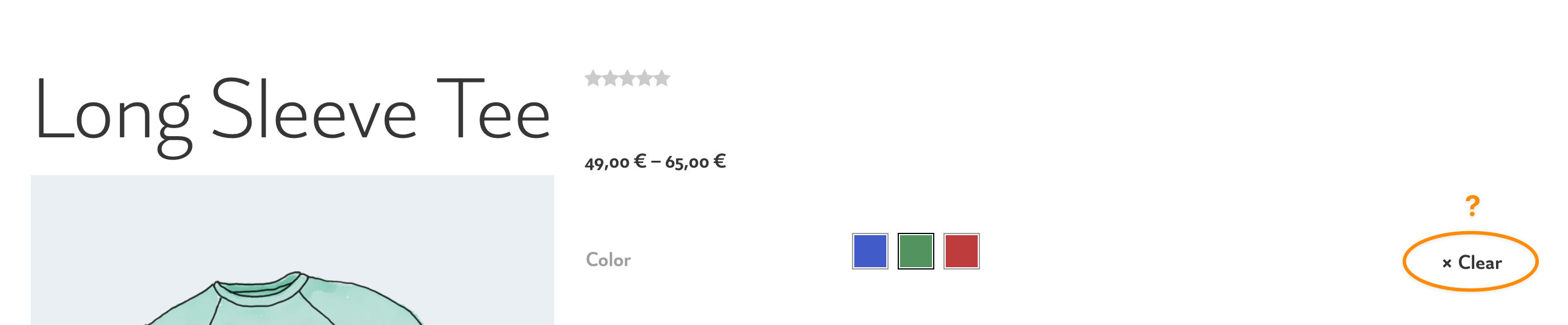
When we enable variation swatches, in a single product, the reset variation button does not appear after selecting a variation.
Is there any temporary solution for it?
Thank you
Browser: Chrome 146.0.7680.165
OS: Windows
Hi team,
When we enable variation swatches, in a single product, the reset variation button does not appear after selecting a variation.
Is there any temporary solution for it?
Thank you
Hi Hosein,
Thanks for your report!
Unfortunately, I’m not quite sure what you mean, or how I can reproduce the problem.
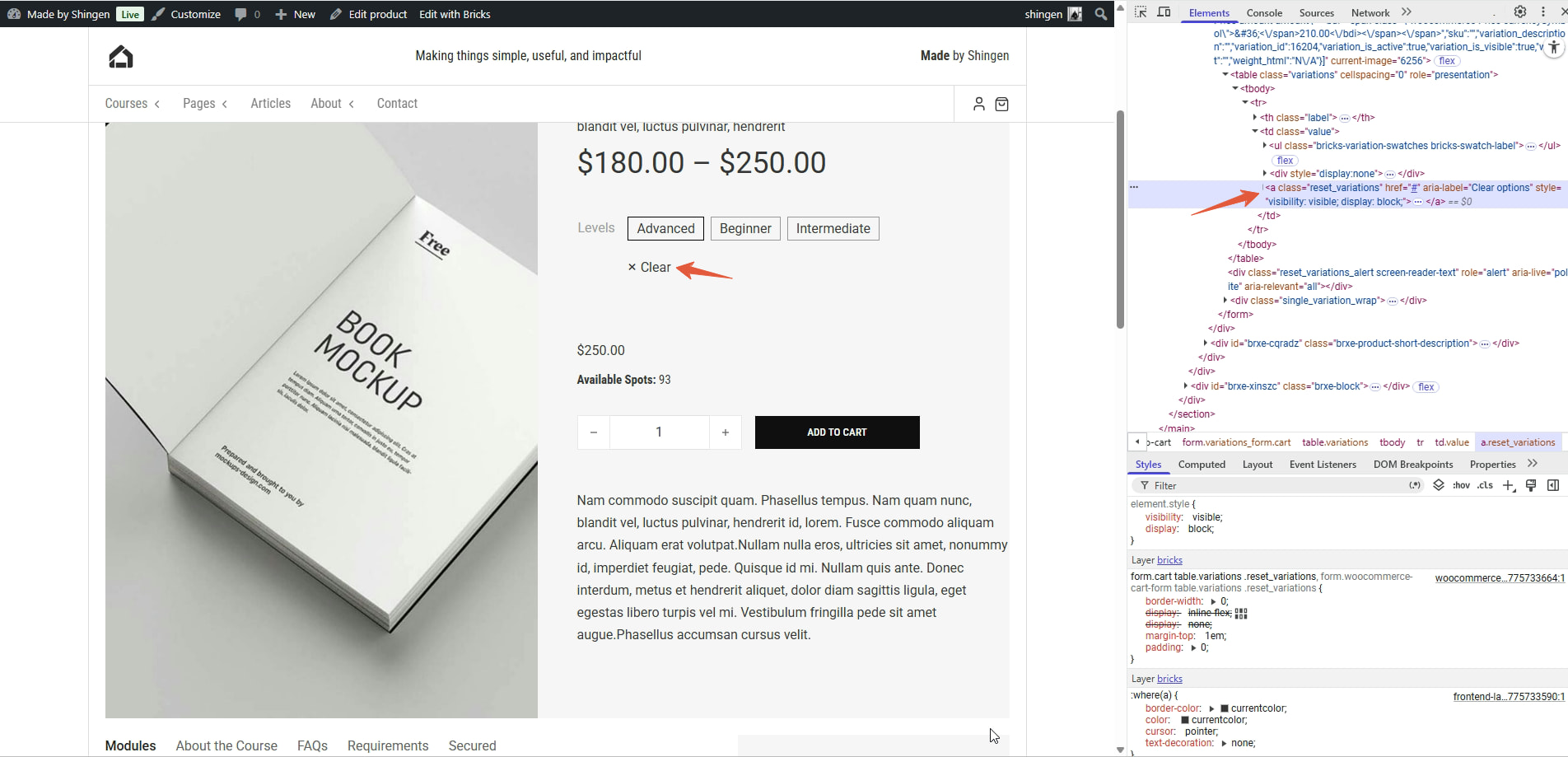
For me, “clear” appears as soon as I select a variation 
Hi Stefan,
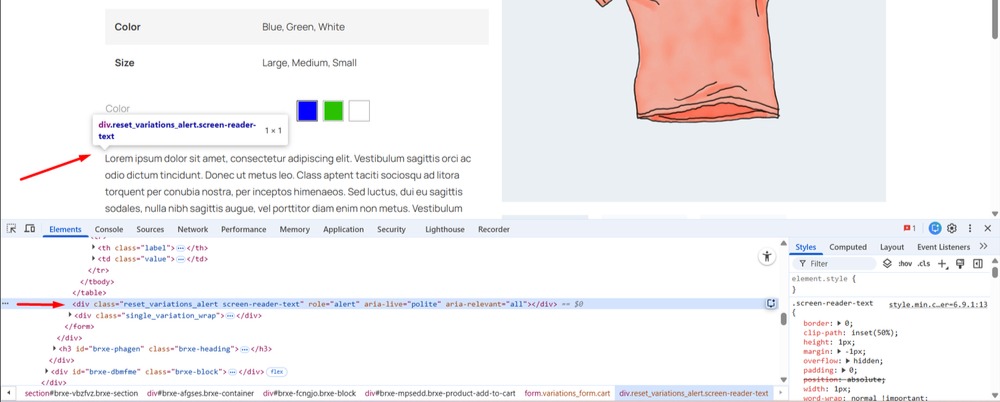
I’m honestly not sure what the problem is. Only WooCommerce 10.6.2 plugin is active. There is no custom code. In the browser inspector the position of the reset button looks different from your screenshot. Do you have any idea what the problem is? Because unfortunately the website link is not accessible at the moment.
Anyway, I will investigate the problem further.
Thank you
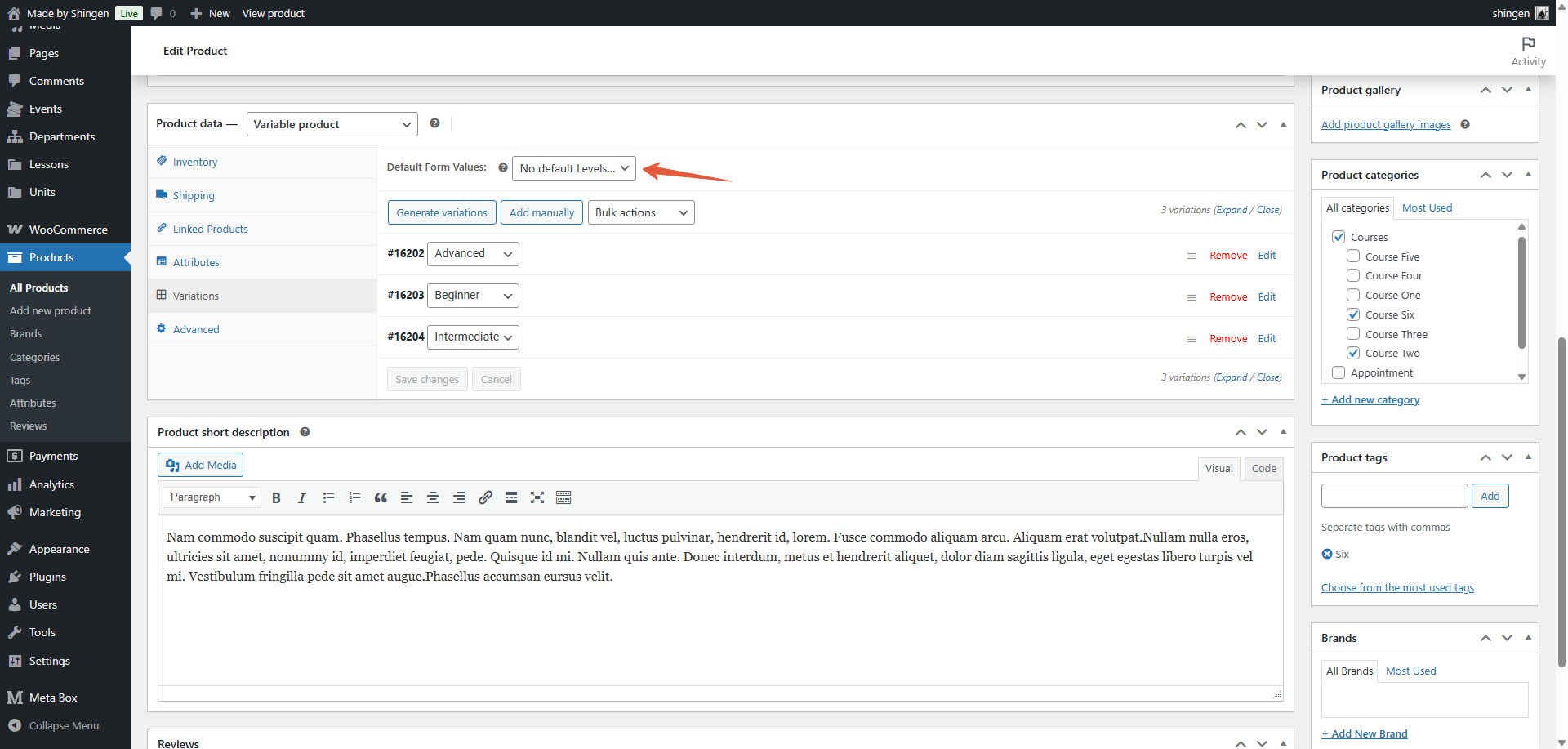
Thanks for the screenshots @shingen.
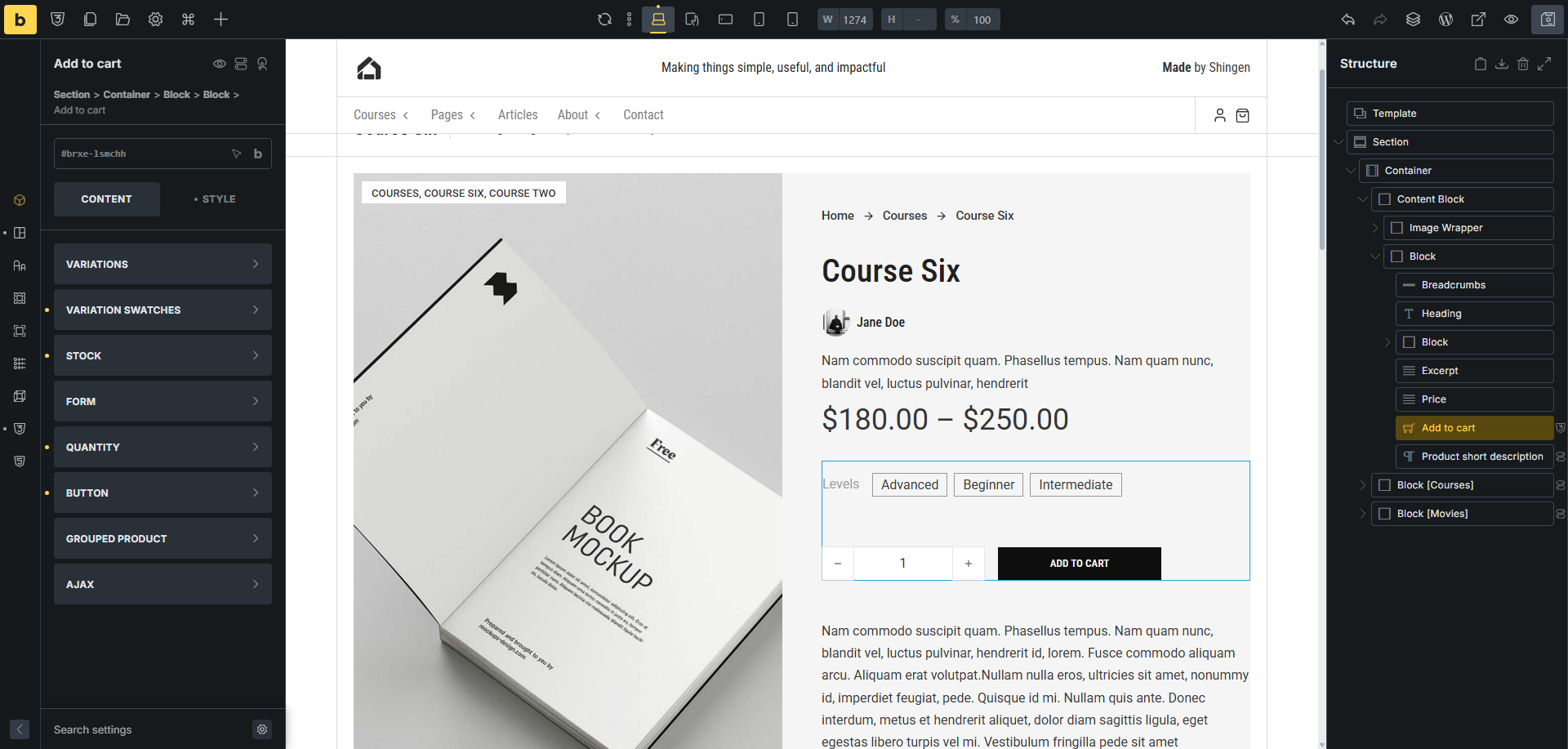
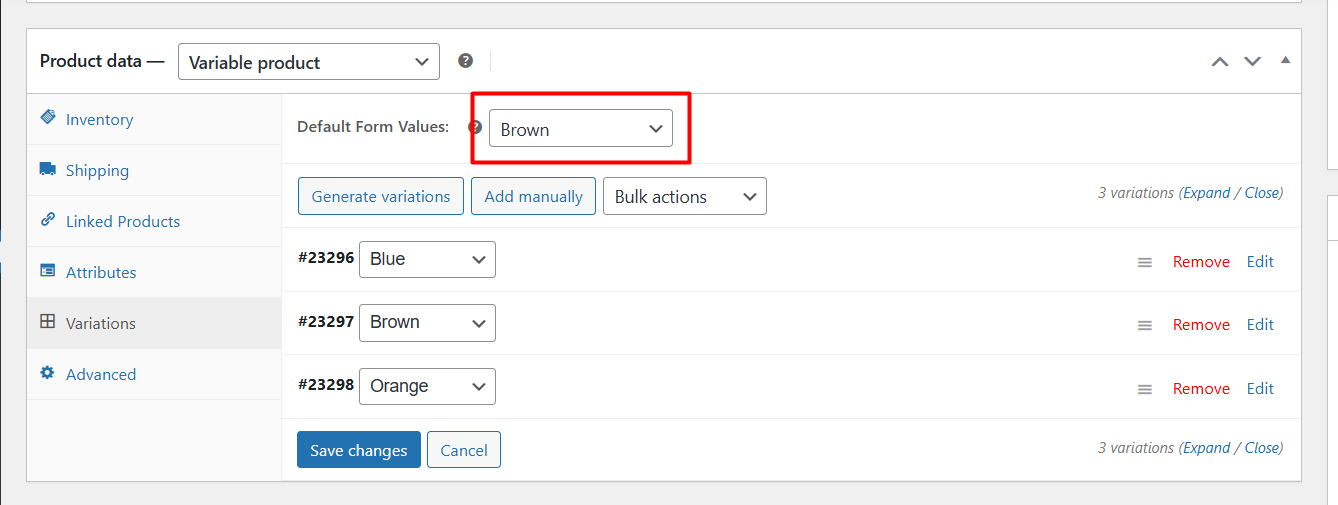
I found that this bug occurs if a variable is set as default as shown in the screenshot below.
Glad you found it.
Yes, I was able to reproduce the issue if you “set” one of the variables the “clear” option does not show, but the prices do change, but if you have it “set” to No default, everything works just fine.
Thanks so much, that’s it