Browser: Chrome - Version 143.0.7499.170 (Official Build) (64-bit)
OS: Windows 11
In Bricks Builder versions prior to 2.2 (beta) and continuing in 2.2 (beta), CSS Variables inside Style Manager cannot be edited individually via the UI, unlike CSS Classes.
This is not a new regression in 2.2, but an existing issue that remains unresolved.
Current behavior:
-
In Style Manager → Classes:
-
Selecting a single CSS Class displays full edit options:
-
Rename
-
Categorize
-
Lock
-
Duplicate
-
-
-
In Style Manager → Variables (all versions before 2.2 and still in 2.2 beta):
-
Selecting a single CSS Variable:
-
No edit options are displayed
-
No UI controls for Rename, Categorize, Lock, or Duplicate
-
-
-
Evidence that edit functionality already exists:
-
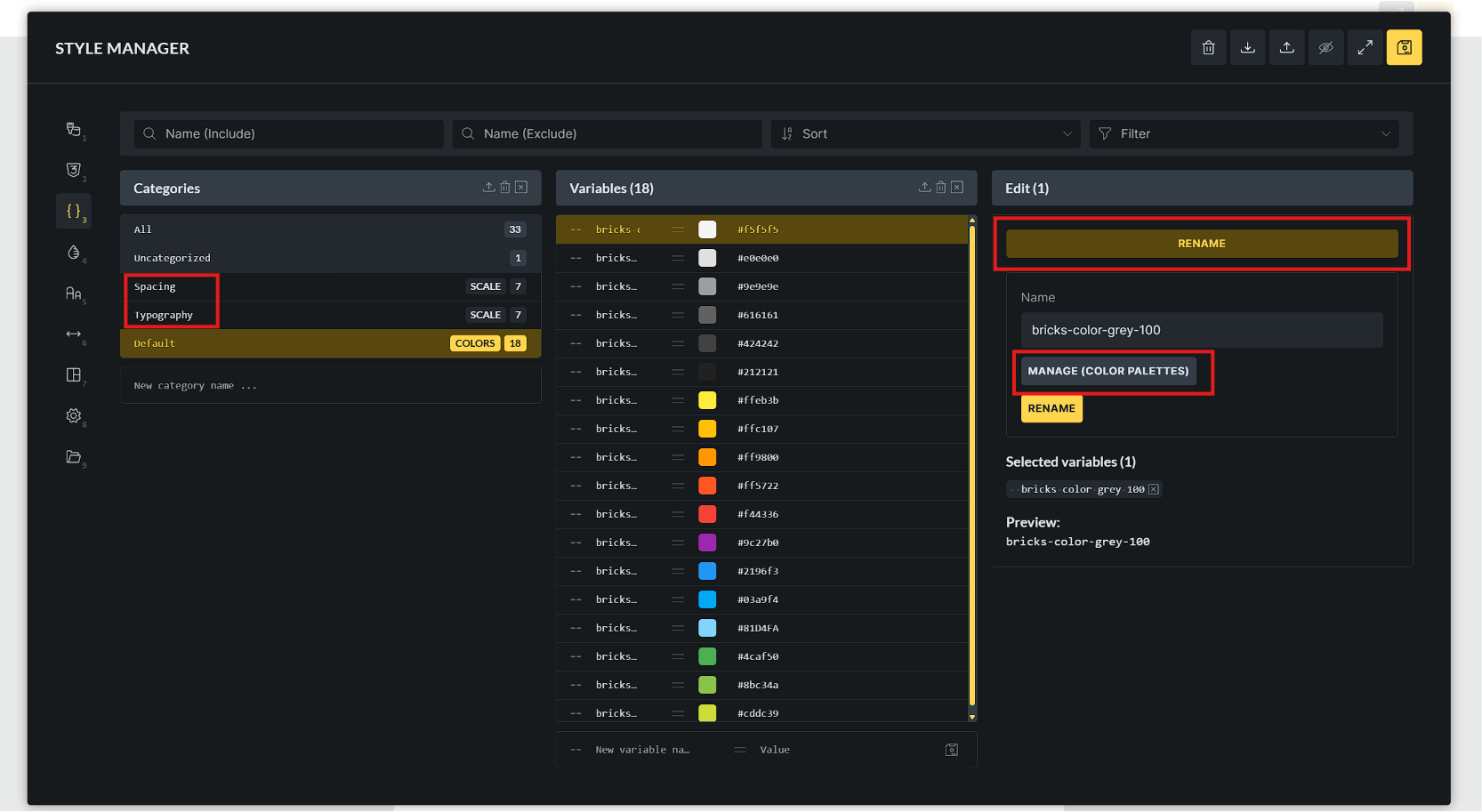
When selecting multiple CSS Variables using Shift + Click, the “Replace” (bulk rename) option appears
-
This confirms that:
-
Variable renaming logic is already implemented
-
The issue is related to missing UI exposure for single selection, not lack of capability
-
-
Why this is a bug (not a feature request):
-
The functionality already exists (bulk rename) and in CSS Classes
-
The behavior is inconsistent with CSS Classes
-
The limitation has existed across multiple versions, indicating an incomplete or missing UI implementation
→ VERY HARD TO EDIT A CSS VARIABLE!
Screenshots:
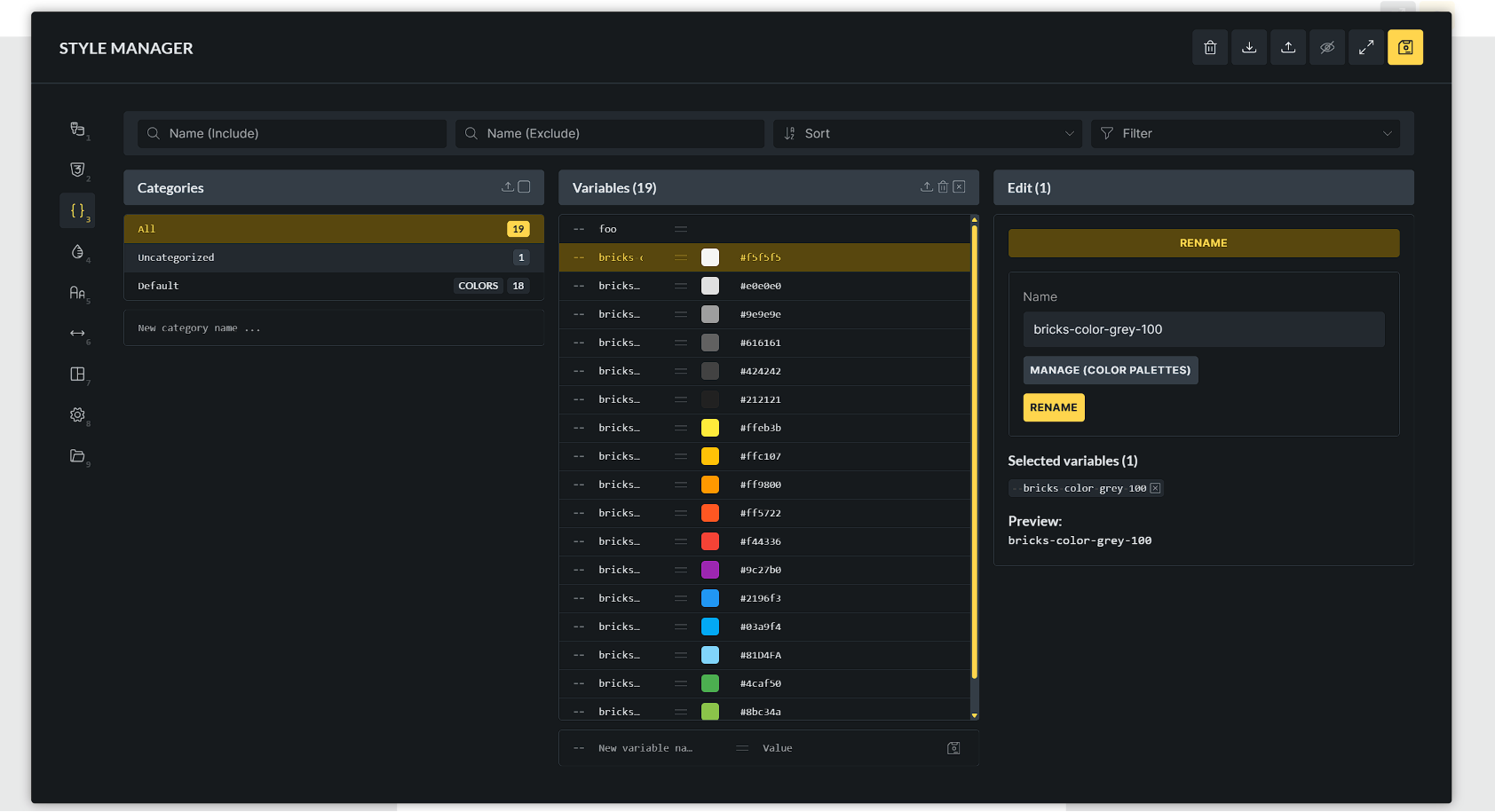
1/ The Edit Panel of CSS Class in Style Manager:

2/ The hardway to edit name (rename) a CSS Variable in Style Manager:

I hope this will be improved in version 2.2 GA.
Thanks