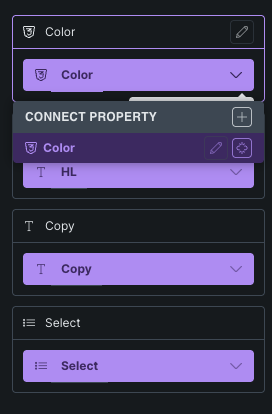
When building Nested Components, it is possible to link Global classes Property from a nested component to the parent Global classes Property. But unlike other properties, the Global classes Property is not working when using the parent component instance.
I built these Global classes properties exactly the same (same options, same labels, same css classes). I tried out the Select Property and this works fine.
I quickly checked this when RC1 came out and thought it works fine. But now I started a project with 2.2 and the global classes property bindings seem not to work. Not 100% sure if it was fixed previously or if I just didn’t check properly.
The video should explain a bit what issues I’ve found:
Thanks so much for the video @davidfrx !
I just searched our tasks again and found one that sounds pretty much the same, which has been reported by email.
I added your report to it, and we’ll update this thread once it has been fixed.

 I have added this to our internal bug tracker.