Browser: Chrome 110
OS: Windows
URL: Link to a page that illustrates this issue
Video: Short screen recording that illustrates this issue (free tool: jam.dev)
Hi,
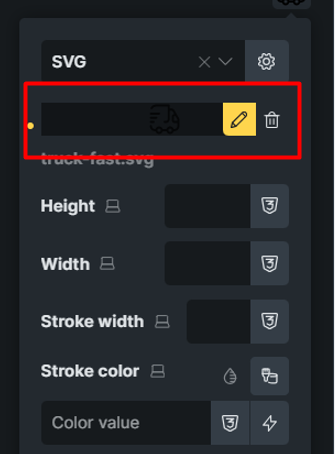
The SVG icon picker UI does not look appealing on hover. Furthermore, the edit and delete buttons for the selected icon do not stand out from the background.
Question: Given that clicking the selected icon opens the Media Picker, is an “Edit” button actually necessary there? Clicking the “Edit” button triggers the exact same behavior it opens the Media Picker.