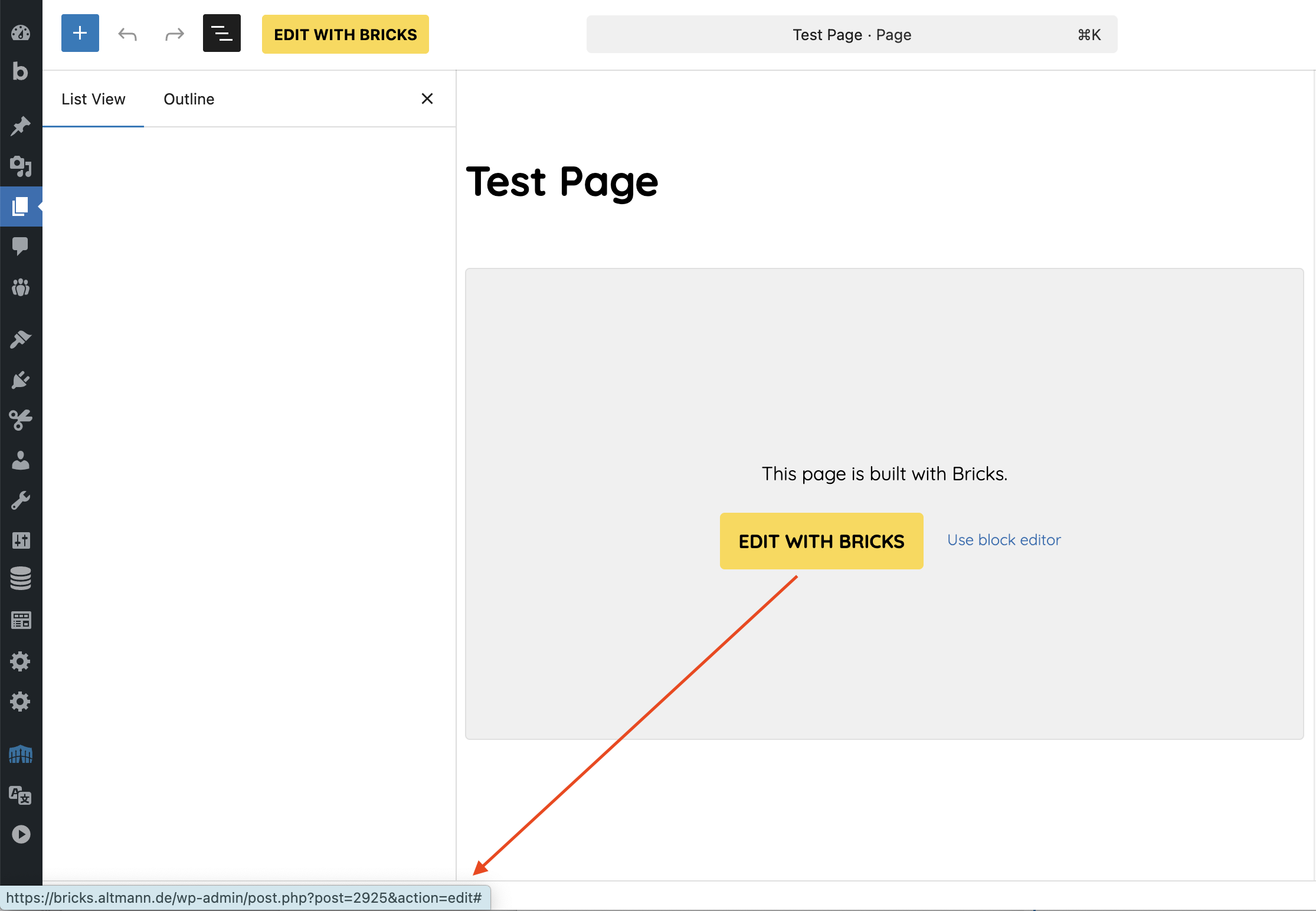
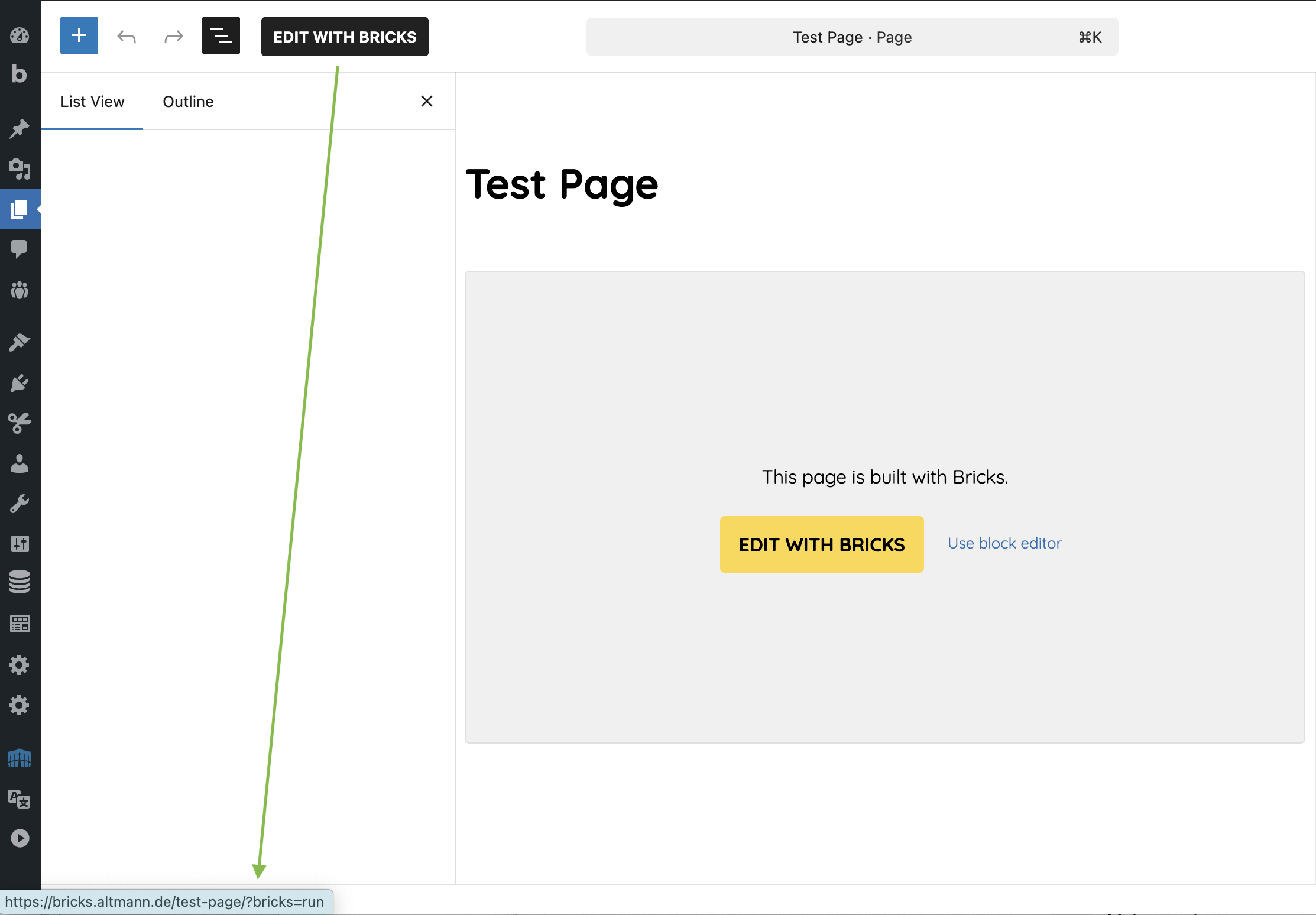
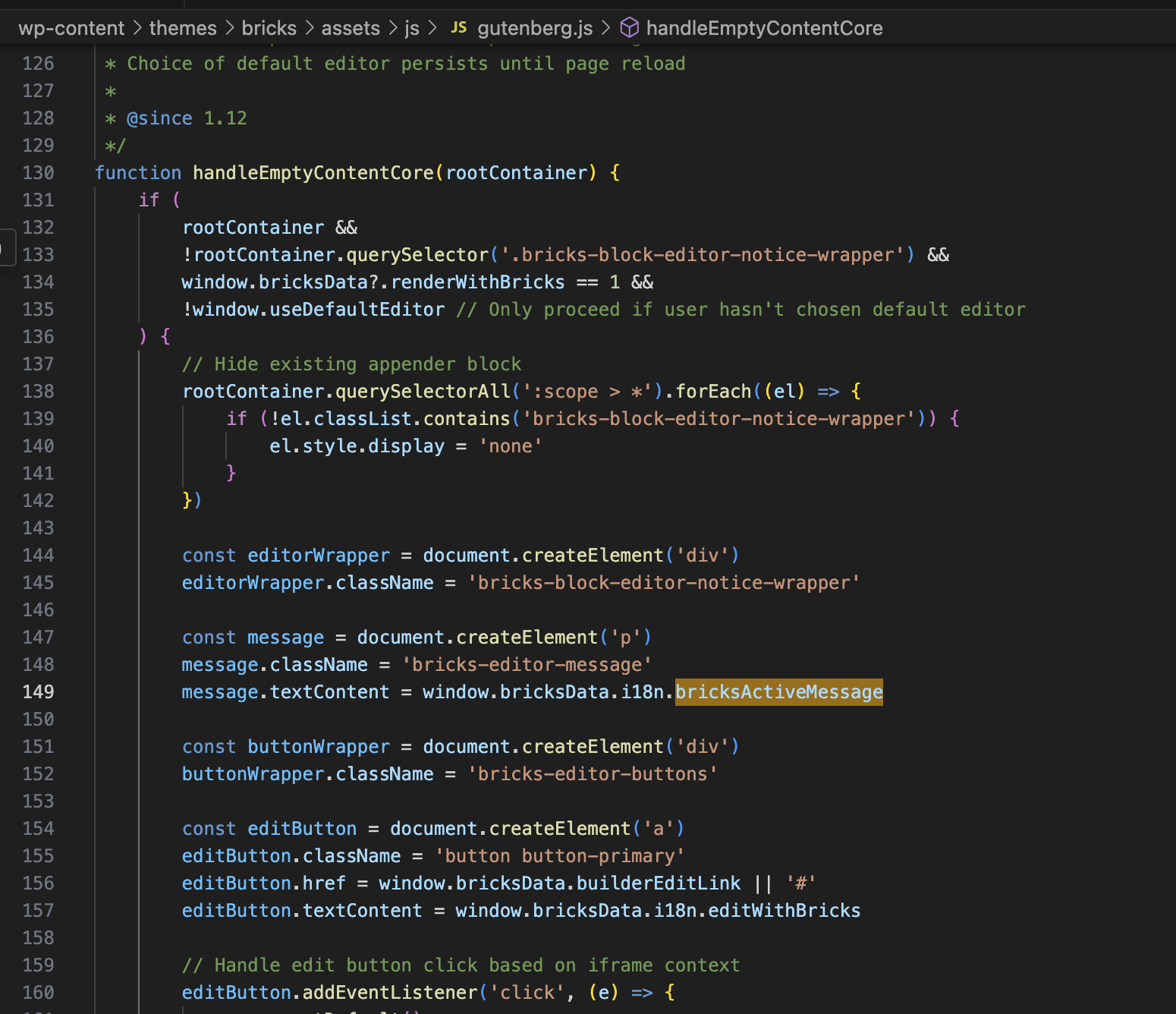
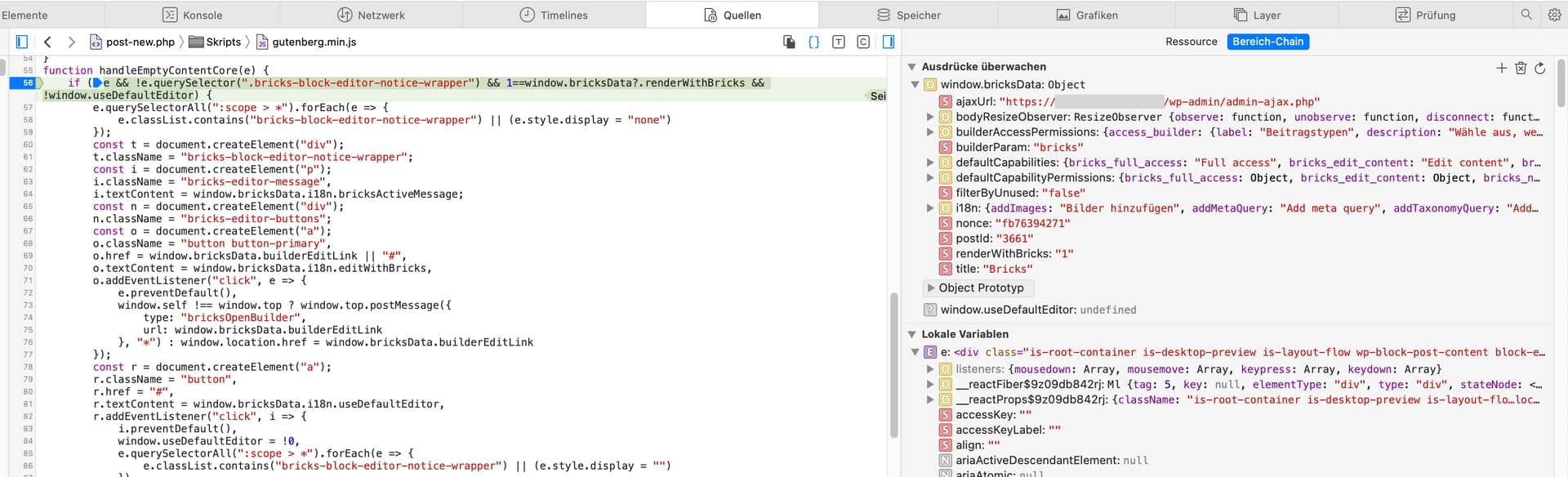
In WP editor, there’s a button “Edit with Bricks”. This link is “/wp-admin/post.php?post=2925&action=edit#” and gets redirected to “/wp-admin/undefined”.
Stefan, this test site is on my local server. I would need to open it up for external traffic to allow you accessing it. Please understand that I’m not keen to do so.
However, I started a little bit of investigation myself.
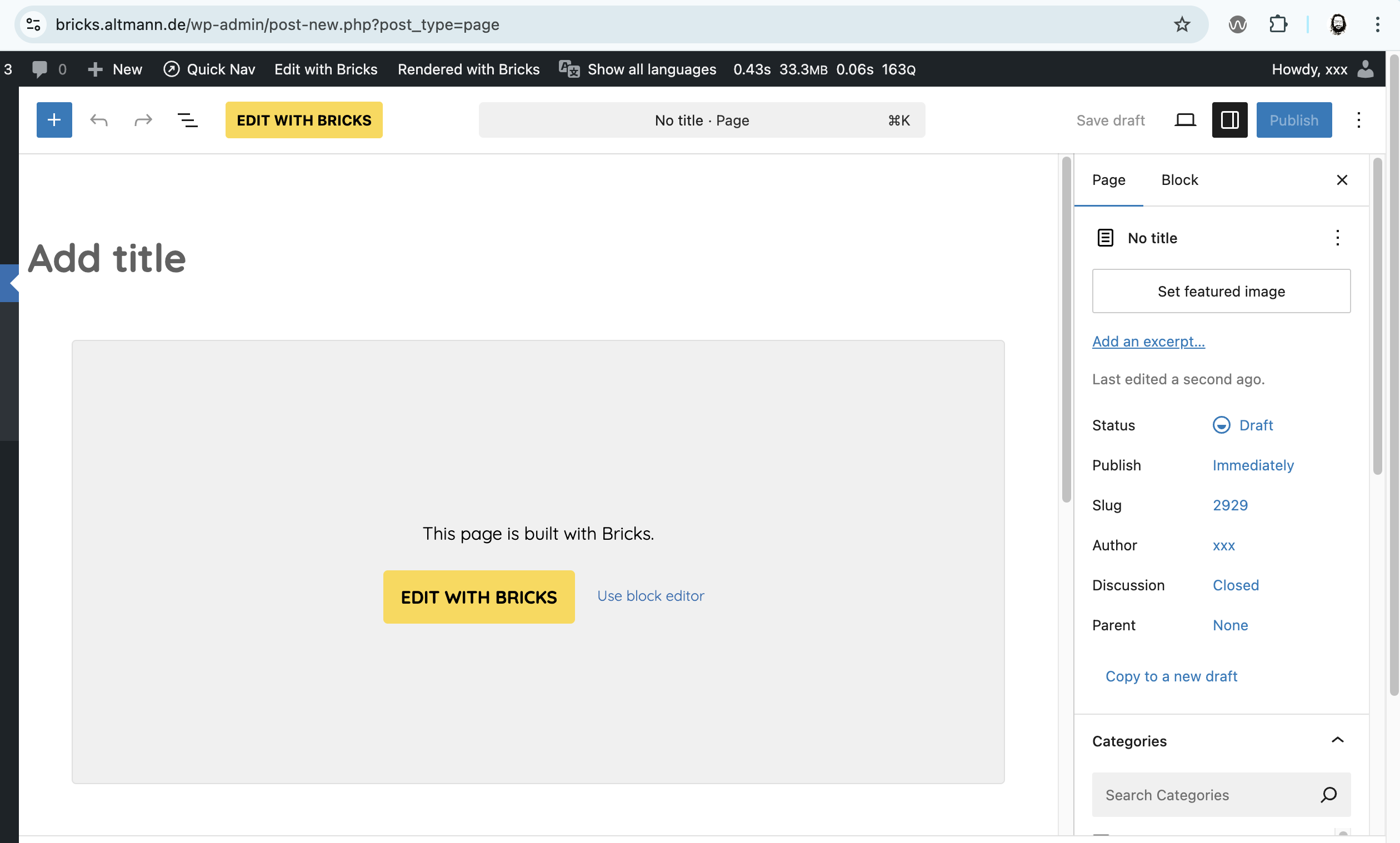
For me, the “built with Bricks” block is already shown when I just click “New Page”, even before I did enter a title or save the page.
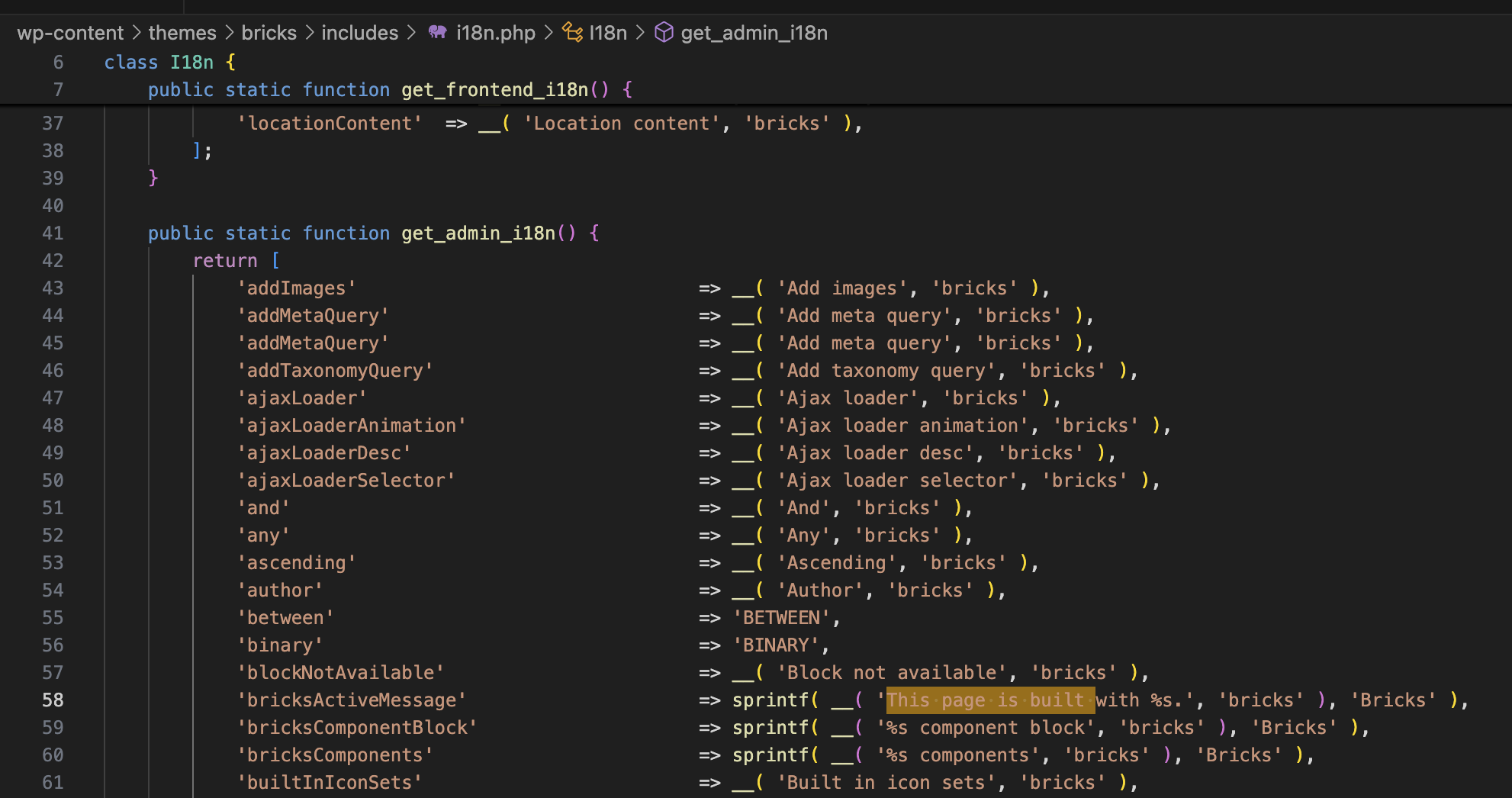
Could it be that you have created a “general” page template, i.e., a template that is applied to all pages? If so, that could be the reason why the message is displayed. However, in that case, the text would be somewhat misleading—it would be better to say something like, “This page uses a Bricks template…” or something similar.
Yes, I have a page template – for every site I manage.
And yes, if that is the cause for the message box to appear, the wording is indeed kinda misleading.
Sorry, but I don’t understand what you’re getting at with your video. If the post type can no longer be edited with Bricks, it makes sense that the “Edit with Bricks” block disappears, no?