Browser: Chromium Version 149.0.7827.114 & Firefox 151.0.3 Bricks Version: 2.3.7 OS: Linux Fedora URL: Project is on-going developmene,t I can’t share publicly a url but I’ll describe the issue below
Hi,
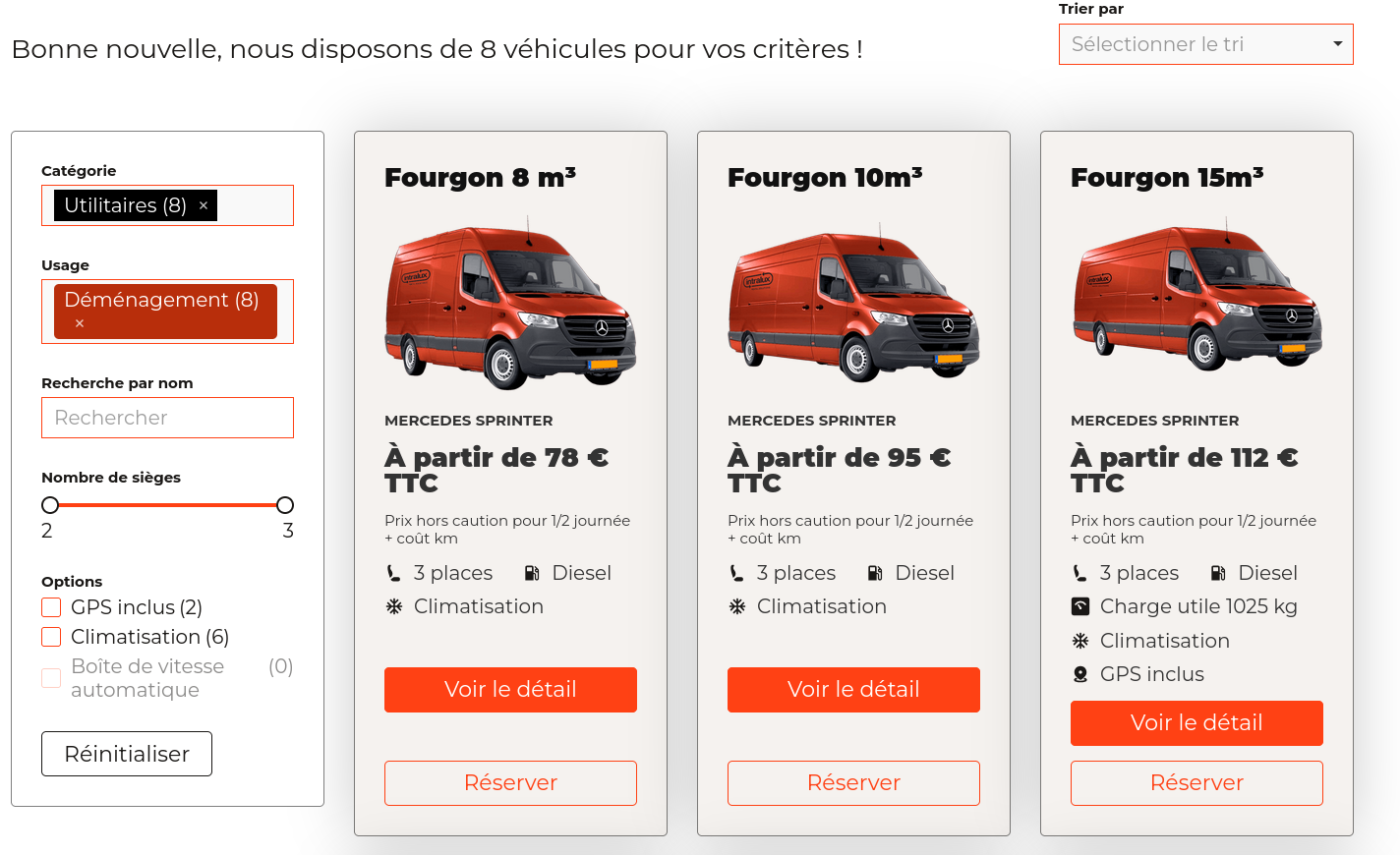
For a vehicle rental website I am displaying the results of the available vehicles on a results page, using a query loop on my vehicle CPT.
Some query strings are passed onto that page:
date of departure
time of departure
date of return
time of return
a list of the vehicle codes that are available (which is determined beforehand through the search form)
The query loop only displays vehicles whose codes are within the vehicle code query string.
I added some filters on that page (sort by price, search for a vehicle name, checkboxes for some options, etc). The filters work great.
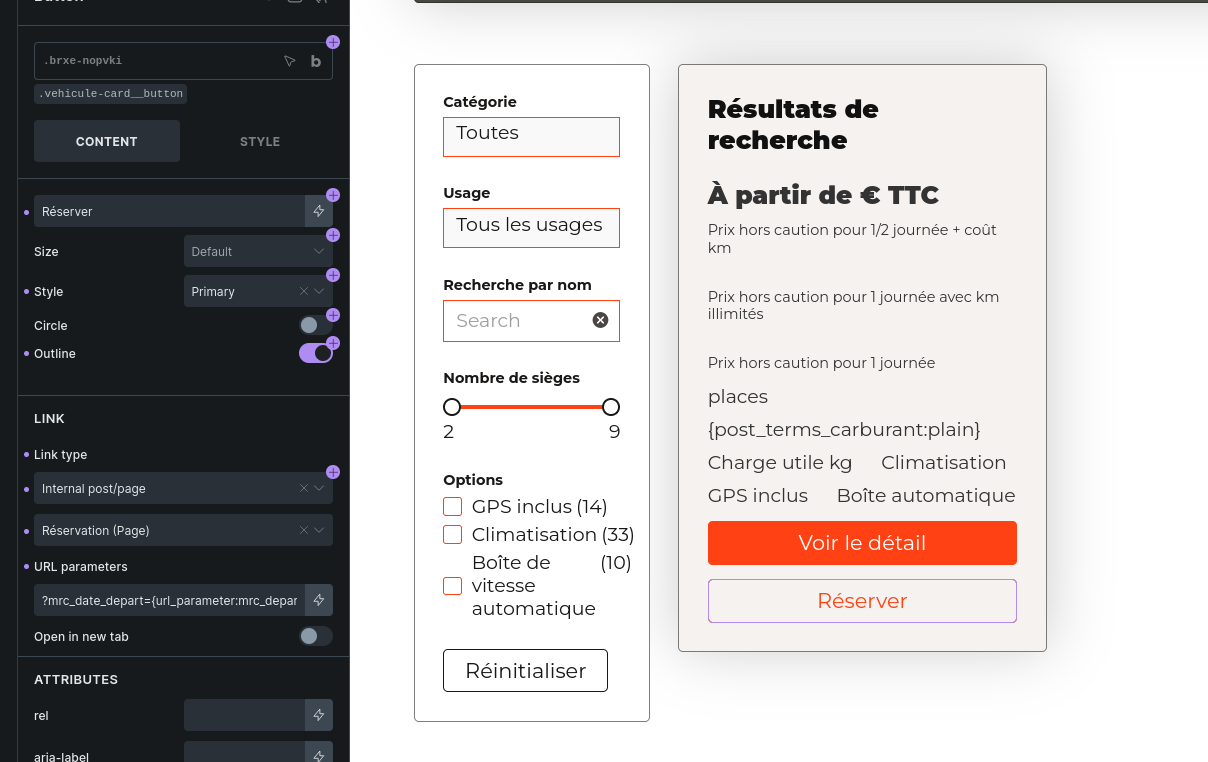
But if I use any filter available (ticking a bow, sorting the results, etc), then the query strings values are empty, so clicking on the booking button will lead to the booking page with no query string value (e.g. https://mydomain.com/booking?date_depart=&date_return= …)
Is there something I’m doing wrong or forgot to do to ensure that my {url_parameter} values don’t reset when filters are enabled?
This is currently a known limitation/bug with AJAX-rendered query results. On the initial page load, {url_parameter} can read the browser URL. But after using Query Filters, the loop/card HTML is rendered again through Bricks’ Query Filters API endpoint, so the original browser query string is not available in the same way.
We already have this tracked internally for AJAX query rendering, and I’ve linked your report to that task as another affected case. The expected fix would be for Bricks to pass the current browser URL parameters into the AJAX request so {url_parameter} can still resolve them after filtering.
By the way, I got a workaround for you here, maybe you can use it.
Query Filters mainly know about the selected filter values, stored in \Bricks\Query_Filters::$active_filters. If those values are Query Filter values, give the filters nice names like date_depart, date_return, etc., then build the booking URL with a small custom function:
Ok I see the problem, I tried your workaround but couldn’t make it work for now at least (I tried adding some radio filters sharing the url parameter than the one of the query strings I want to retrieve). If it’s supposed to work it’s probably that I missed something or didn’t set it up properly, I’ll ahve another go later today.