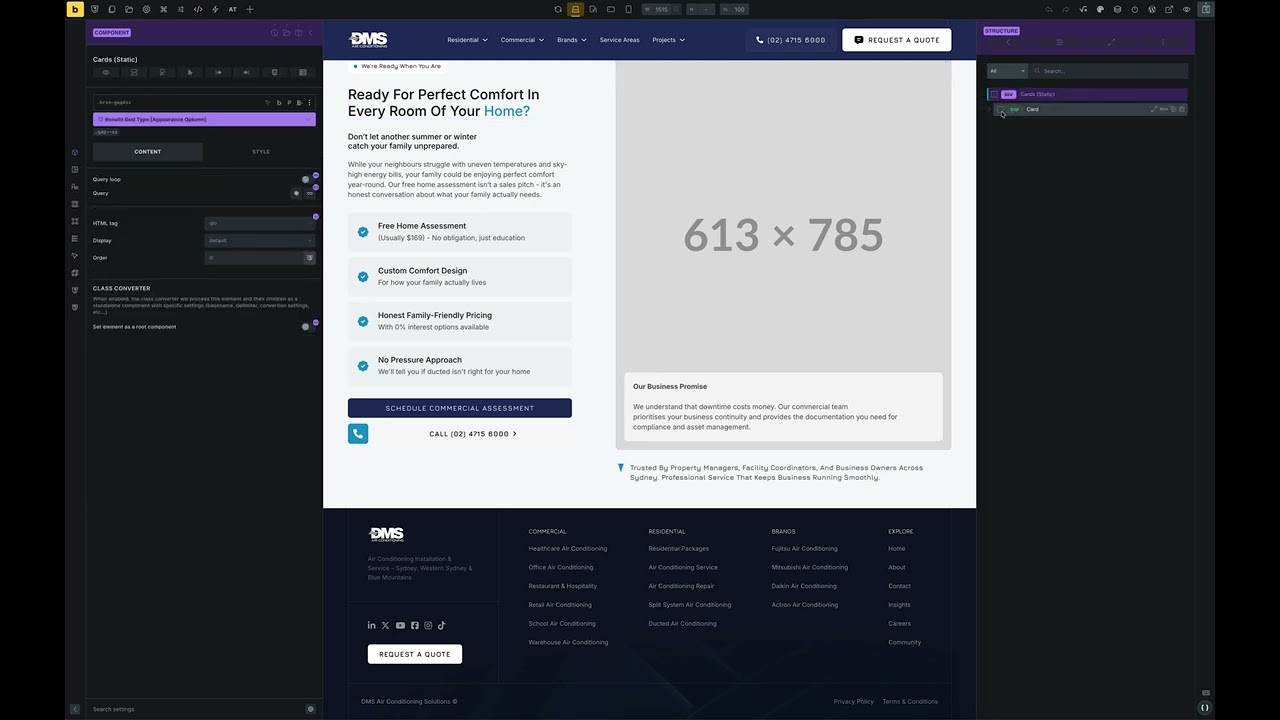
Creating a complex component, that has many groups of properties, causes input lag in the builder when editing any part of that component (either properties or style settings or anything inside that specific component).
The issue seems to worsen with the number of divs or elements like nested tabs inside of the component, as well as with the number of connected properties.
This does not seem to affect other simple components or parts of the site.
Performance in the builder is normal when not using components at all.
My System Information does not show any warnings nor errors. And I do not use any plugins besides Limit Login Attempts. (Wordpress 6.8.2, Bricks 2.0).
I believe that one complex component is enough for the input lag to start appearing. However it is only visible for me inside said component. Other elements (or simple components if there are any) of the website work just fine.
Here are two components that I encounter input lag with, as well as CSS variables if they will be needed.
Has there been any further progress on this? I have noticed the same as well as some components structure panels breaking if too much complexity is introduced, I have attached a video showcasing this
For me, too, things have gotten worse over time when dealing with complex components. At times, the builder is practically unusable for me. Rendering sometimes takes forever, and then there’s the extreme input lag.