Hello, before this current 2.2 not beta update (unsure if I selected correct tag. Side note tags are hard to select and would be nice if in order with latest at top)
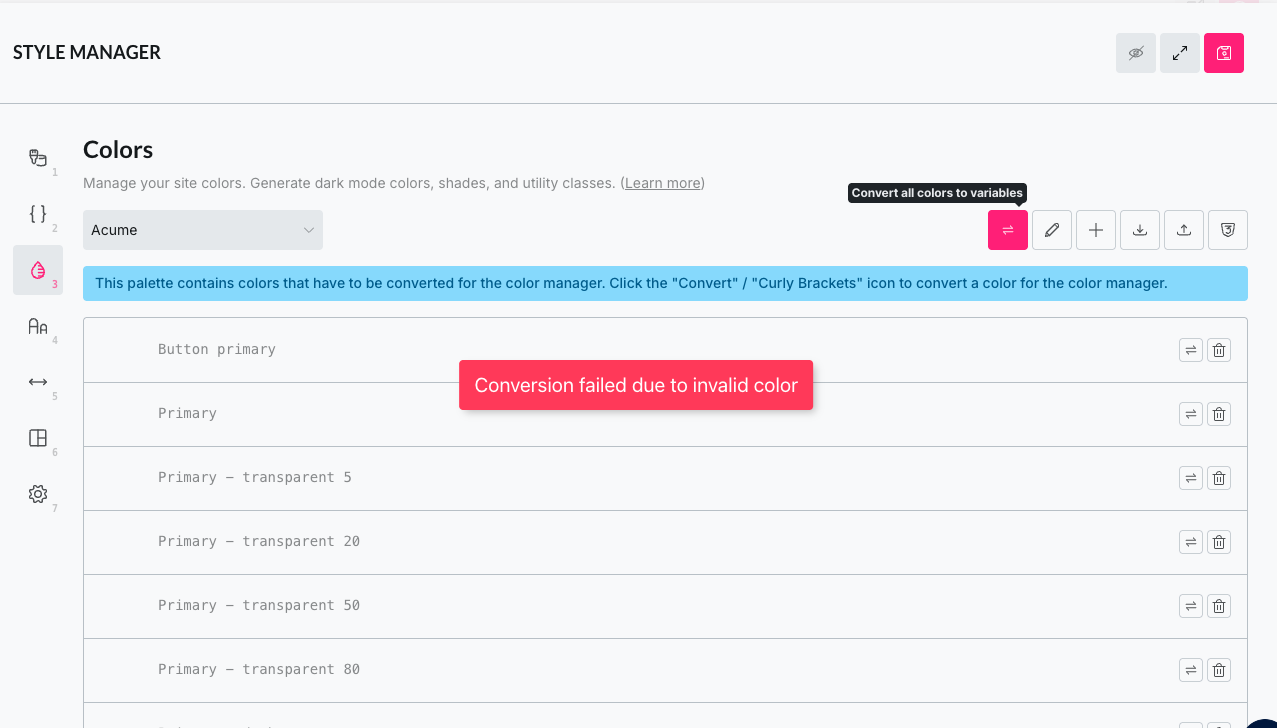
Anyway before this update, I had all my variables in the style.css and then as I used them, I saved them in the palette. I was able to see the colours and select easily. Now I have to write it out each time as the palette looks like the image (no colours showing - or black if they are). And I cannot convert in the style manager so I am now working blind.
We still need to clarify whether “external” styles can be used in the future (as before) or not. I will get back to you as soon as I have feedback on this.
Which unfortunately did not work, and I had to add multiple versions. Because maybe I want to just update the font colour or border colour etc.
I have never used a framework before , but I see how this logic means I do not need to add every variation.
However, I would love to share what might be super helpful for people who’ve just used the style.css file (or at the least would be exceptionally helpful for me):
Being able to modify the class names of the variables you set: eg your transparent are -–primary-t-x and mine are --primary-trans-x which I’ve used throughout the website. Or a filter where I can modify the prefix.
Being able to modify the actual HEX or opacity of the generated codes. For example, I have used a --secondary-dark shade that is not the same as the generated. So being able to modify the generated versions would be amazing!
Yeah, it makes perfect sense to differentiate between “primitive” tokens/variables (such as blue, red, green) and “semantic” tokens/variables (such as --border-color, --font-color, --font-color-muted, …) which serve a specific purpose.
You can still do that, either in the color manager itself or in the variable manager.
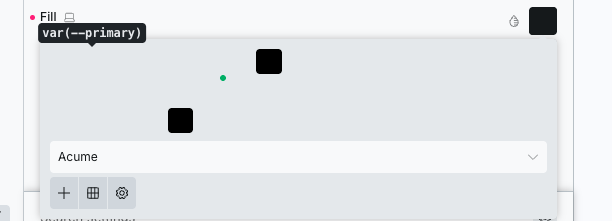
Just add your semantic tokens/variables (e.g. --font-color) as the variable name, and add any of your primitive tokens (e.g. var(—primary) as the value. If you’d like, you could also cover the dark mode directly.
Example:
Alternatively, you can do this in the Variable Manager if the semantic token/variable doesn’t exist in the color palette. However, it won’t appear in the color palette.
Unfortunately, that’s not possible (yet), but you should be able to use bettersearchreplace to replace the old variable names with the new ones (important: make a backup first and test locally or in staging).
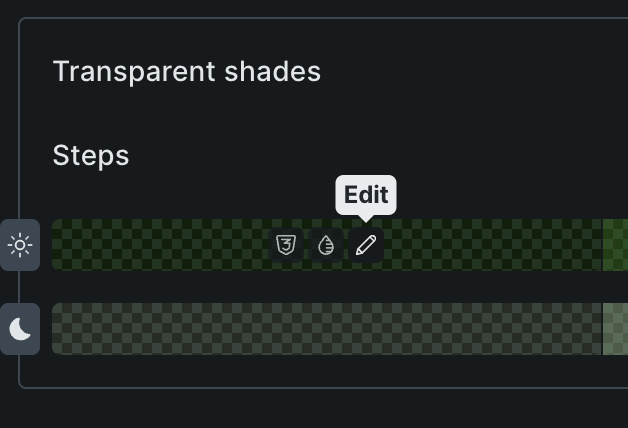
You can already edit each generated shade individually by clicking the “pencil” icon:
Ok that makes sense re primitive vs semantic. And I can see I can add the semantic tokens into the manager - I think maybe I had not saved when first tried!
And that’s incredible! I see now you can edit - totally missed that! And that means I can do the bettersearchreplace and fix that all and move to the editor.
Thank you for taking the time to explain it. It now totally works for my usecases.