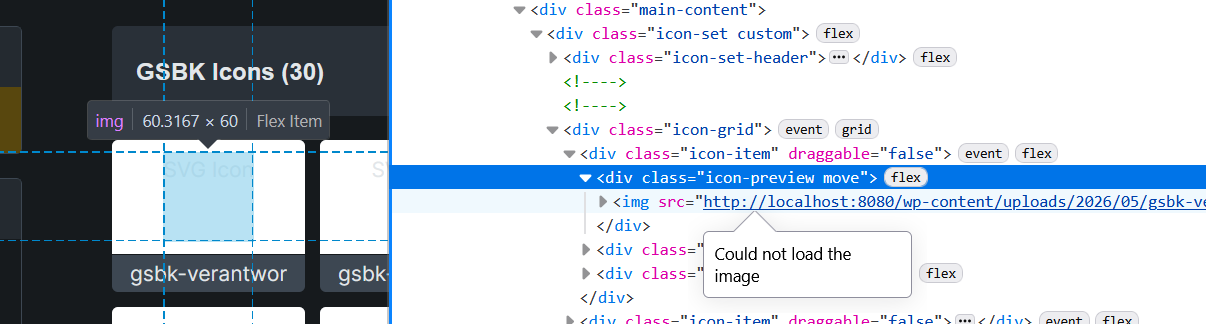
We migrated a docker container and it broke the preview of the sites Icon Manager. It only effects the preview within the manager and the icon picker, the icons files themself are there are still rendered correctly on the site.
Can someone tell me where the preview URLs of the Icon Manager are stored so I can manually fix it? I tried a database lookup, but no longer got results for localhost, so maybe these preview URLs are stored in a file somewhere (?)
Hi Milo,
The Icon Manager preview URLs are stored in the WordPress database, not in a separate file.
For custom icon sets, Bricks stores the icon records in the bricks_custom_icons option. Each icon record includes the stored url and attachment_id. The icon set metadata is stored in bricks_icon_sets, and disabled icon sets are stored in bricks_disabled_icon_sets.
The Icon Manager and icon picker use the stored url value for the preview image. Since this data is stored as a WordPress option, avoid editing the serialized value manually unless your tool preserves serialization. A WP-CLI search-replace or a migration tool that handles serialized data is safer.
If only the Icon Manager previews are broken, inspect bricks_custom_icons first and compare the stored url values with the current Media Library attachment URLs. If the URLs cannot be repaired cleanly, removing and re-adding the SVGs to the icon set should regenerate the stored preview URLs.