I created a template for the WooCommerce - Account - Dashboard using a template builder. However, it is not being applied/rendered on the Account page’s Dashboard. Is this a bug? Has anyone encountered this, and what is the solution?
Hi Mike,
Thanks so much for your report!
Unfortunately, I cannot reproduce the issue. Please follow the instructions in the Academy:
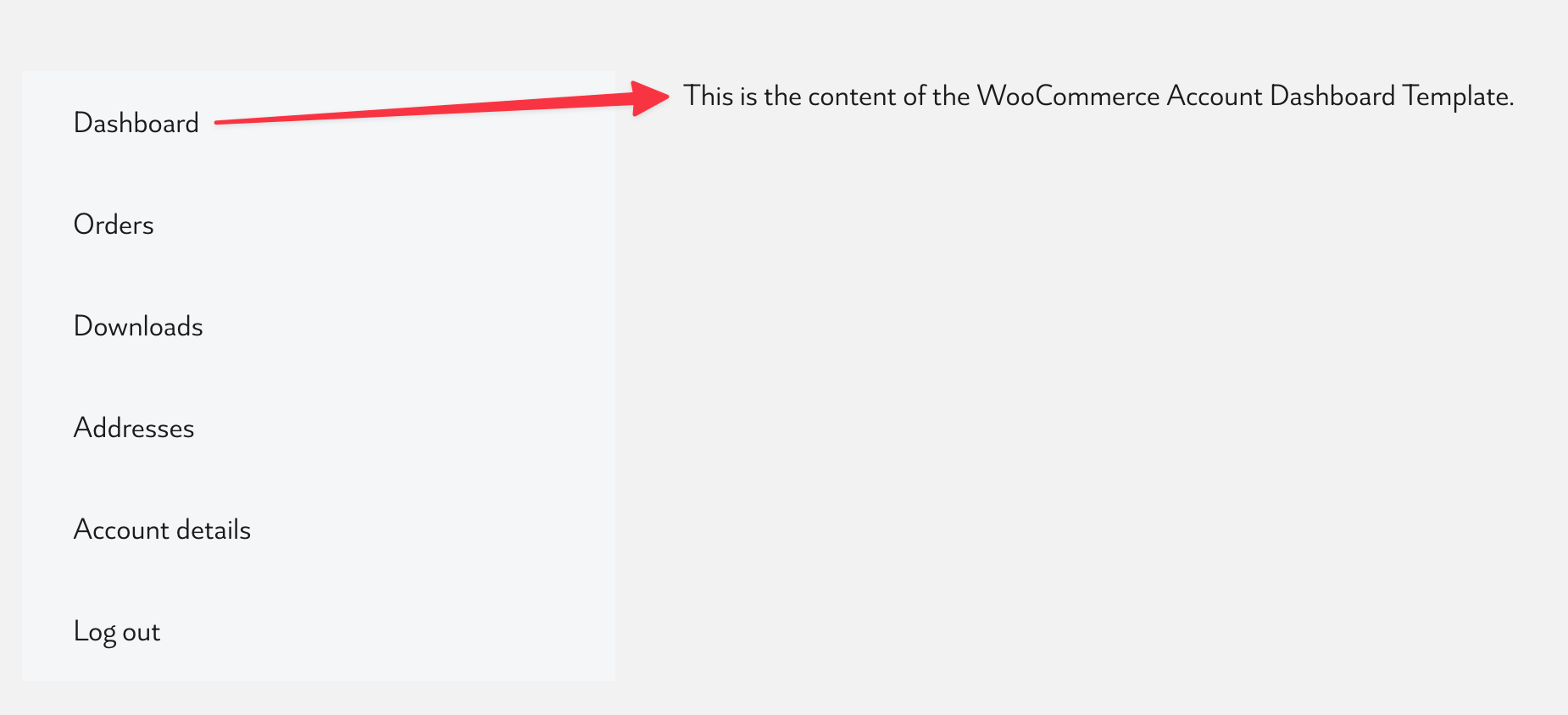
The Account Dashboard Template is basically what’s showing in the “Dashboard” tab (same for every other account template such as orders, downloads, etc.):
Best regards,
timmse
The Account Page must be a Bricks page with the “Account - page” elements added to it for the Account related templates to work.
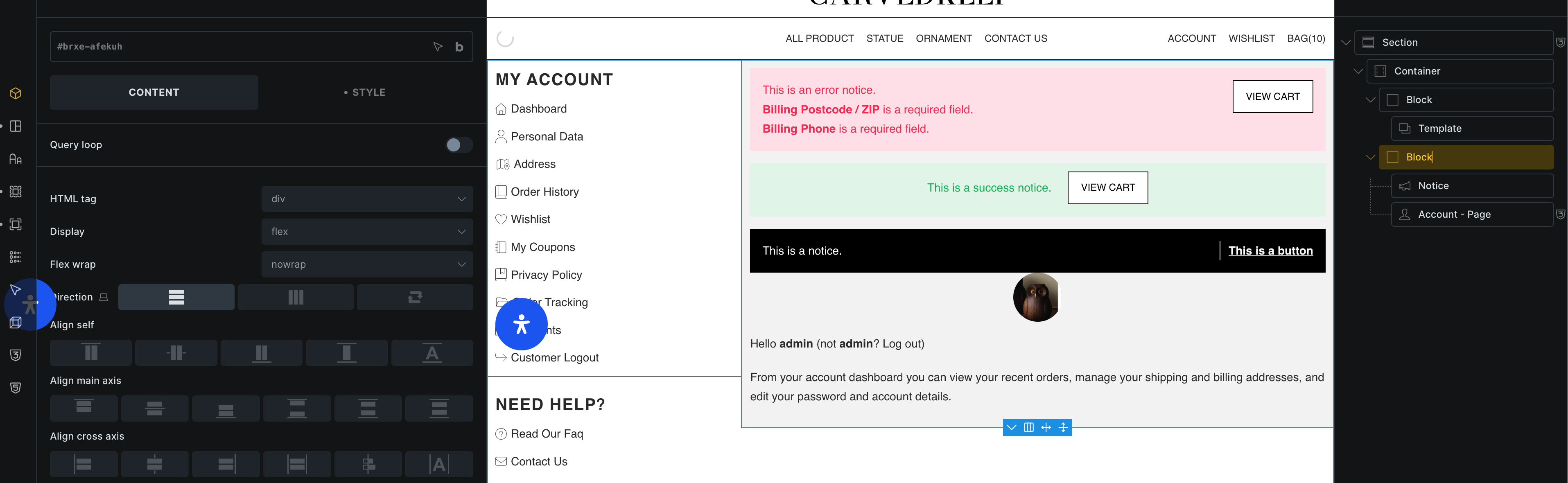
The first image is my Account page, and the second image is my WooCommerce - Account - Dashboard template. I don’t know why my Account page is not using the WooCommerce - Account - Dashboard template.

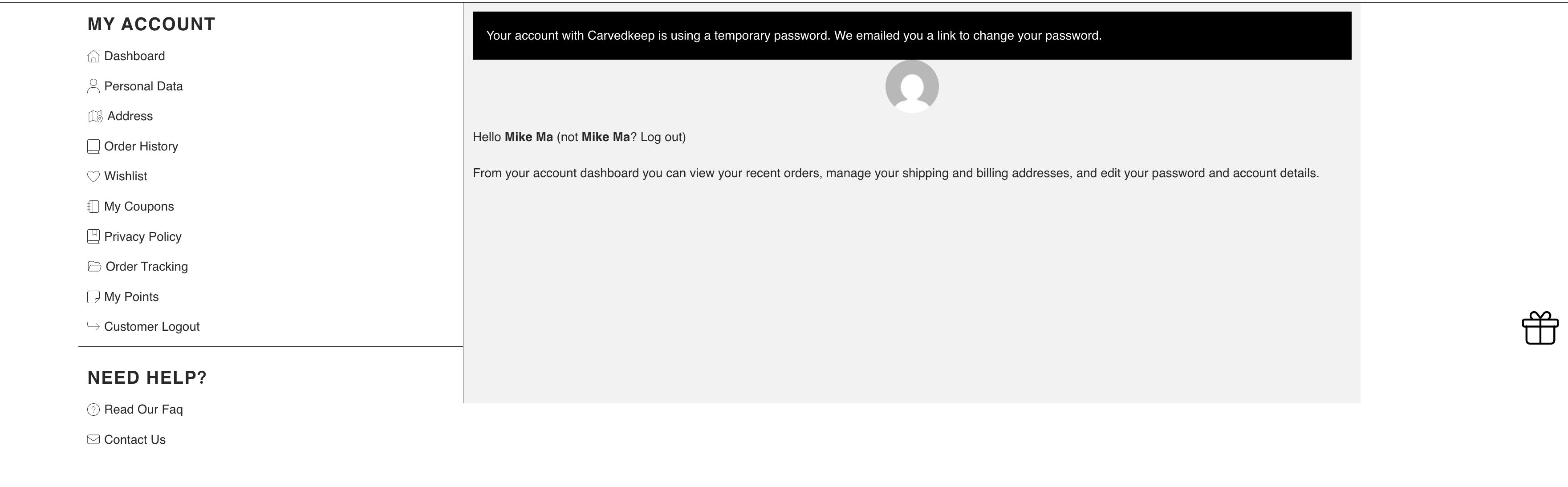
Even after logging in, when I open my Account page, it still looks like this, and it is not using the WooCommerce - Account - Dashboard template.
I have identified the cause: the WooCommerce - Account - Dashboard template fails to take effect as long as the ‘Advanced User Avatar’ plugin is active.
1 Like
Okay, then it’s probably best if you also contact plugin support, since that’s obviously what’s causing the problem. If the developers need any assistance, they can reach us anytime at help@bricksbuilder.io 