Browser: Brave
OS: macOS
Video: https://jam.dev/c/981dab44-acb0-4663-a150-1d46a94cc461
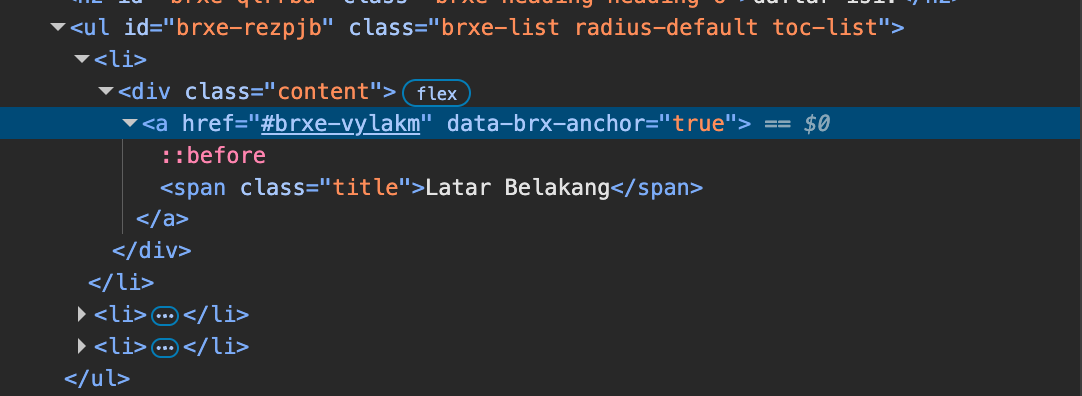
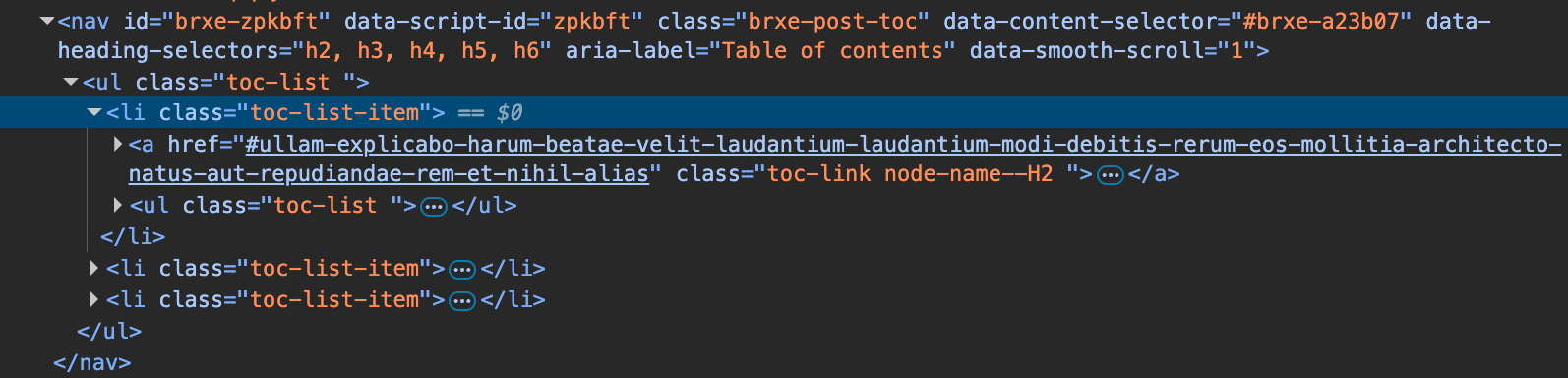
I would like to report a bug in Bricks Builder, specifically related to the Table of Contents (TOC) widget active state.
I created a layout where:
-
The Table of Contents widget is placed inside a sticky sidebar on the left.
-
The main content is on the right, containing multiple headings that are correctly detected and listed in the TOC.
-
All inside on one section
like,
<section>
<sidebar><content>
<content>
</section>
The issue is that when scrolling the page, the active state of the TOC does not update correctly.
The highlighted/active TOC item remains the same and does not change according to the section currently in view.
This makes the TOC active indicator unreliable, especially when used in a sticky sidebar layout.
Here is a screen recording that demonstrates the issue clearly:
https://jam.dev/c/981dab44-acb0-4663-a150-1d46a94cc461
Please let me know if you need additional details.