Browser: Brave 1.81.137
OS: Windows
URL: https://www.almaroofingsd.com/guide-roof-leaks-san-diego
Video: Short screen recording that illustrates this issue - Jam
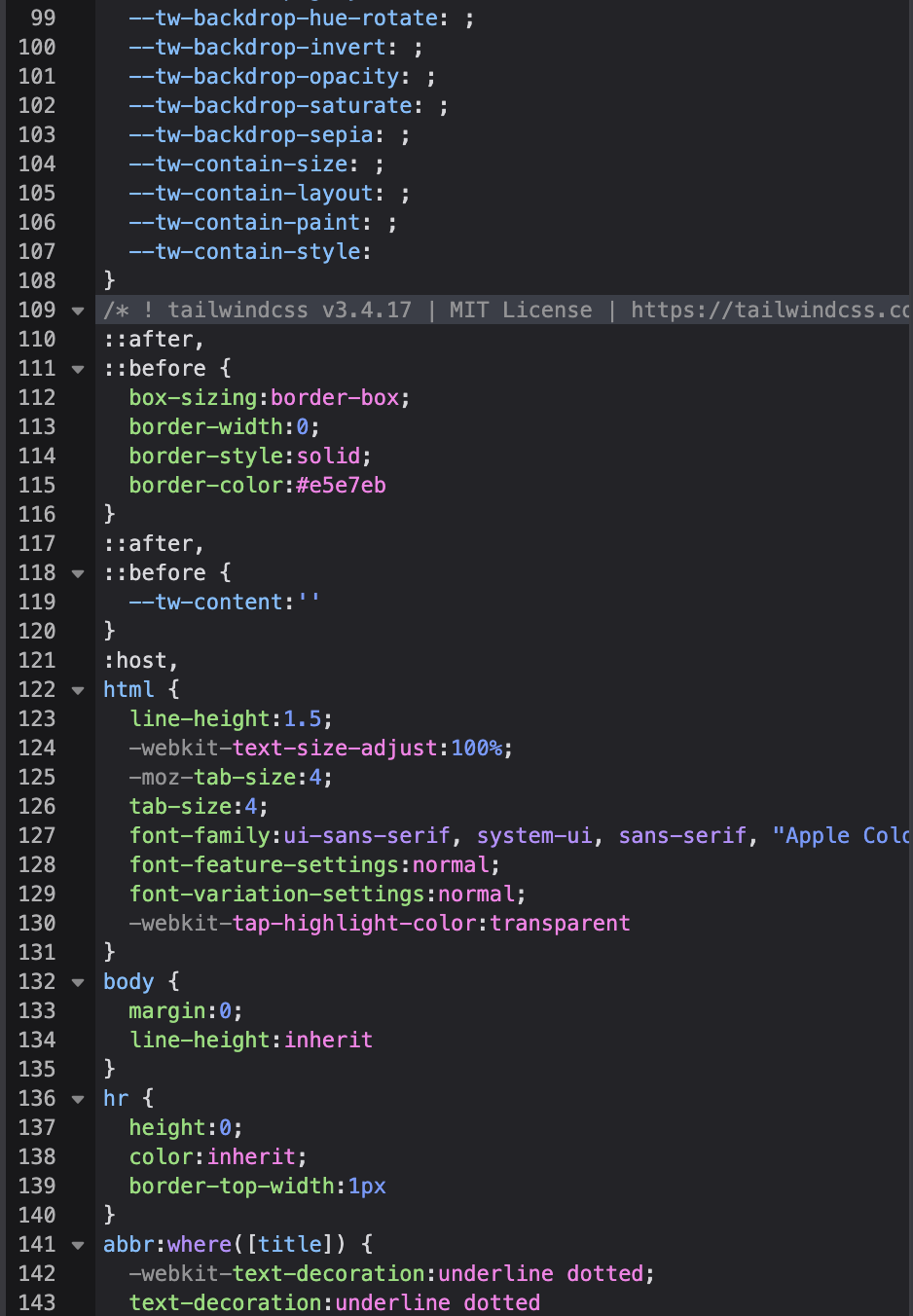
When we go to make a blog Post, we use gutenberg and always have. It seems like possibly the lastest bricks update affected these posts, as for example headers (h2,h3,h3…) no longer have font-weight to them, while they used to automatically, and we see similar missing css/styling with bullet points and spacing of gutenberg posts.
Has anyone else encountered this issue? What’s the best way to resolve this? We don’t want to have to manually style and add spacers to each blog post. The previous ones seem relatively okay, it’s only when we make new posts.