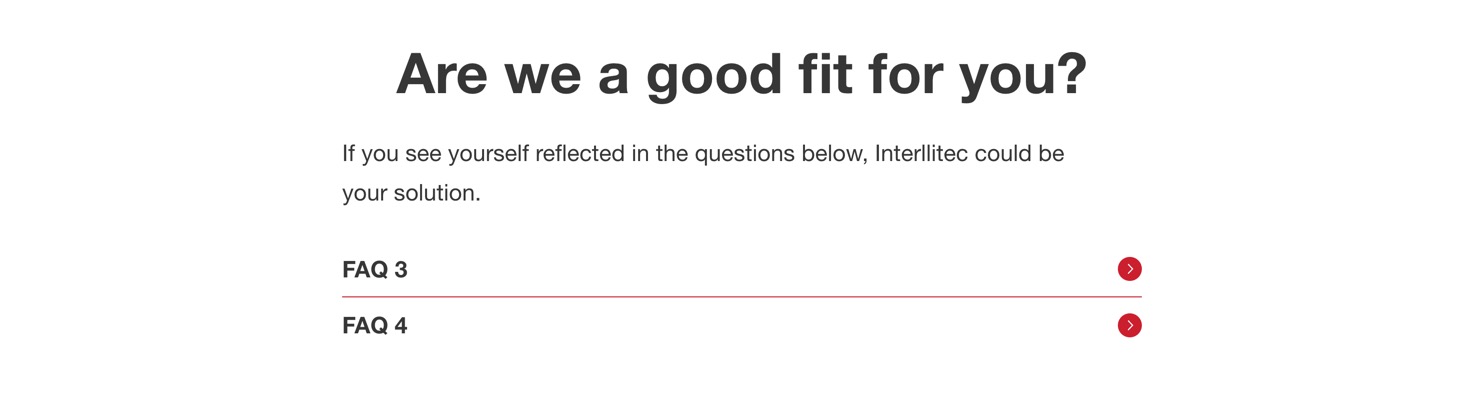
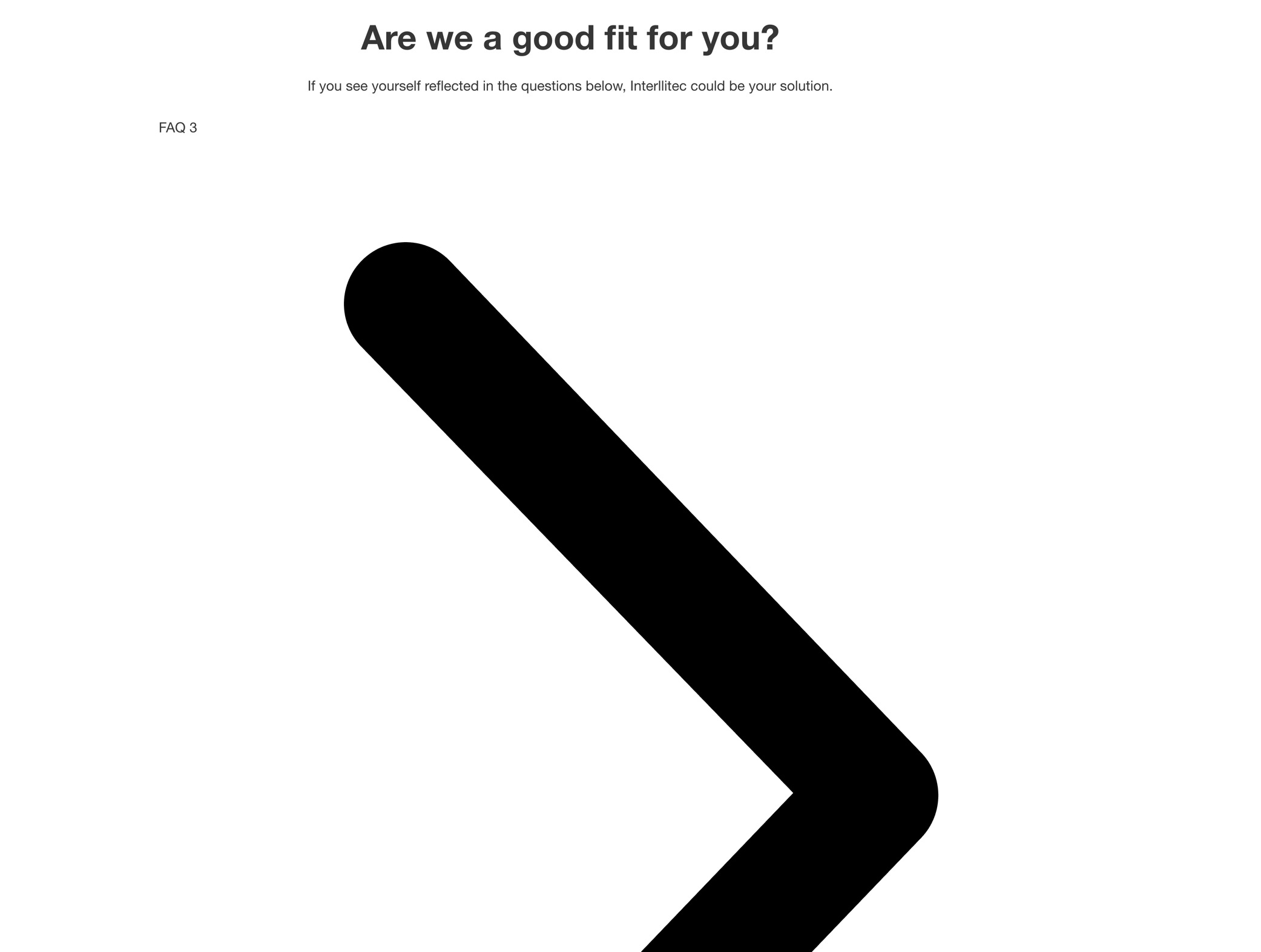
If I add a “Template” element to a page, then specify the template from above as the template to use, it appears exactly as it should (see image above) within the editor, but has all styling stripped from it on the front end:
Hey Matej, I just checked the same page again and it’s perfectly fine now. I swear it wasn’t before (see image above!), and again, there’s no caching (and I cleared the browser cache. and hard-reloaded multiple times). My CSS loading method is “external file”.
Anyway, I guess it’s a false alarm (with a mild sense of distrust…)
well, that’s great to hear. However, I’m not sure what it could cause that one. Maybe the CSS was just generating, and you refreshed in that exact split second? Anyway, if it happens again, please let me know and I’ll keep the topic on WAIT.