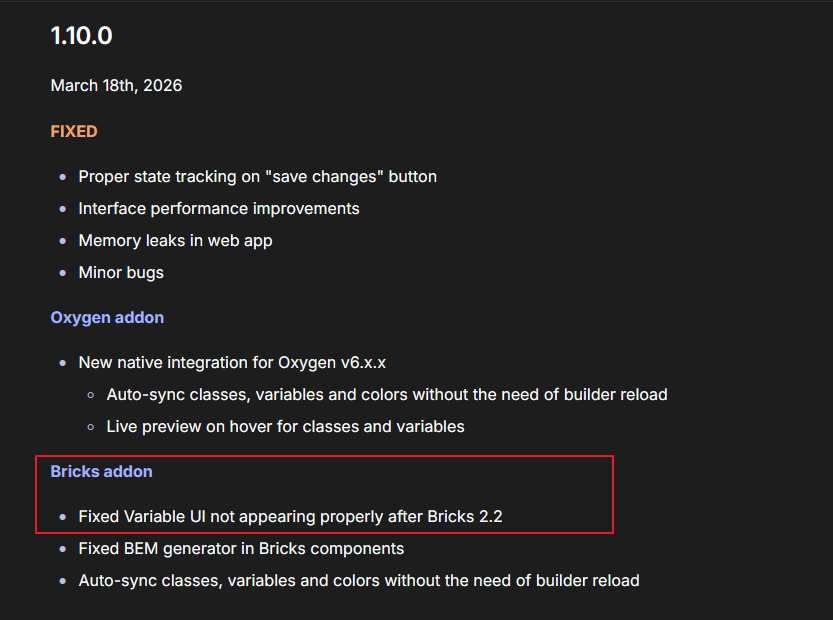
Hey guys, the latest version of Bricks, the theme style editor isn’t working correctly. It is working in previous versions. We’ve done a bunch of tests. Here’s a video of the issue: Bricks theme styles interface issue - TechSmith Screencast
I can provide an info dump from a website with the issue as well. We have the issue on a bunch of other websites. As soon as we update them to the latest Bricks, the same issue comes about. The issue doesn’t appear to be present in 2.0.2
NOTE: This only happens when in the Manage > Theme Styles area - when right clicking into element properties etc. The issue is not present when editing element properties.
We pair bricks with Core Framework
Thanks