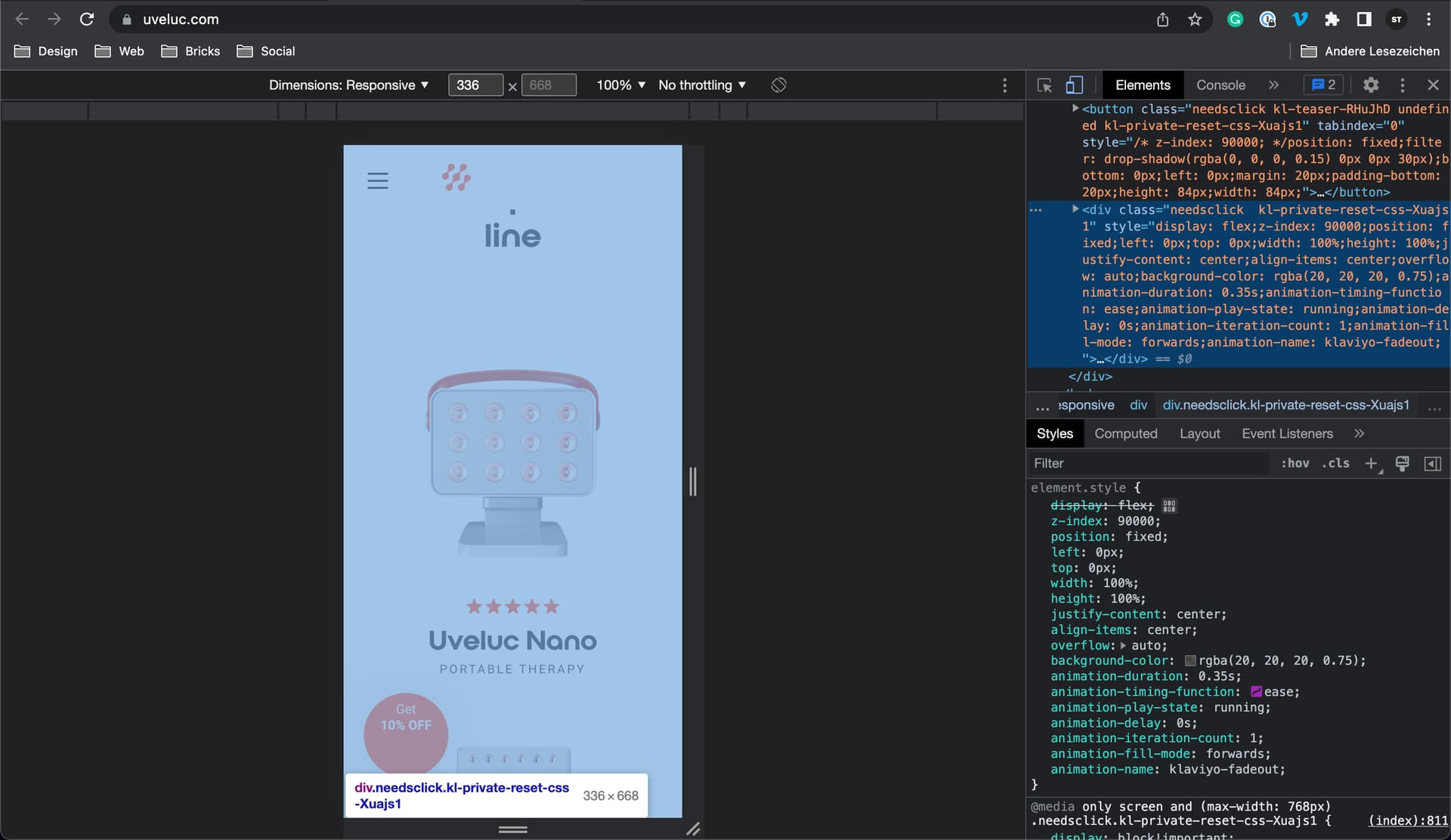
Bricks Version: 1.5 Browser: Chrome 90 OS: macOS / Windows / Linux / etc. URL: (a link to a page that illustrates the issue would be really helpful)
This is a strange issue I’m having with Klaviyo popups and Bricks (my integration is done via plugin not script).
For some strange reason there is some JS / z-index issue - When the Klaviyo popup is enabled, I can’t click on buttons, elements or any other element on the website on mobile.
I use Klaviyo on all my shops (Oxygen, Elementor, regular themes). Bricks is the only “theme” that has issues with it. (… Klaviyo is the super star in the Ecomm world for email automation)
Alternatively…
I could use an inline form and put it into popup (popup builder is coming soon right?) or use a popup plugin that integrates with Klaviyo… but neither of these solutions are good.
But from a technical level, I have no idea on how to approach this.
I just went through the Klaviyo Signup Marathon and installed the popup script on a test page - it works as it should.
I can close the popup by clicking on the backdrop (which doesn’t work for you either) and then clicking on any link or menu without any problems. I guess the script is influenced by something (btw. the popup layout looks broken, and it pops up multiple times, even after closing it) - but I can’t say what exactly.