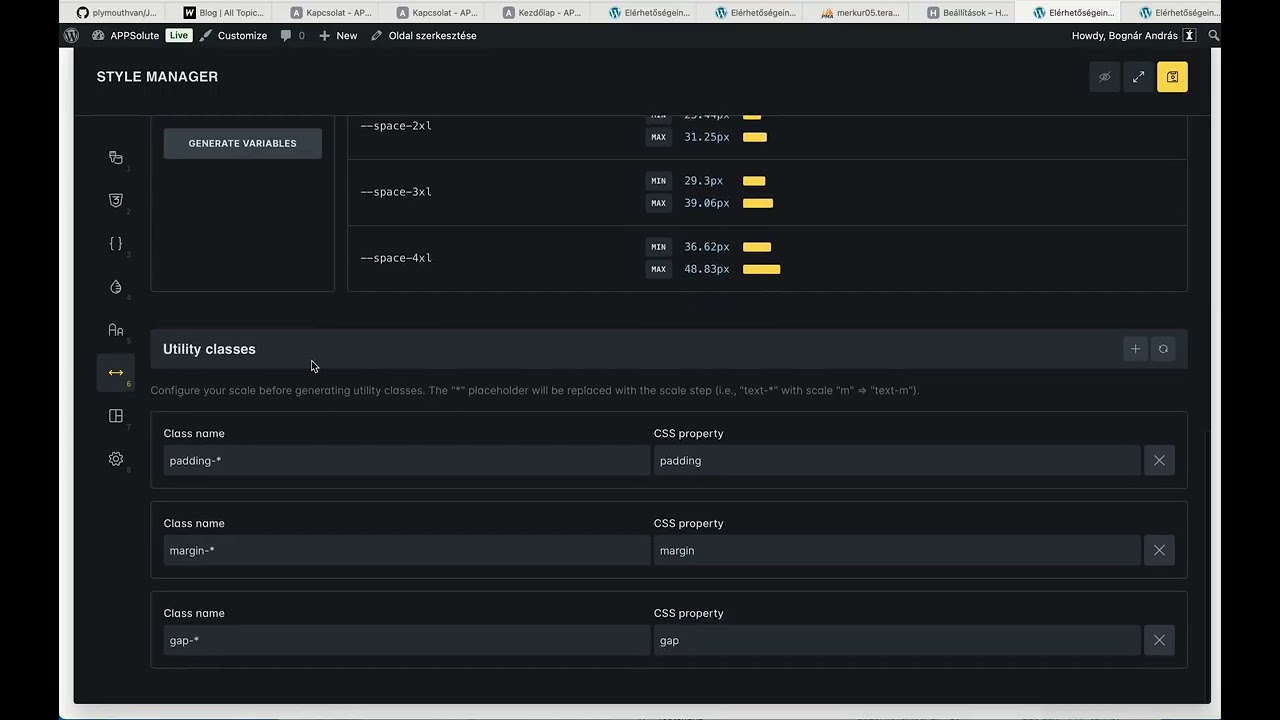
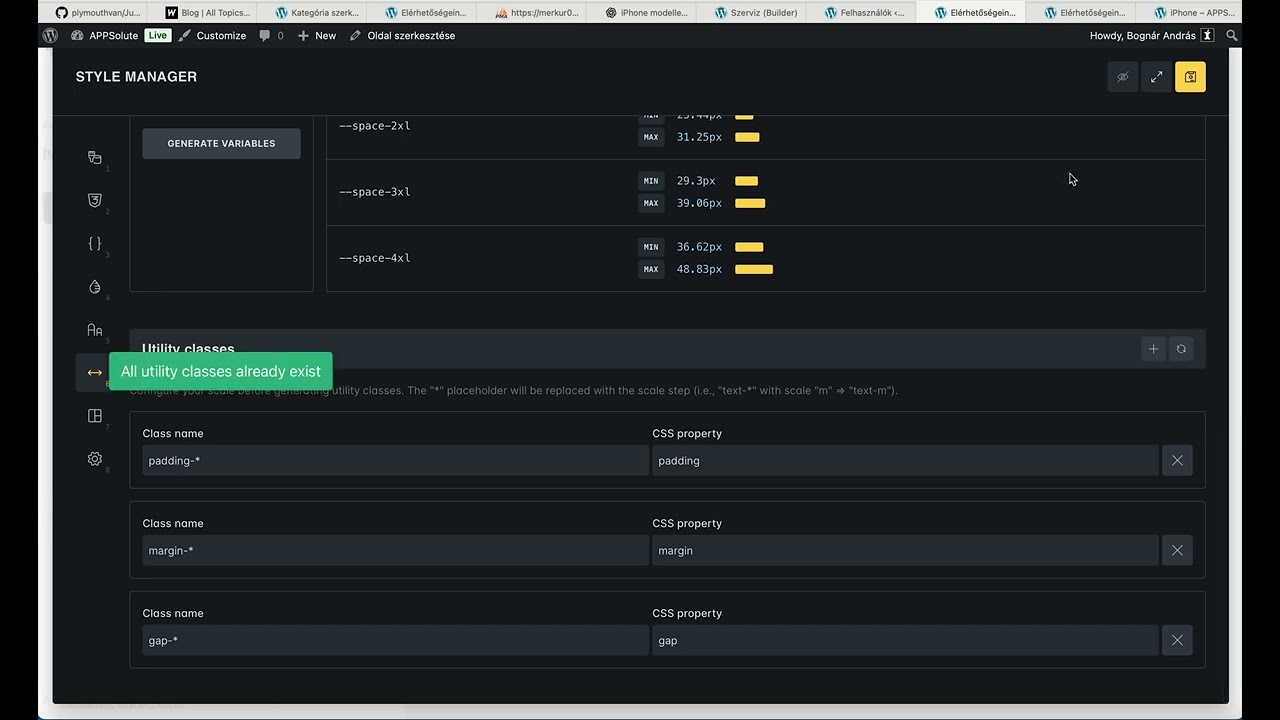
I couln’t find the pattern but when I edit the pages, templates sometimes a previously okay page looks like some other the styles are missing. This regularly happens with utility classes. After I regenerate utility classes the styles appear on the frontend again. See video, it is a very strange and annoying problem.
Yep, seems to be the same issue @Illarion already reported, but I still can’t find a way replicate it.
Since it’s easier to follow with the video with sound, I’ll stay in this thread for now. Can you send us your login details (help@bricksbuilder.io) @Andris?
I was wondering how Bricks handles the classes I create and edit in the visual editor and the classes created by the utility class generator. It is not clear for me how the system separates them. For example: i generated gap-* utility classes for variable space gaps. But i can also edit this class in the visual editor if I select it. Are they duplicated then? Is one gets overwritten?
Hi @Andris@Illarion , @Matej and I have been trying independently for quite some time to reproduce the “disappearing” styles issue in the builder and the frontend, but we haven’t been able to do so. Neither locally nor on Andri’s website.
Therefore, we ask you to pay close attention to what could lead to this, as if it happens regularly, there must be a certain pattern (i.e., steps to replicate).
However, the problem seen in the second video is easy to reproduce. This is because the content of #dynamic-element-css is cleared and replaced with only the generated utility classes. I have already created a task for this.
We’re seeing the same issue on our end as well. Unfortunately, I still can’t say exactly which steps lead to the styles going missing, but I can provide a bit more detail about the underlying issue. In those cases, the file style-manager.min.css is actually missing from the server — specifically, it is no longer present in wp-content/uploads/bricks/css.
As a result, the entire file is not loaded in the front end at all. Maybe this helps narrow down the root cause.
I can confirm that I am experiencing the same issue. All utility classes created by the builder are available in the editor, but are missing from the front end. Very annoying. I’m hoping for a quick fix!
Welcome to the forum @wbshr
Do you have any tips or concrete steps for reproducing the problem? That’s currently the part where we’re getting stuck, but it’s necessary for us to solve the problem…
We fixed this issue in Bricks 2.3, now available as a one-click update in your WordPress Dashboard.
Unfortunately, we still haven’t found a way to reproduce the front-end issue. So it would be great if you could continue to actively look for a way to reproduce it, so that we can resolve this issue as well, if it still persists @Andris@dnb@wbshr@Illarion
I’ve been encountering the “disappearing” utility styles on the FE issue also.
Today, when I first launched a site - my utility classes were working on the front end. They then disappeared.
I “think” (I may be wrong) the only thing I did in between them being visible and disappearing was that I added some CSS via the Framework > Import feature.
Sometime shortly after doing that I noticed all my utility classes stopped working on the front end (while appearing correctly in the builder).
Eventually, I went into the Spacing section in Style Manager, and clicked the Regenerate Utility Classes.
That appears to have restored the missing Utility Classes.
Now, I just tried to replicate the problem by adding a CSS class via the Framework import. But this time, my front-end styles were unaffected.
I’ll keep trying to replicate and troubleshoot it. Perhaps there’s a correlation between adding styles via Framework, and losing utility classes on the front end?


 We’ll let you know as soon as we have any concrete news.