Browser: Chrome 110 OS: Windows URL: N/A template Video: N/A
[Please describe this bug in as much detail as possible so we can replicate & debug this bug]
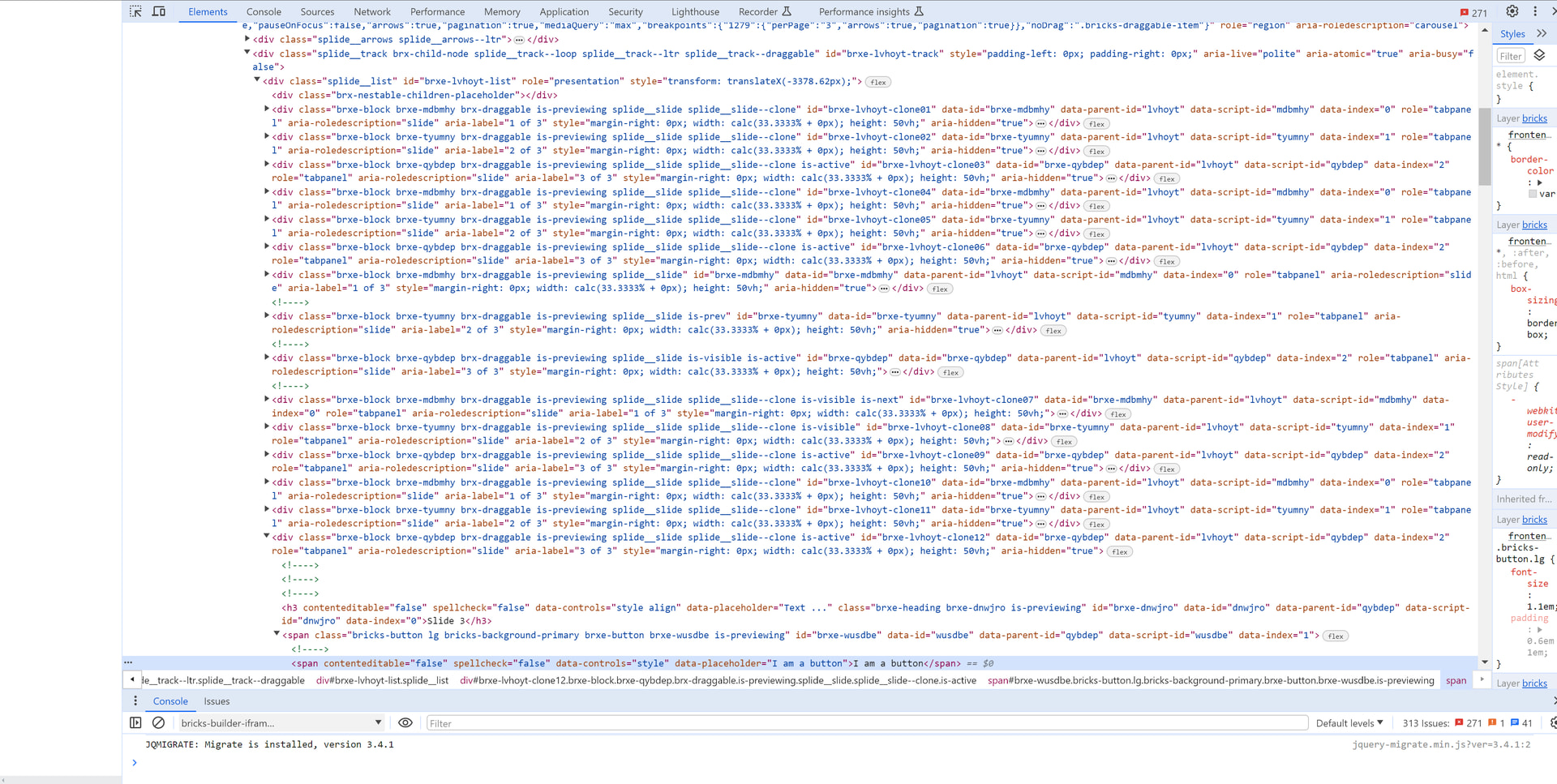
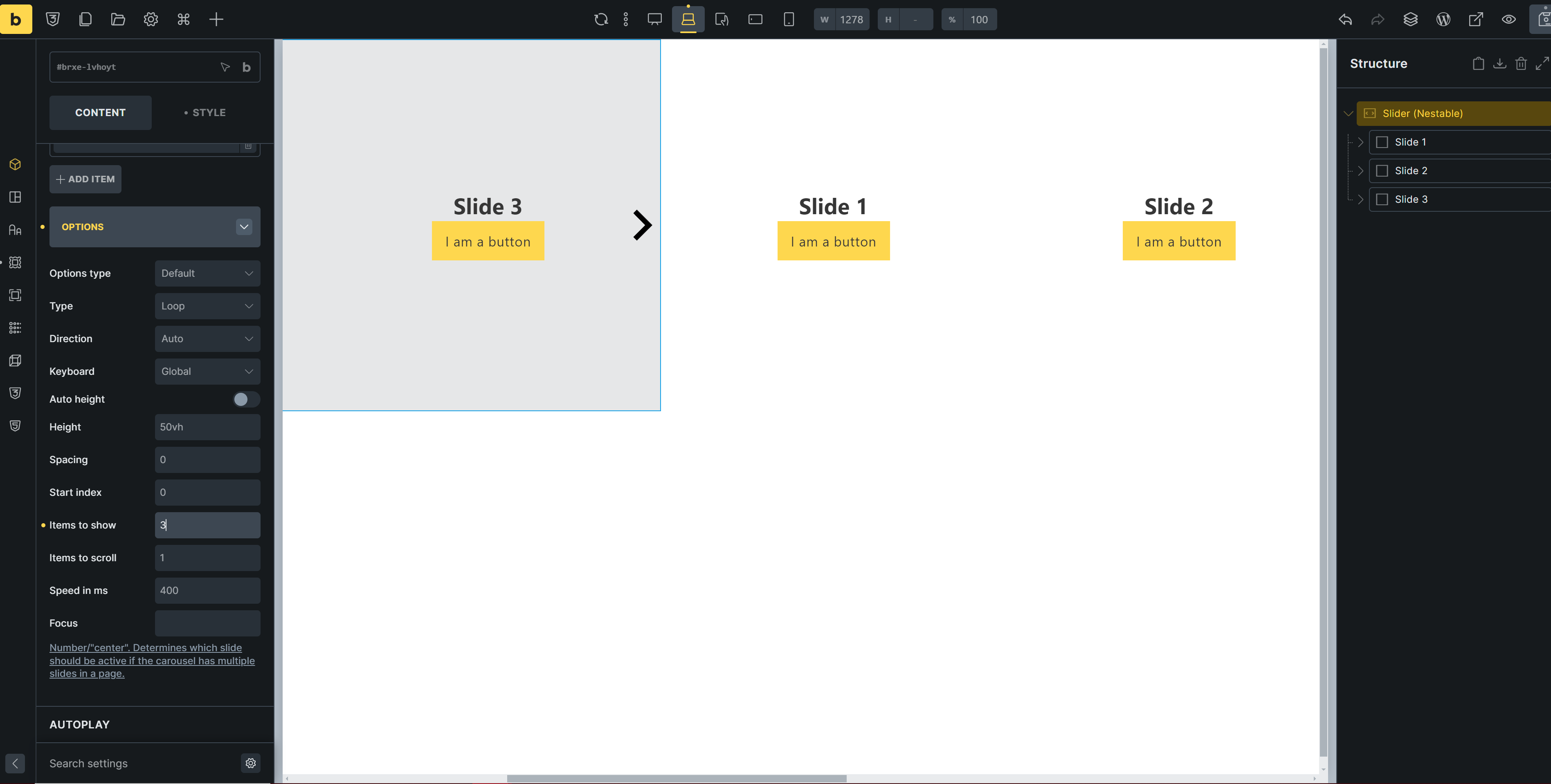
When I create a slider nestable, it creates clones times 3? Then it makes my page wide. This seemed to happen after playing with ai and it giving me code for everything possible ie php&html, css, javascript, custom code but not for templates. I had code placed on a search page and my main page and the page settings, the bricks settings wp page. I was using google ai with no issues, tried claude from a video you guys had (https://youtu.be/Jxib7wc_1SU?si=n3wo6PSA0IjEo2y_) and this problem started. The code doesnt change my settings from the elements and I deleted it all. It only affects the slider, the rest of my web site is fine as far as I can tell. I have the conversations from both google ai and claude and show the code. But it is a lot. I would appreciate the help, thank you.
Splide automatically creates cloned slide nodes for type loop sliders, so the slides can loop infinte. That’s expected behavior. Change the type to something else and you won’t get any clones.
The page becoming wider needs a clean reproduction, as I can’t tell from the screenshot what’s going on. Please export the template or copy the page content, and provide a link to the site.
Appreciate the reply. What it is doing now is not what it did before. I never had a scroll bar at all. Here is a video of it. When i had this set up, yes loop was on but not visible like it is now. My site is not live. I can give a video of it. https://youtu.be/WHoDbdeDVAw What is the best way to get you the template? I cant drop a json file on here. Dropbox Thanks
Yeah, something is wrong. I just checked my other pc and it behaves as it should. 6 slides, loop and no scroll bar. I see the clone cards on inspect but it doesnt show those cards like mine.
Thanks for the template, but the slider is working perfectly fine for me, and I don’t see any of the problems you mentioned.
Unfortunately, the video is private, so I can’t watch it. However, if it works on another device, it might be due to a browser extension…
Like I said, I’m afraid I don’t see a problem. Let me know if you can reproduce the issue in a live installation (without custom code, especially if it’s AI generated), and I’ll be happy to take another look.
Thank you for the continue support. Let me make another video and make sure it is not private. Its something that i did but want to understand what I did wrong. I will get the video up tomorrow. I will do a side by side.
Ok, I made sure this is public. I have 2 videos side by side. The one on the left is a local host set up and worked as I remember. The right is the issue, notice the extra slides and the scroll bar. That has never happened before. https://youtu.be/AUT7y-0LGCc
Please test this once in a current browser with extensions disabled and without any custom/AI-generated code. If it still happens, even with a completely new Slider, send login credentials and a link to this thread to help@bricksbuilder.io
This glitch usually comes down to how Splide handles loop modes. When it’s set to loop, it aggressively clones your slides under the hood to create that infinite scrolling illusion. If it’s breaking out of the container and widening your page, it’s almost always an layout containment issue. Try setting the parent container or the main wrapper element to overflow: hidden. That usually forces everything to constrain to the screen width and snaps the horizontal scrollbar back to normal.