Reproduce Behavior
-
Create a custom
Colorfield using ACF/ACPT/Metabox plugin. -
Create a query loop of containing an element that supports background colors.
-
Apply the dynamic data (on an # ID level) as the background color for the element within the query loop.
-
Apply a different background color on
:hoverfor the same element.
-
Within the editor the element changes color on hover, however on the front end it does not.

Refer to image above:
The query loop’s dynamic data has a higher specificity which appears to override the:hoverstate’s color. It contains the[data-query-loop-index="1"]selector - which the hover does not.
Workaround
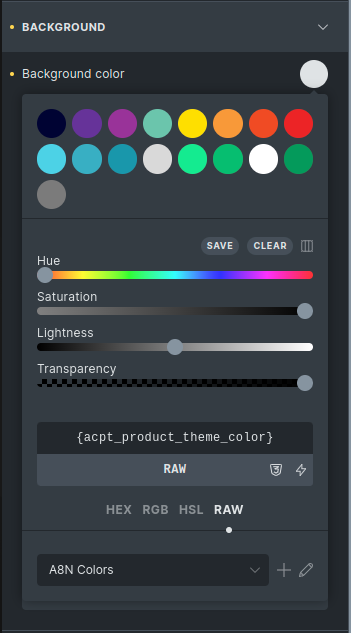
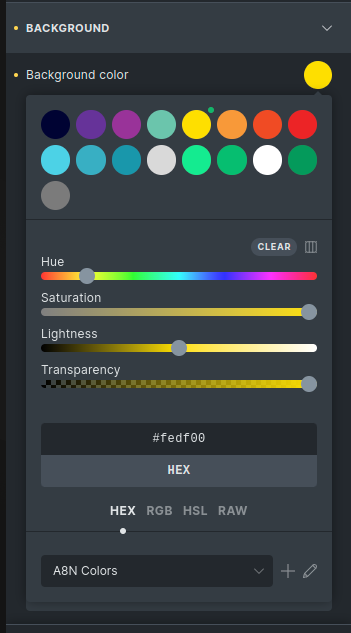
The only workaround we have found is to set the :hover color to RAW input and apply the color with the !important flag.

Expected Behavior
The background color set on the :hover state of the id should not be overwritten by the base ID value - (I would assume both would need the query loop’s data-query-loop-index applied).
Additional Info
- This is a mobile first website with base breakpoint at 320px.
@SeanNAB FIY
