Browser: Chrome 110
OS: macOS / Windows / Linux / etc.
URL: Link to a page that illustrates this issue
Video: Short screen recording that illustrates this issue (free tools: birdeatsbug.com or jam.dev)
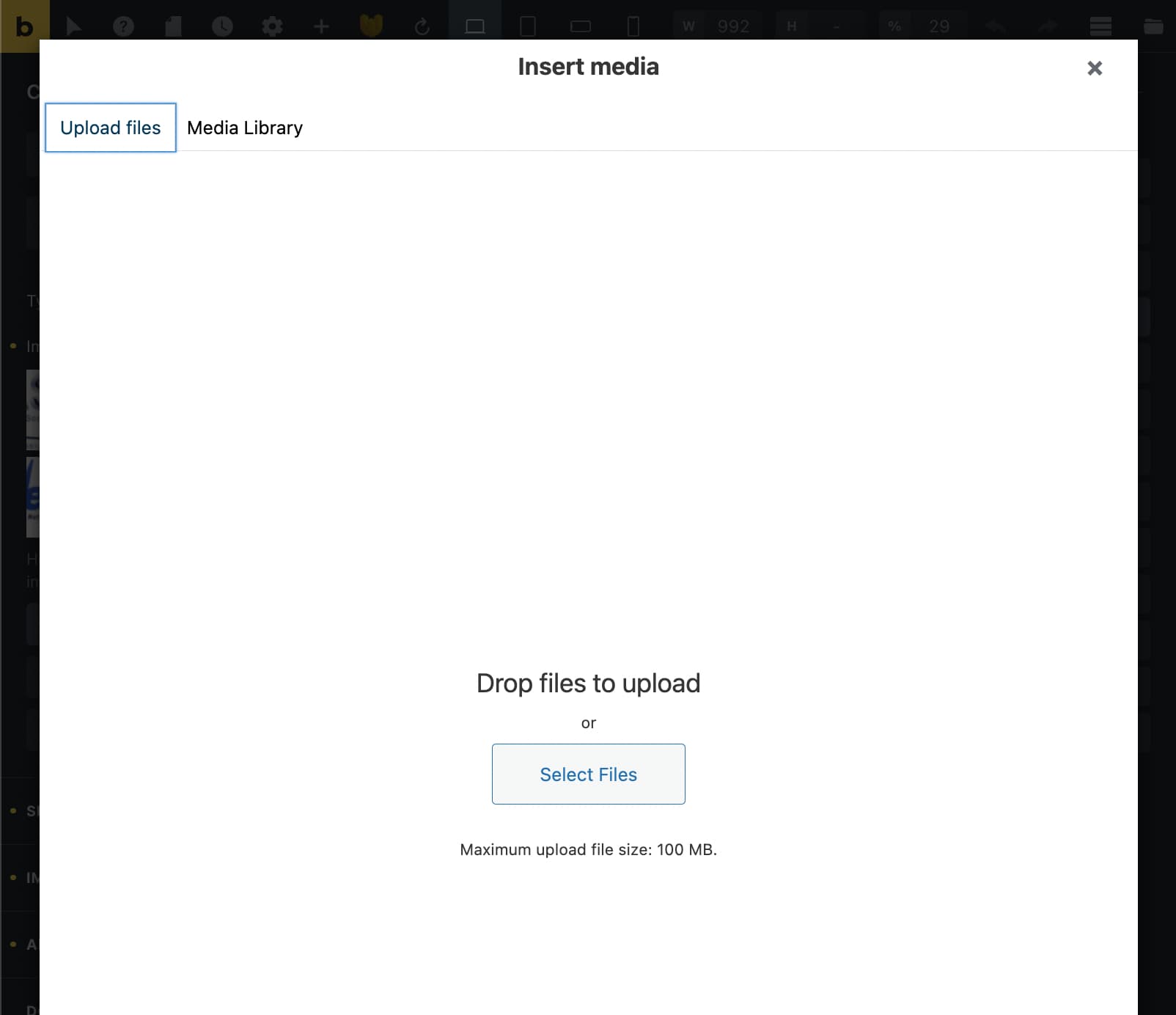
I’m trying to translate my latest website and when Polylang is active the image carousel is not showing on the website. I have also noticed that when I try to pick a new image it doesn’t load media files, it says no media files available, but I can only upload new images.
I tried to downgrade bricks version until 1.6.2, but it still wasn’t working.
Hi Lukas,
Thanks for the screenshot.
This issue seems not related to Bricks.
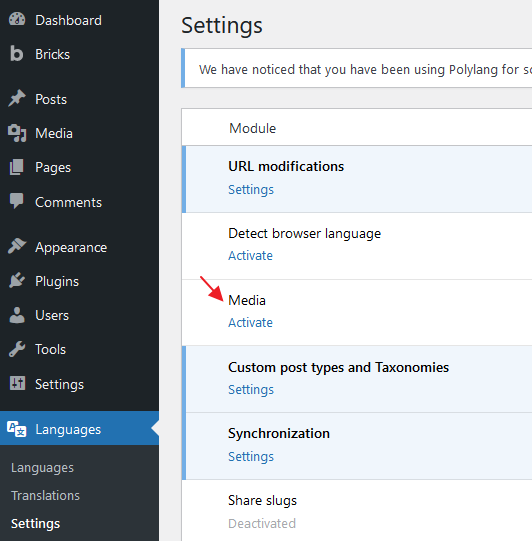
Did you enable the translation of the media file?
What can you see if clicking on Media Library?
Maybe this article can help you.
https://polylang.pro/doc/working-with-media/
Regard,
Jenn
Hi Jenn,
Thanks for your answer.
This forum didn’t allow me to upload more photos, but this is not the only issue. The fact that I cannot load more media inside bricks is one, but there is another when media disappear from my carousel in the back and front end. Not everything, only the carousel.
I have another website with the same setup and everything works perfect. I can load media and all elements works 100%.
I’m not sure whether is bricks’ issue or not. But not sure what to do now. Don’t really have time to experiment with other translation plugins.
I can send a video if you’d like to see what’s happening.
Regards,
Lukas
Hi Lukas,
Yes, a video would be good. Best with a link to your page.
However, I would suggest you deactivate plugins except Polylang to isolate the problem.
It might be some JS errors caused by another plugin.
You should open the dev tool to check if any Console errors as well.
I did all that already, no other problems or conflicts, at least it looks like.
Here is the video:
The link to the website is taxreliefhelpers.com
Thanks.
Hi Lukas,
I am thinking you did activate the media translation in polylang.
Which is related to the doc article sent you earlier.
And your images inside the carousel might be set to a language that does not belong to the current page language.
1 Like
OK, I have found the problem… Nasty one 
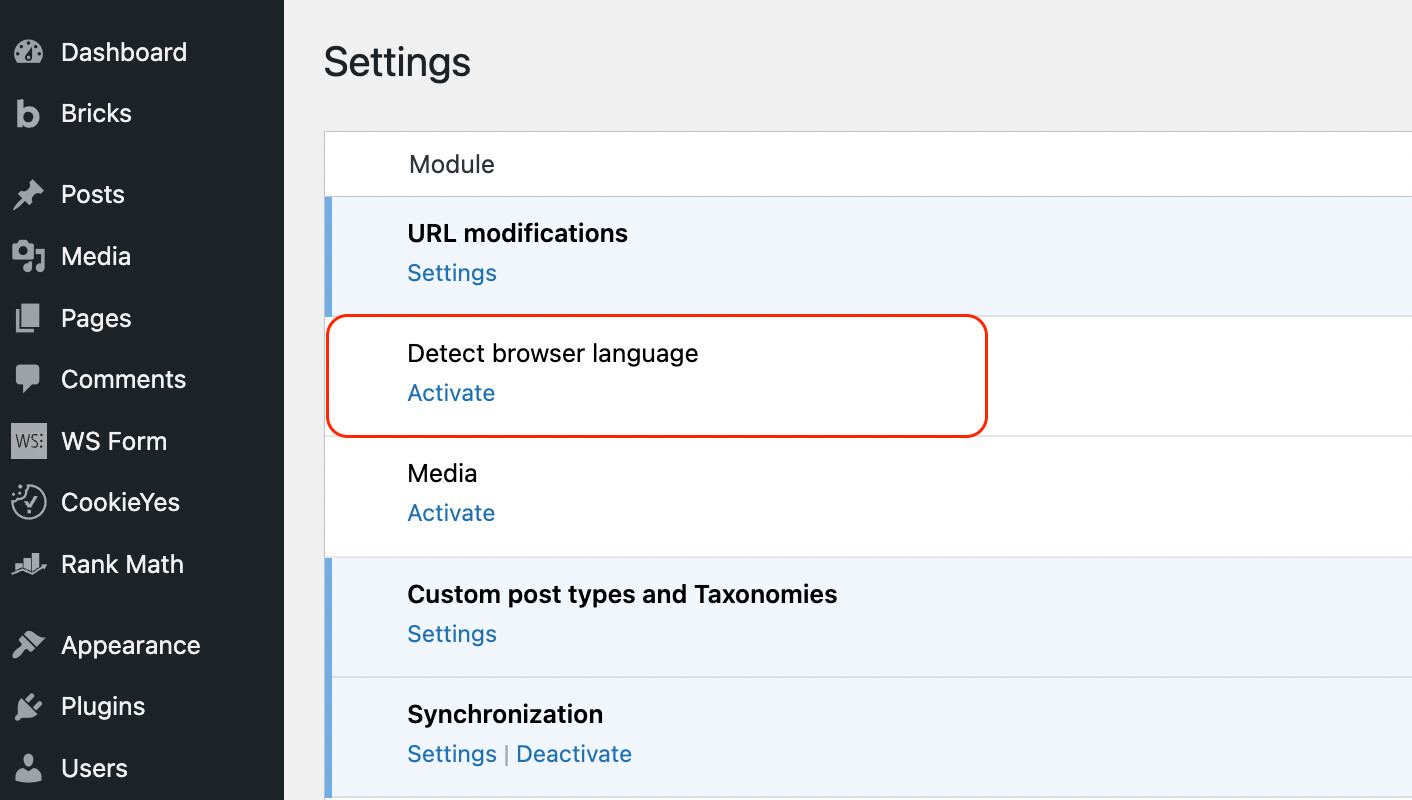
I toggled this one-off and it all started working.
I can live without this for now, but it’s a nice feature to have as many people navigate in their native language, and it makes a much better UX.
The thing is on the previous website it works fine, which is weird and there is some sort of incompatibility, just not sure on which end.
Thanks for your help, Jenn
As @itchycode suggested you should check if the problematic images have a wrong language applied to them. You can do that by temporarily activating the media translation. See Video uploaded to CleanShot Cloud. After checking and (if applicable) fixing the languages you can disable the media translation.
For me activating Detect browser language does not cause any issues btw.
Thanks for your suggestion.
Yeah, that’s right on the other website I have it works fine (Detect browser language), but here it causes and issues…
Let’s see if someone could fix it, whether is bricks or polylang.