So I am having a problem which is really doing my head in: I have a page which previously contained a button with a Click interaction to open a popup.
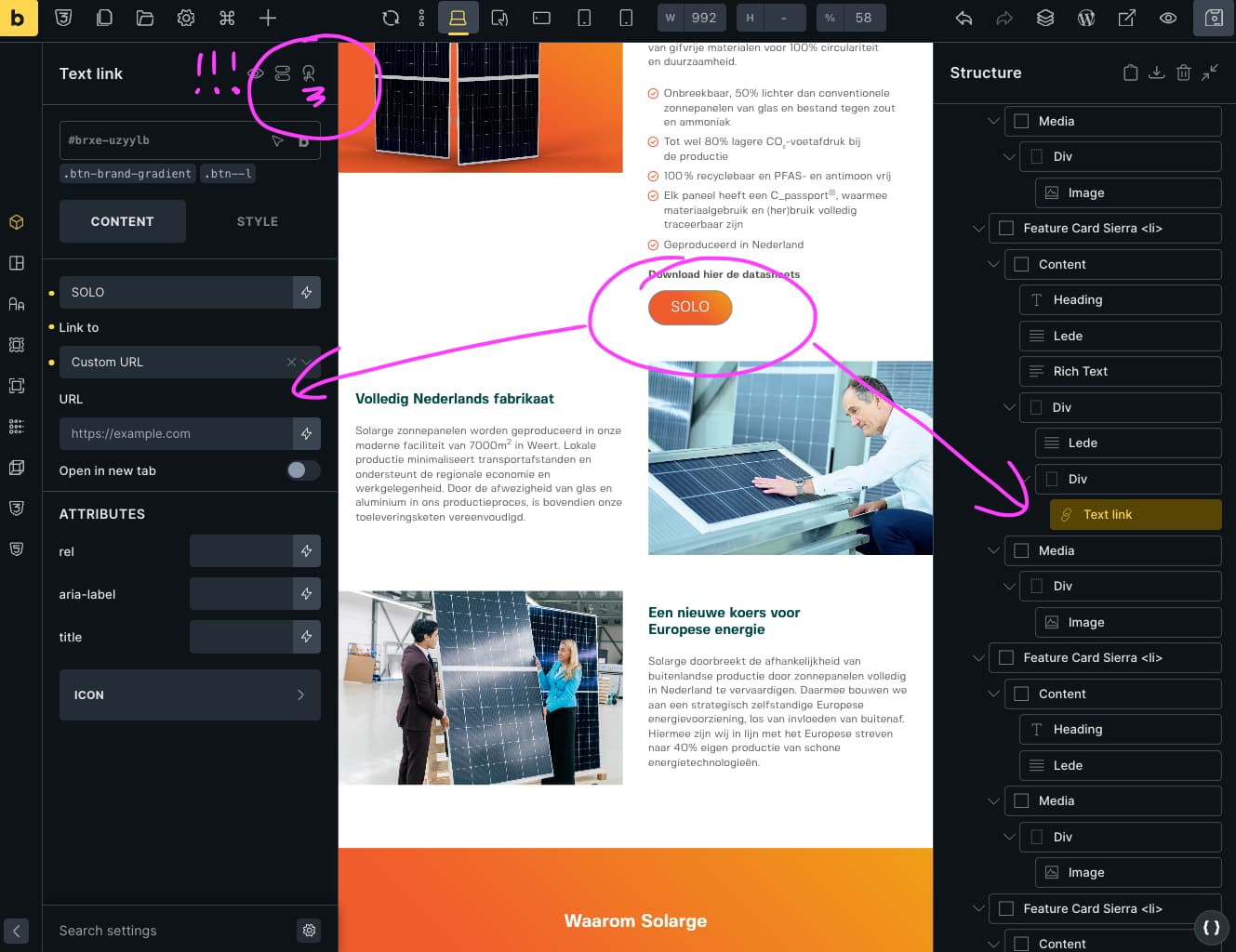
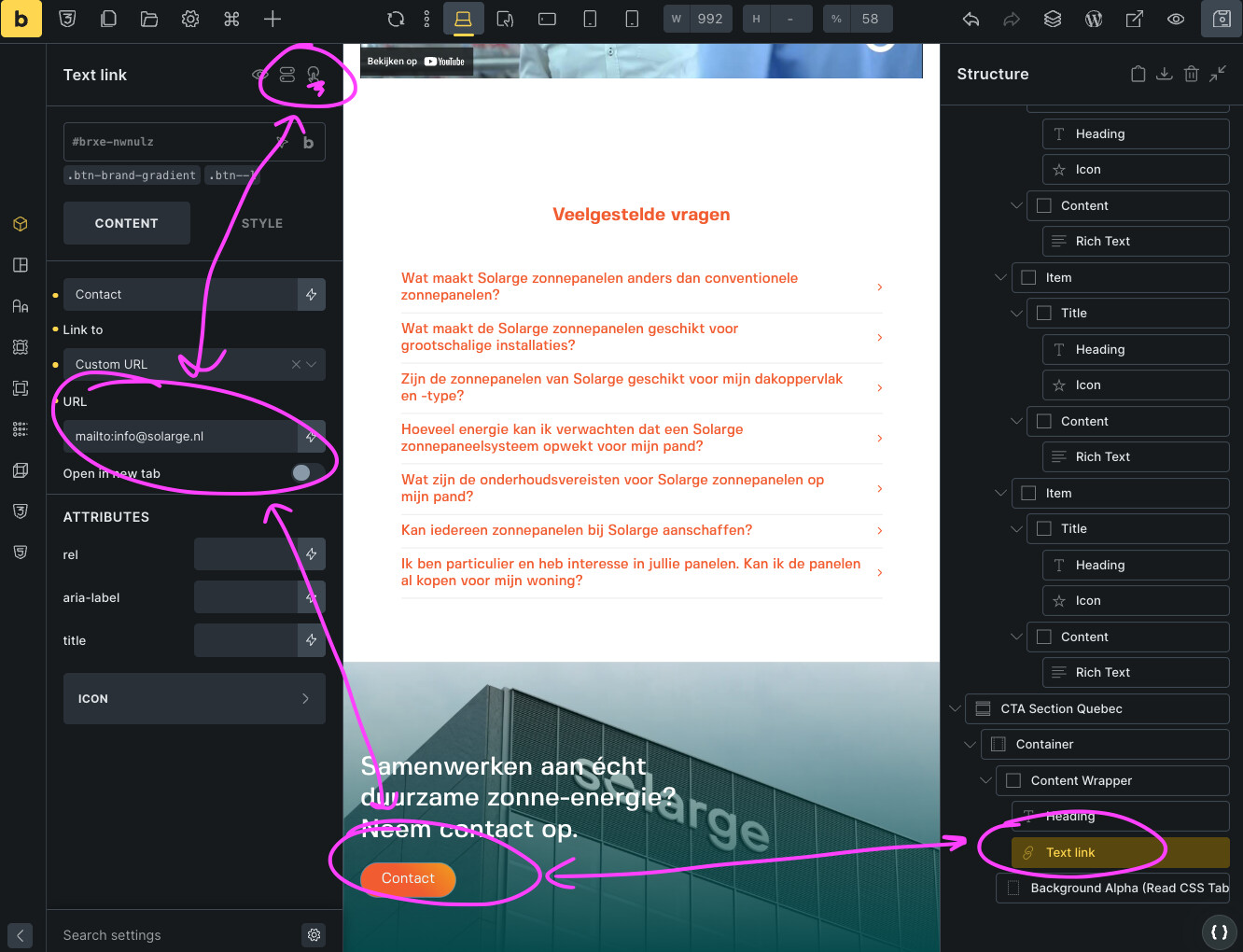
When I tried adding another button with a click interaction to a second popup, I noticed that both buttons only trigger the first popup, and not the second. Doing some monkey testing, I discovered that any button I add right now automatically triggers the first popup, even though there is no interaction assigned to the button. See my frustrated screen shots…
I suspect there is a leftover popup trigger in the code somewhere, but I’m not sure. The problem persists in incognito mode so I don’t think it’s caching. I have my caching plugin off.
I think I need an exorcist to get rid of this evil
can you first check if you maybe have interaction set on class? Select classes that are assigned to the element, one by one, and check if interactions are there.
Thank you so much for your answer! I thought I was going crazy over this.
So I discovered that the behaviour was on the class, but even when I remove it while having the class selected, the behaviour doesn’t seem to disappear. Does that have to do with caching? Should I somehow rebuild my CSS to remove it?
I have temporarily solved this problem by using another class, but I am afraid this problem might pop up again in the future. Any tips or best practices I should follow?
Can you record a video of this issue? If you remove it from class and save the builder, then the class should not have the interaction there anymore. You ca try clearing the Litespeed cache or whatever caching plugin you are using, or server one.