In Bricks 1.9, using the custom code section doesn’t output any custom code when the bricks page is empty. It doesn’t matter if I put the code in the header, before the body tag, or in the footer area. I believe this is a bug because the CSS code works fine, just not the custom code fields.
Background: I was trying to add CSS and JS code to a page in Gutenberg. There is no need to have bricks builder content for the page, so the bricks canvas is empty. Unfortunately the custom JS code is never added to the page when there is no bricks content, although the custom CSS works just fine with or without bricks content in the canvas.
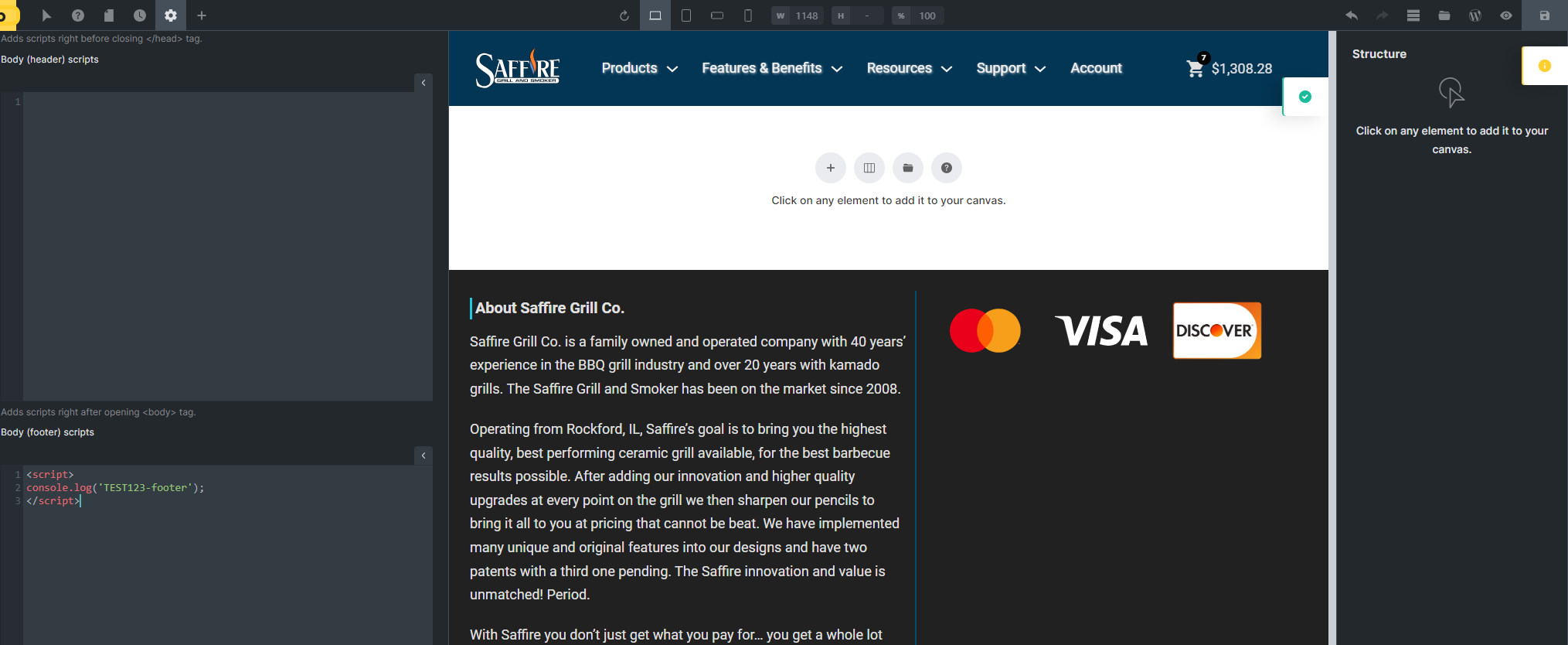
Aside: please state under the custom code text area fields, or as a pop-up you can open, that JS needs to be inside an HTML tag to work, otherwise content will be rendered on the page instead. I keep forgetting whether I do or don’t need this when I go to add Javascript to a page. Thanks!
Please excuse typos or incorrect words. Writing from my phone.