Browser: Chrome 110
OS: macOS / Windows / Linux / etc.
URL: Link to a page that illustrates this issue
Video: Short screen recording that illustrates this issue (free tool: jam.dev)
Bug Report: JetEngine Custom Post Types Not Recognized in Bricks Builder
Problem Description
Issue: JetEngine custom post types (CPTs) are not visible in Bricks Builder’s template preview settings and template conditions, making it impossible to preview CPT content while editing templates.
Bricks Version: 2.0.1 (unknown since when this occurs)
Affected Functionality:
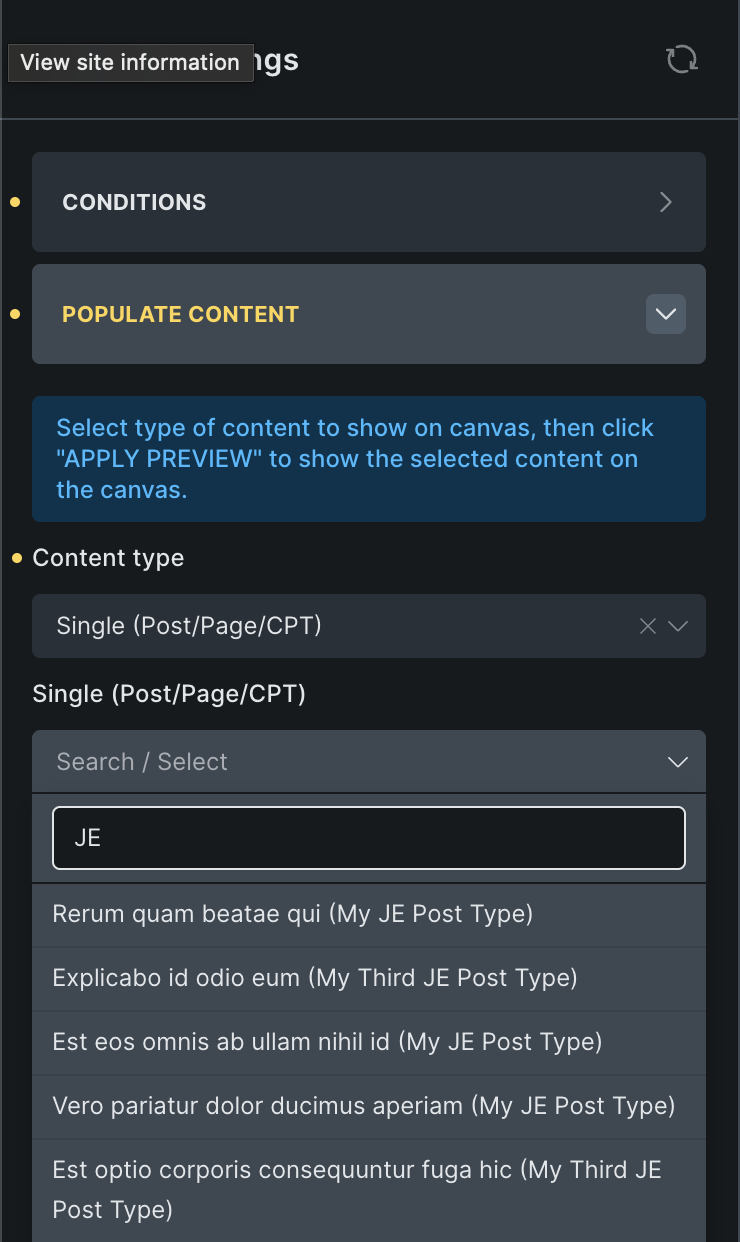
- Template Settings → Preview Settings → Content Type → Single (Post/Page/CPT) - JetEngine CPTs don’t appear in Post Type dropdown
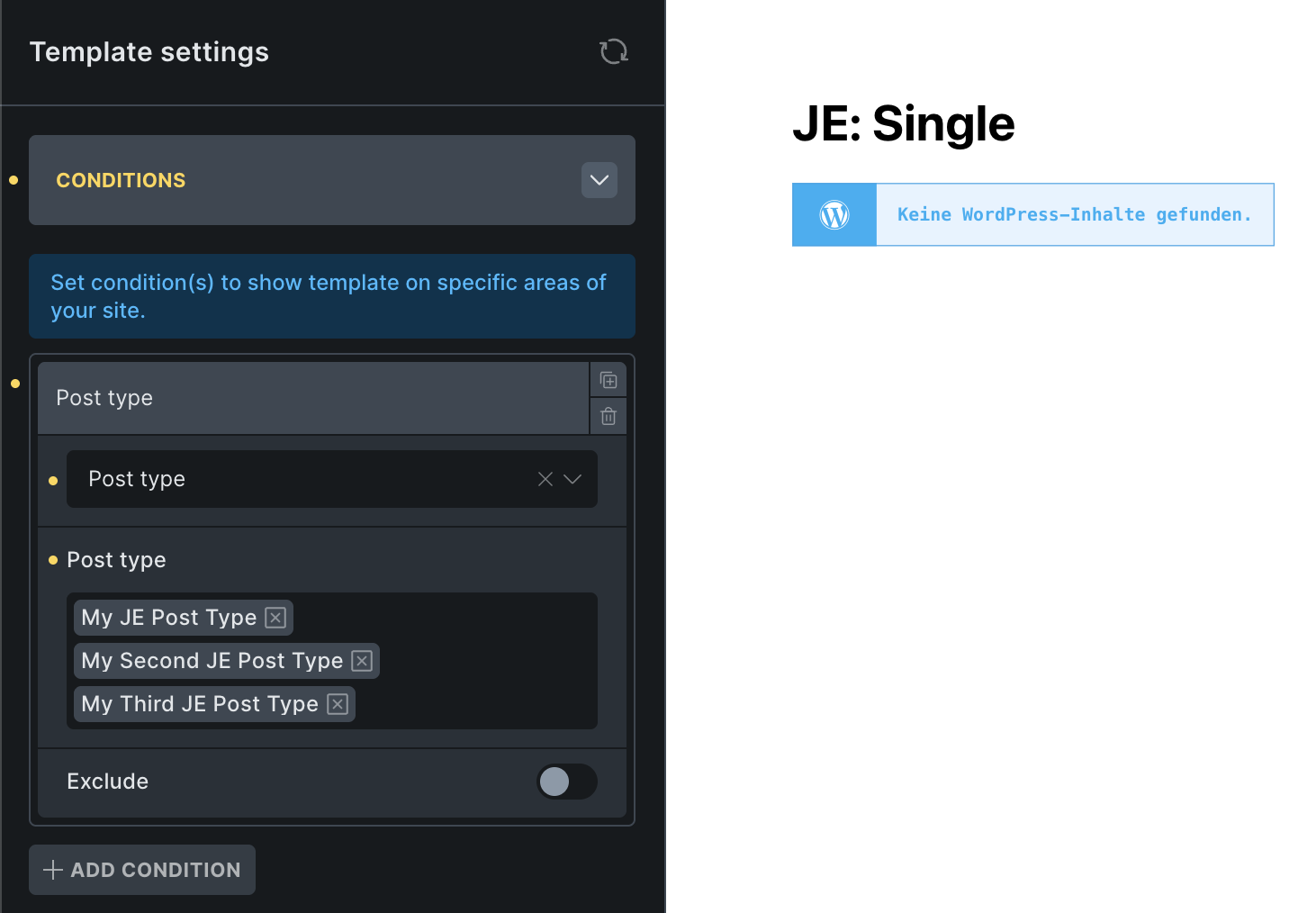
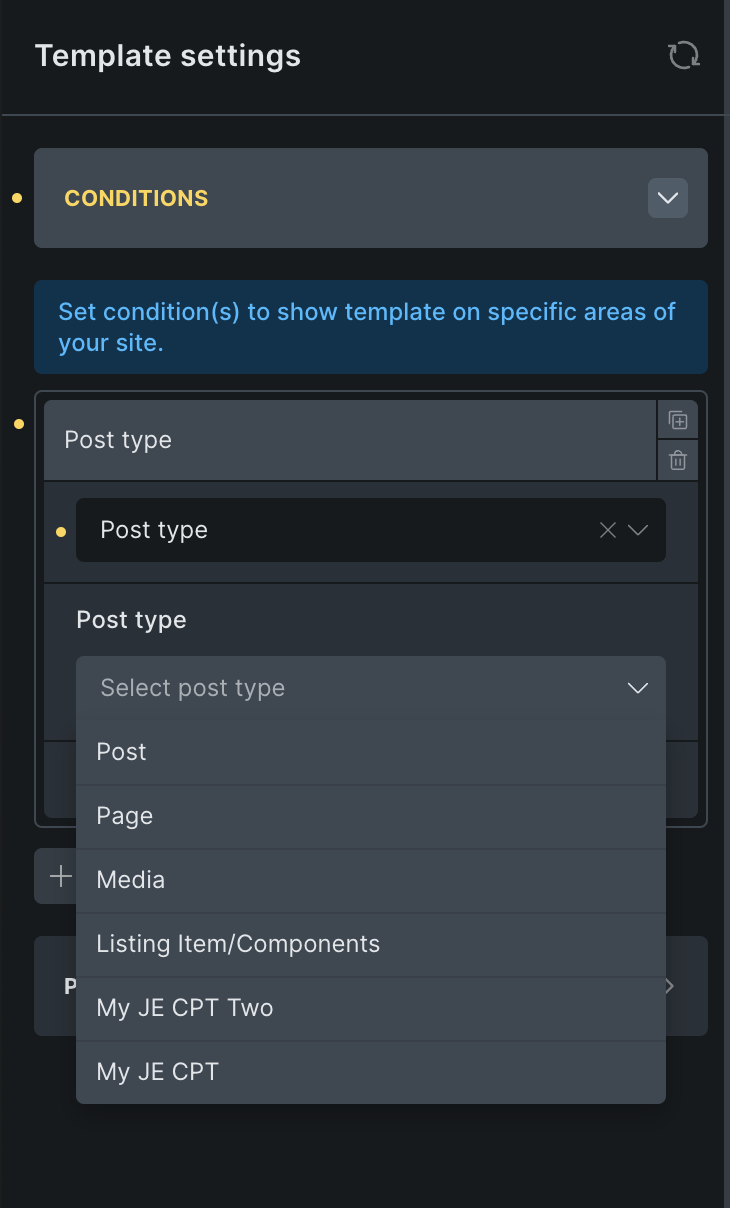
- Template conditions don’t recognize JetEngine CPTs
- Cannot preview CPT content in Bricks editor (shows blank/no content)
Steps to Reproduce
-
Create a Custom Post Type using JetEngine with these settings:
- Is Public:
 Enabled
 - Publicly Queryable: Enabled
- Show in Rest API: Enabled
- Has Archive: Enabled
- Is Public:
-
Create posts using the JetEngine CPT (verify they work on frontend)
-
Create a Single template in Bricks Builder
-
Go to Template Settings → Preview Settings → Content Type → Select “Single (Post/Page/CPT)”
-
Expected: JetEngine CPT should appear in the “Post Type” dropdown
-
Actual Result: Only default WordPress post types (Post, Page) appear - JetEngine CPTs are missing
Technical Details
Root Cause: Bricks Builder’s bricks/setup/control_options filter doesn’t automatically include JetEngine custom post types in its available post types array.
JetEngine CPT Registration: JetEngine CPTs are properly registered and functional:
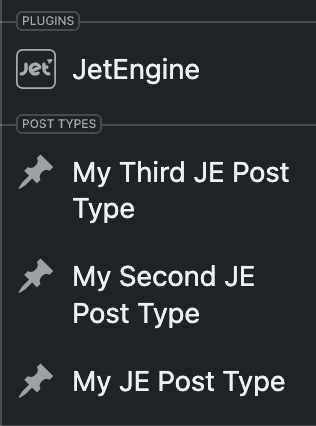
- Visible in WordPress admin menu
- Frontend display works correctly
- CPT exists in database and is queryable
- All WordPress CPT settings are correct
Integration Gap: Bricks expects CPTs to be available in its control options but doesn’t automatically detect JetEngine-created CPTs.
Workaround Solution
Add this code to functions.php to manually bridge the integration:
// Fix: Make JetEngine CPTs visible in Bricks Builder
add_filter('bricks/setup/control_options', function($options) {
    $jet_cpts = jet_engine()->cpt->get_items();

    if (!empty($jet_cpts)) {
        foreach ($jet_cpts as $cpt) {
            if (isset($cpt['slug']) && post_type_exists($cpt['slug'])) {
                $options['postTypes'][$cpt['slug']] = $cpt['name'];
            }
        }
    }

    return $options;
});
Result After Fix:
- JetEngine CPTs appear in preview settings
- JetEngine CPTs available in template conditions
- CPT content previews correctly in Bricks editor
Impact
This affects any user trying to create single templates for JetEngine custom post types, which is a common use case for:
- Portfolio sites
- Business directories
- Product catalogs
- Team member profiles
- Any custom content structure
Suggested Fix
Bricks should automatically detect and include all registered custom post types (not just core WP types) in the control_options filter, or specifically add compatibility for popular CPT plugins like JetEngine.
Environment Details
- WordPress Version: Latest 6.8.2
- Bricks Version: 2.0.1
- JetEngine Version: Latest 3.7.3
- Theme: Any - I used Bricks and Bricks Child
Additional Notes
This appears to be a compatibility issue between how JetEngine registers CPTs and how Bricks discovers available post types. The workaround is functional but requires manual code intervention that average users may struggle with.
A native fix would greatly improve the user experience for the many users who rely on JetEngine + Bricks combinations.