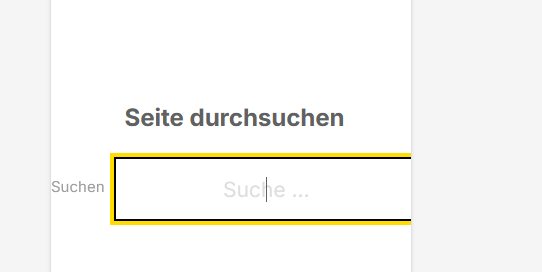
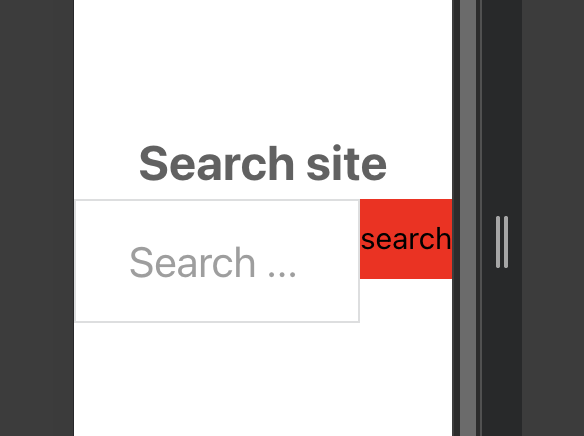
Hi. The following issues occured with the search OVERLAY POP UP.
Styling applied (such as colors, borders of the search button, …) won’t show up on the mobile version of the overlay.
The search overlay exceeds my mobile screen (as you can see the search field is cut off).
Further suggestions: Centering the overlay pop up is very tricky (I had to use CSS code because the search button was floating somewhere next to the search field).
Plus: Would it also be possible to set the z-index of the overlay, it seems to be interfering with one my sticky headers.
%root% form {
display: flex;
justify-content: center;
align-items: center;
}
can you record a video of all four points and can you send temporary login credentials to your test/staging website and a link to this topic to help@bricksbuilder.io using the email address you used during the purchase, so we can take a look?
Here are my results:
The styles applies even on mobile version
Hmm, for me, it shrinks. The preview is about 200px wide.