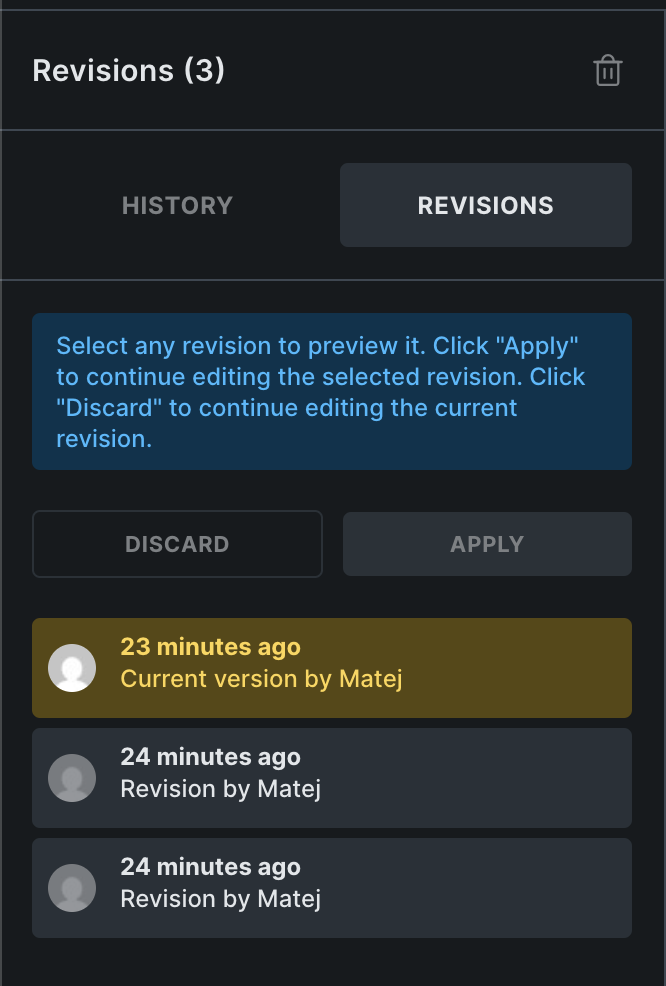
After updating Bricks to the latest version ( from v1.11.1.1 to v2.0.1 ), we’re encountering issue where the history and revisions appear empty. We’ve enabled the autosave feature. Could you please assist us or provide a solution for this issue?
About the issue, what do you mean “empty”? That there are no revisions and no history? Can you please record a video of empty history/revisions and what exactly is not working.
For example, I can still see revisions locally. I can’t replicate the issue you mention.
thank you for sharing the videos. I can see the issue, but I would need to test it out to figure what is happening. So, can you send temporary login credentials to your test/staging website and a link to this topic to help@bricksbuilder.io using the email address you used during the purchase, so we can take a look?
I would prefer staging/testing one, so I can actually try to apply the revisions and history.
Same problem here with a website of a customer. Some pages as well as their younger revisions are empty (since about a year) respectively are not shown, while older revisions contain content visibly.
Funny observation: I’ve copied the site to the provider “all-inkl”, and saw the missing contents of these empty pages (including the page versions) immediately. So the question is, what are the differences between the two servers (PHP settings, database).
I could now copy the structure from a page from the staging-site back to the live website and had to correct just a few images. Glad that this phenomenon had affected only four pages.
Nice to hear that it’s working, but on the other hand, I don’t have a clue on what could be different.
My first thought was that the database was somehow corrupted on the first page, but that does not explain why the same entry is working on the second one
Bricks, WordPress, and plugin versions are all the same?
Are there any changes related to database/table structure with latest bricks version, also bricks were using custom functionality for revisions and now it’s using revision API.
If there is some table/structure change in db and after updating, it has been not done, it might cause issue. Have anyone faced same issue with it.
Just want to know, is this issue has been marked as bug and core team is working on it or not? Is there any plan of fixing this issue in upcoming versions?
I can reinsert the content from the staging website (other server) into the “empty” original page,and then I see it again.
But this does not return the still empty-looking revisions.



 I’ve answered with the further instructions in the other one.