I noticed that it seems that in v2.1.3, when a class style is set, the value when styling the element shows the default value rather than the value inherited from the class.
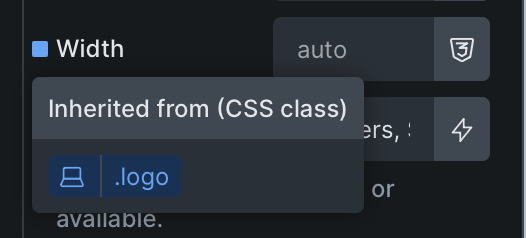
Image showing that a value is inherited from a class (element selected here, not class):
Image showing the actual value from the class (which should be shown in the first screenshot value greyed out):
In the example above… shouldn’t the “auto” text that’s greyed out be showing “150px” greyed out instead since it should be showing the inherited value?
Unfortunately, I can’t tell from your screenshot whether the class is selected/active in the class panel – the value is only displayed when the class is selected, since the ID is active when no class is selected.
However, there is currently still a bug with the inherited settings:
That is a different issue that you linked to, although similar.
Sorry I should have made it clearer in my initial post… the first screenshot is when the element is selected (no class). And the second screenshot is of course when the “logo” class is selected (not the element) which is where the first screenshot should then be showing the value from in greyed text rather than “auto”.
As far as I can see, the behaviour is the same in all elements (and has been since its introduction). As long as the class is not selected in the class panel, the input fields show the value from the computed styles of the ID (since the class is not selected), or nothing if there is no value.
However, the “inherited styles” indicator is displayed so that you know that something is still assigned (on a class). If you click on the class name, the class becomes active and the value is displayed accordingly.
Sorry, but to be honest, I don’t see a bug here either, especially since, as I said, the behaviour has been like this from the beginning.
That is not the behaviour I see though on other sites, so I’m surprised to see that what you’re saying is the behaviour “has been like […] from the beginning”, as this is not the behaviour I see.
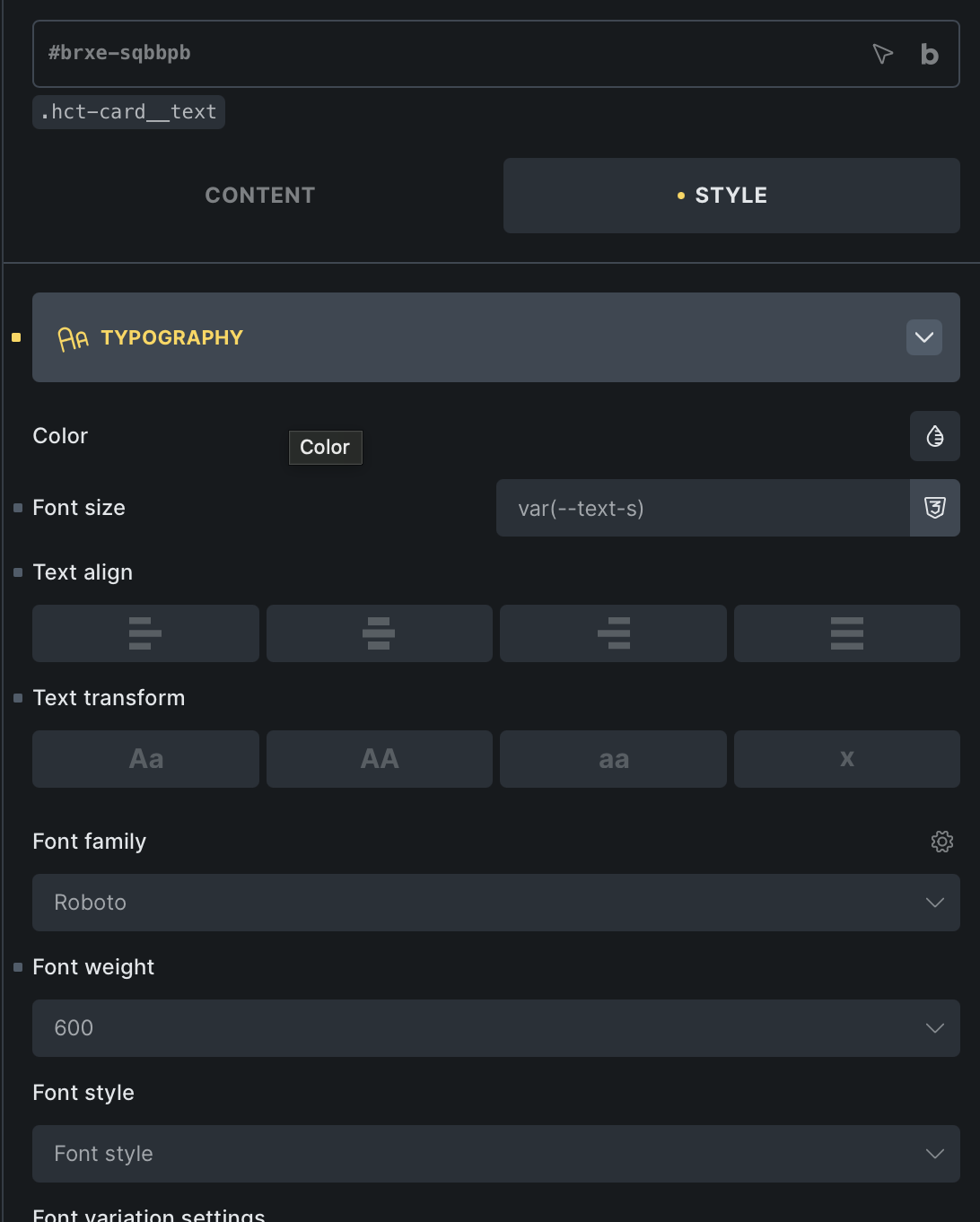
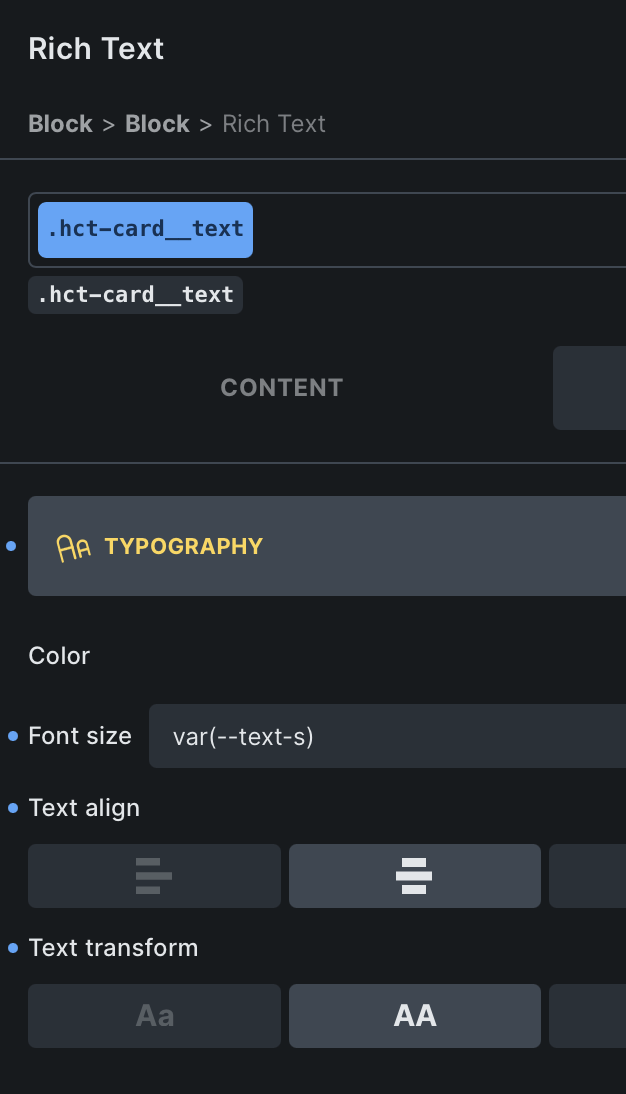
On another site in Bricks for example, I have the following Rich Text element…
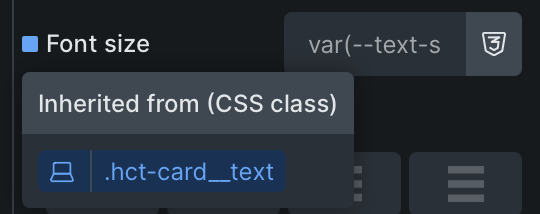
The var(–text-s) is displayed in greyed out text because it comes from the inherited class (notice it’s unselected right now so we’re viewing the ID level styles). If I hover over the dot, I see the following:
Now I have also tried changing the CSS class to show var(–text-m) for example and going back to the ID styles to see if it still shows the var(–text-s), and it reflects the changes I make from the CSS class as I would expect to see.
So I’m really not sure what to suggest but I have to ask… why do I see discrepancies like this? If the way you see it is the “expected behaviour”, then why is mine acting otherwise in a different Bricks site on 2.1.4? Is it to do with the element types perhaps? If yes, then this would still suggest a bug/defect in the product to me, even if the behaviour I prefer isn’t the right behaviour, because these items should be (at the very least) consistent.