I’m using Bricksbuilder with FluentCart.
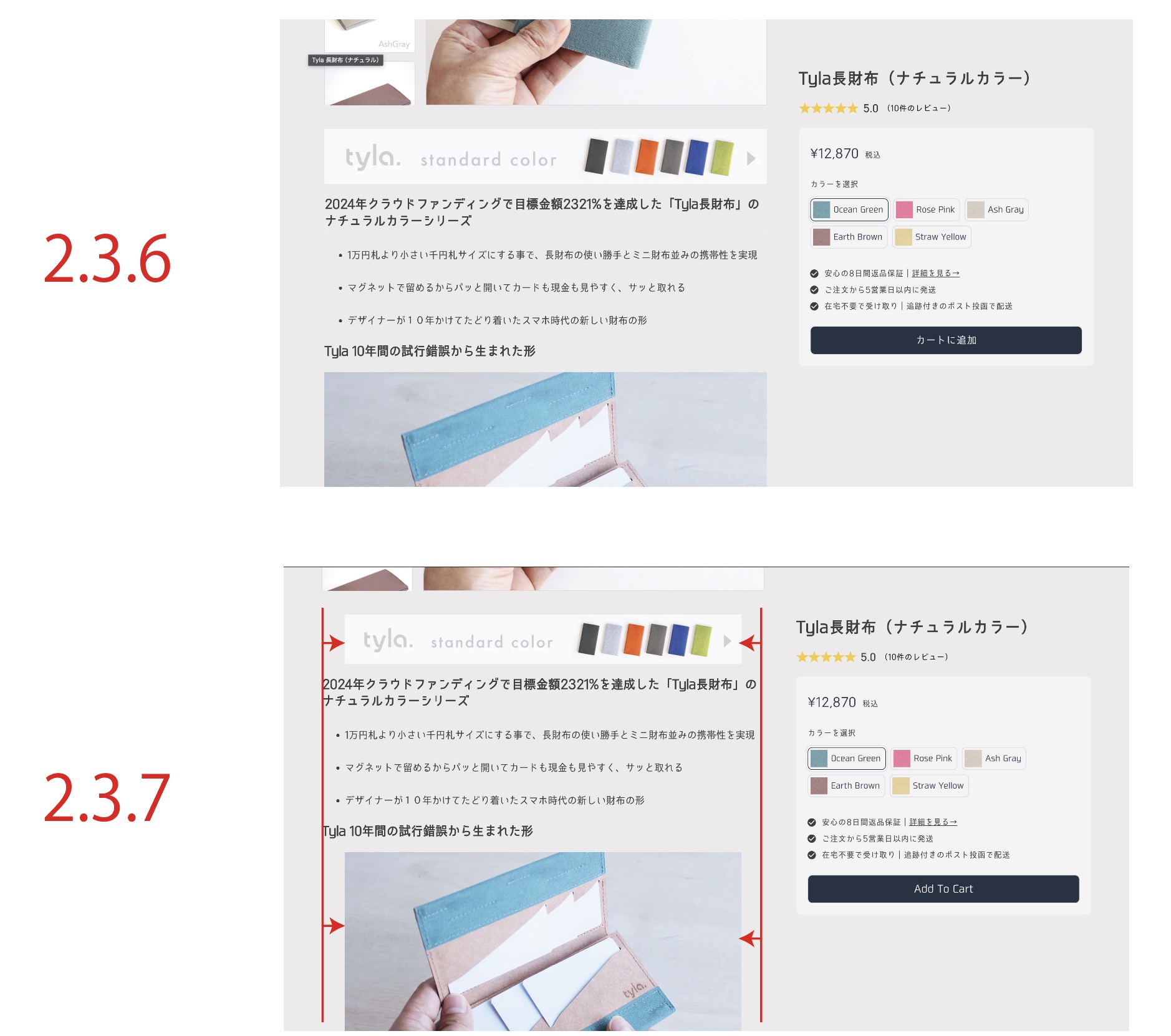
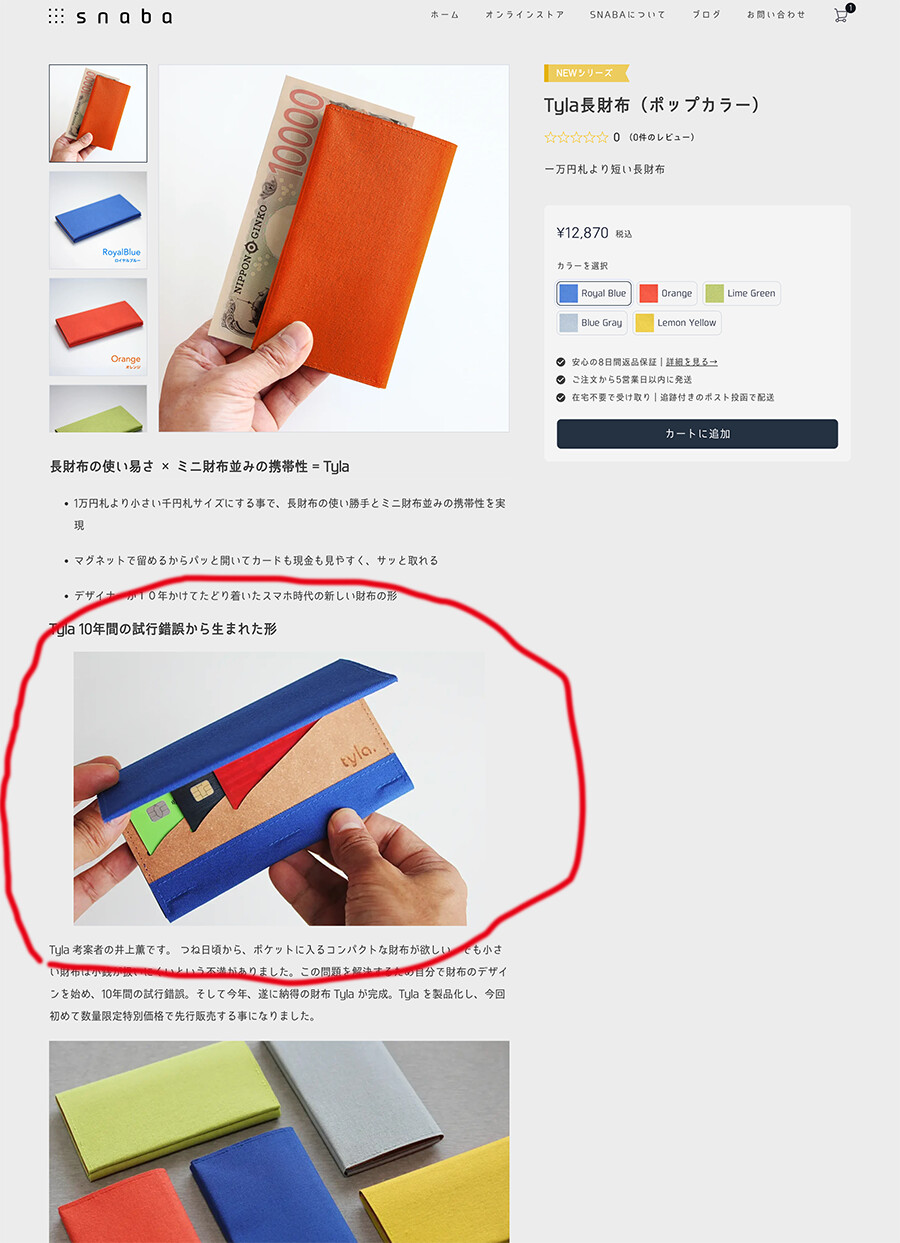
When I upgraded Bricks 2.3.6 to 2.3.7, all the images on the product description, that were stretched across the box were indented on both left and right sides. Product description in Fluentcart uses wordpress native gutenberg builder. The images Alignment are set to “None”, when I switch it to “Align Center“ the issue gets solved, This affects all the products so I prefer not to have to go through all the images and change the setting.
The first step would be to figure out what the actual cause is (right-click and select “Inspect Element” with the developer tools). Unfortunately, we don’t currently have a Fluent Cart license, and you didn’t provide a live link, so I can’t check it out myself.
Alternatively, you are welcome to send us login credentials to help@bricksbuilder.io