#UPDATE
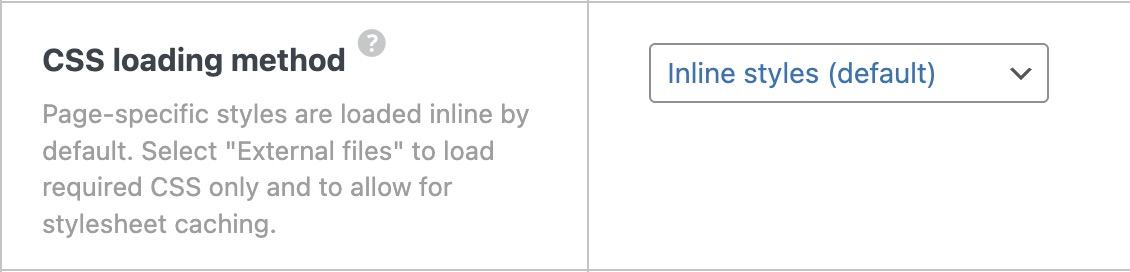
FYII changed my Bricks settings… CSS loading method from “External” to “Inline Styles”. That did the trick. But is it supposed to be like that when switched to external?
Hi everyone,
I’m experiencing a strange issue with Bricks Builder and would appreciate your help.
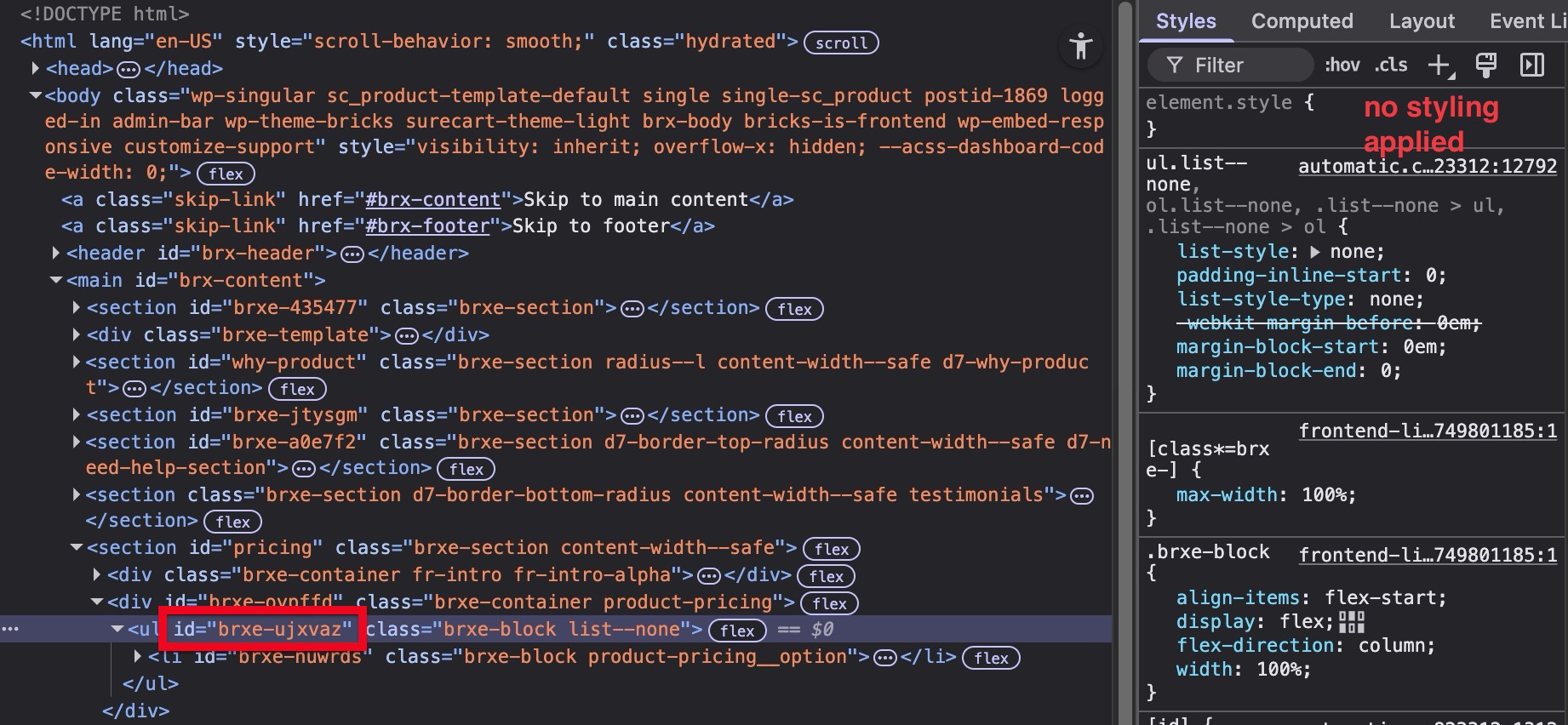
When I apply styling using an element’s ID , it works perfectly inside the builder , but on the frontend, no styles are applied at all .
Here’s what I’ve tested so far:
- Downgraded from Bricks 1.12.4 to 1.12.3
- Deactivated all plugins, including Automatic.css, Frames, and LiteSpeed Cache
- Cleared all caches and rebuilt the CSS
 Still, styles applied to IDs are completely ignored on the live site.
Oddly enough, class-based styles work fine both in the builder and on the frontend — but using classes exclusively is not practical for my specific layout (e.g. for unique, single-use elements).
This behavior doesn’t seem intended, especially since Bricks allows you to define styles by ID directly in the panel.
Example:
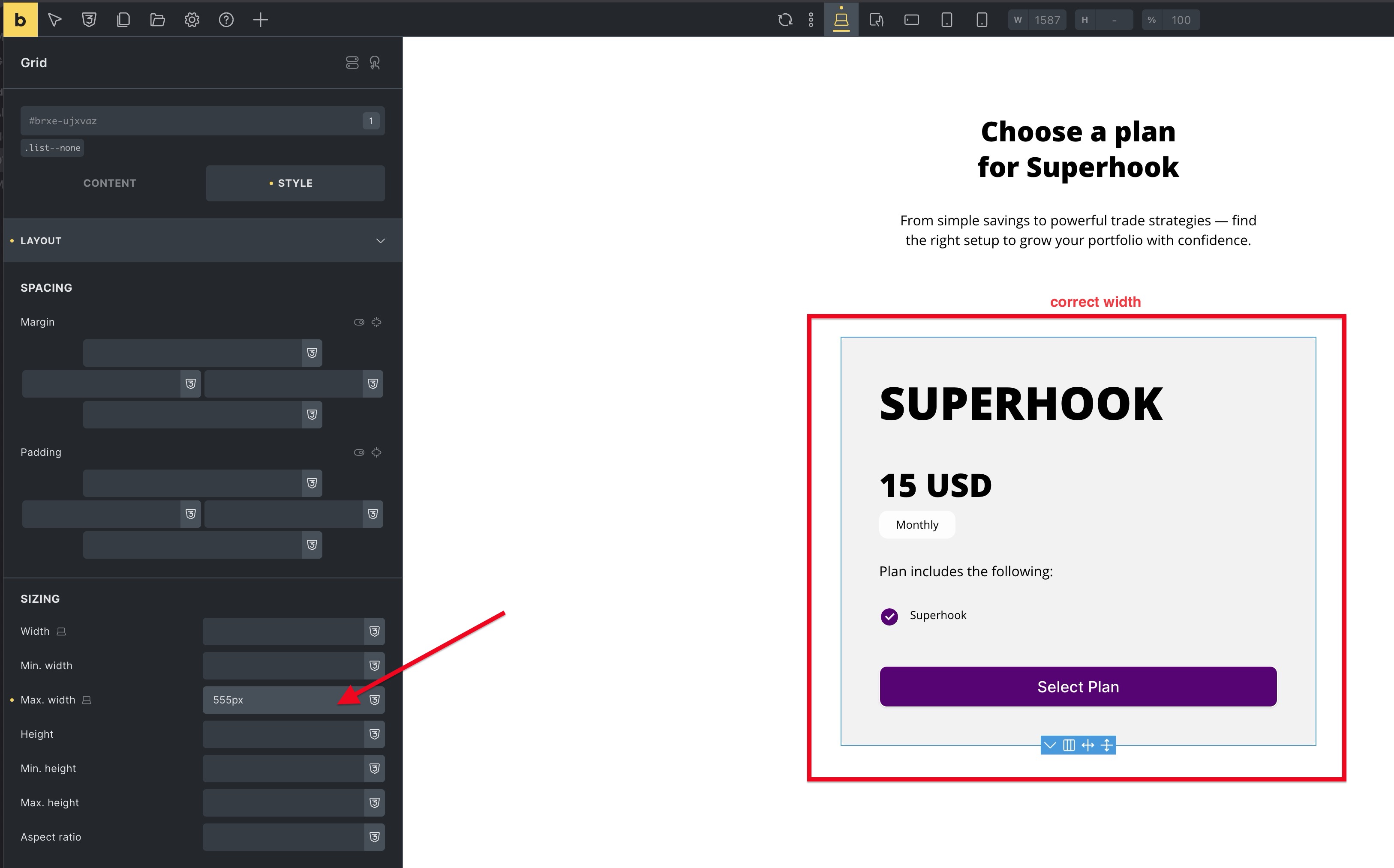
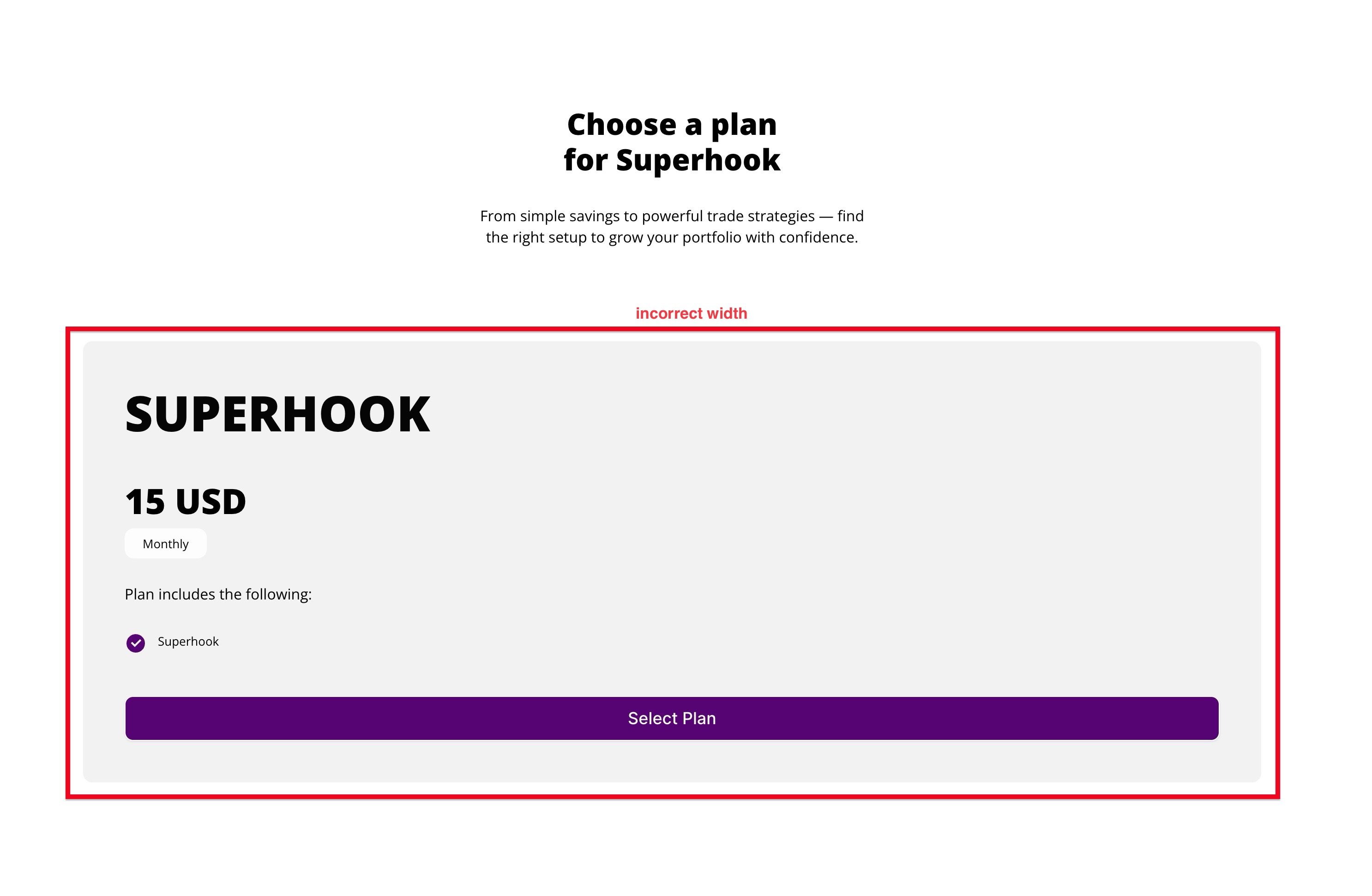
In the builder, the element with ID #brxe-ujxvaz displays at the correct width (e.g. max-width: 555px), but on the frontend, it stretches full-width because the max-width doesn’t render.
Here are screenshots showing:
- The DOM element and computed styles in the browser
- How it looks broken on the frontend
- How it looks correct in the builder
- My currently active plugins
(See attachments)
Has anyone else run into this?
Would love to hear if this is a known bug or if there’s a workaround I’m missing. Thanks in advance!
Best,
Joey
Screenshots