Browser: Chrome 110 OS: macOS / Windows / Linux / etc. URL: Link to a page that illustrates this issue Video: Short screen recording that illustrates this issue (free tool: jam.dev)
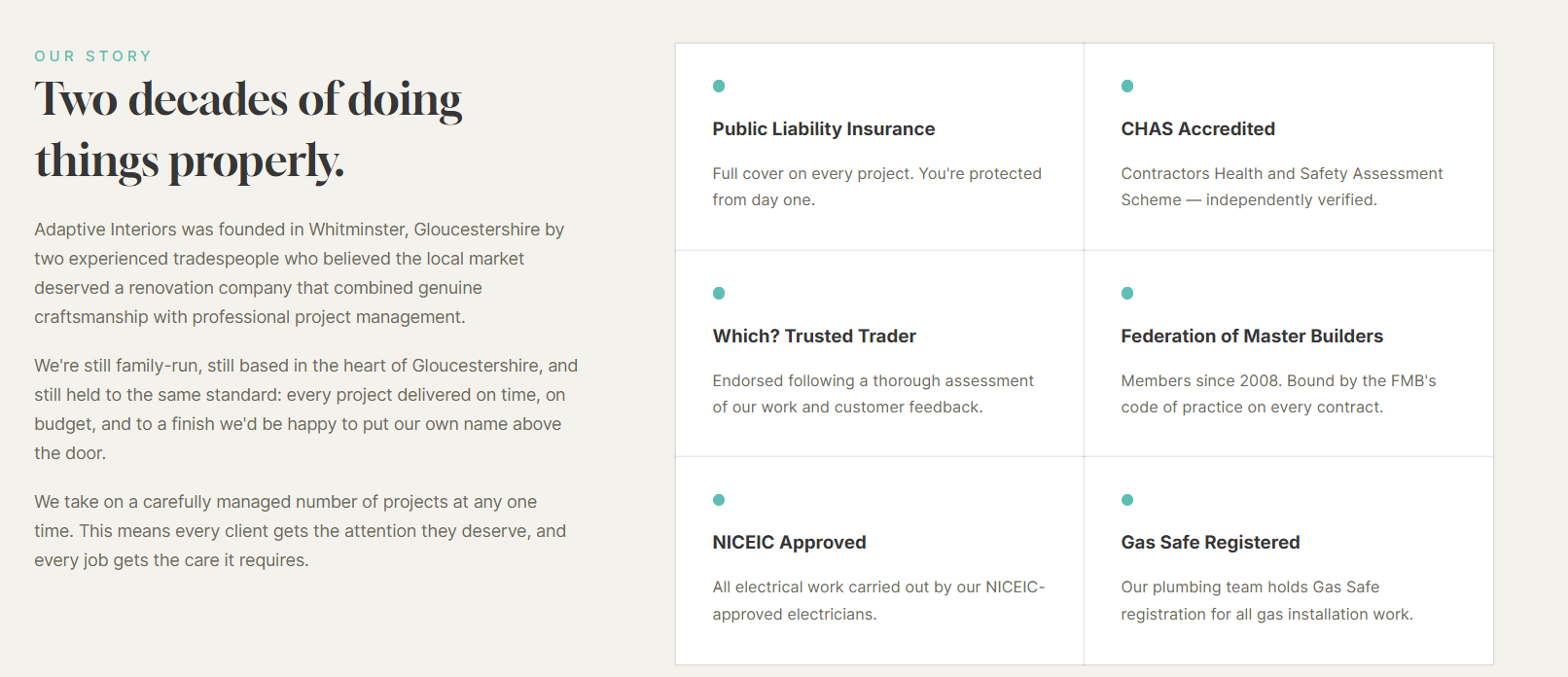
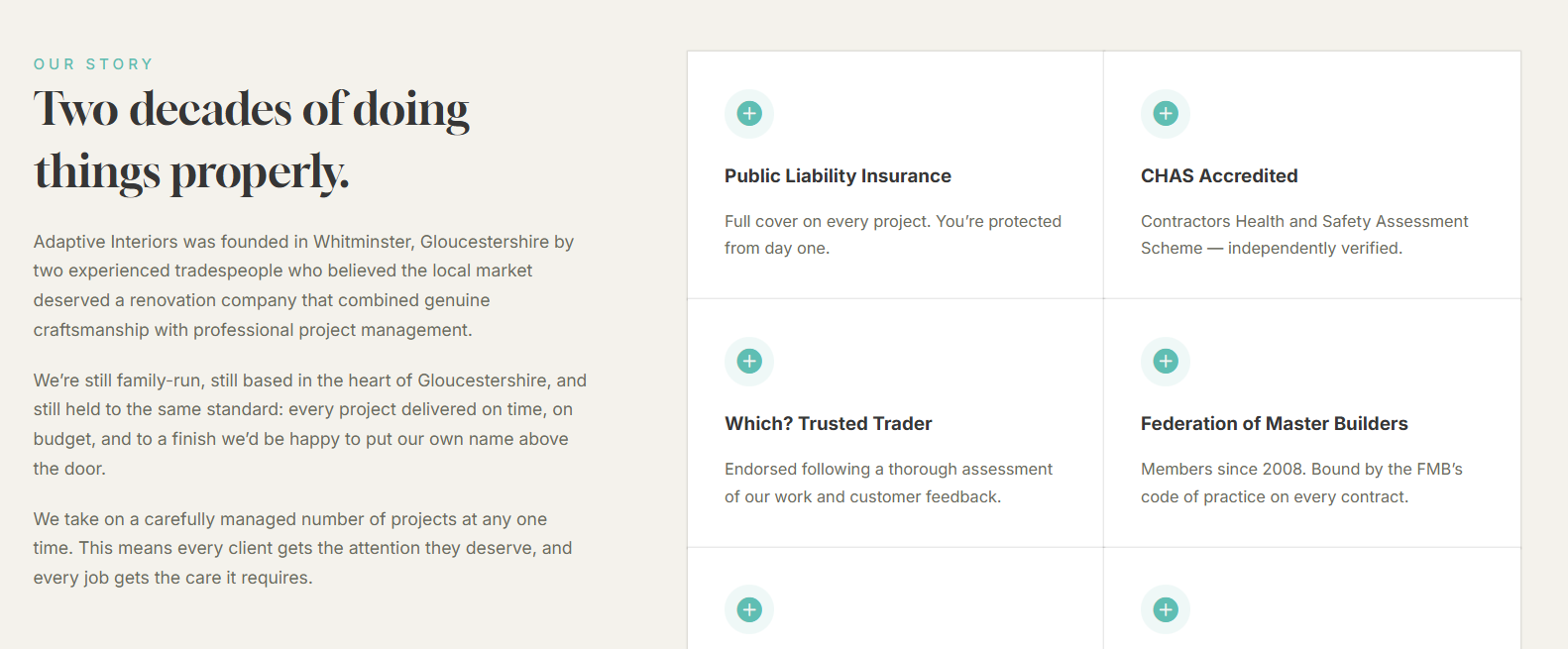
So I’ve created a variant of the icon box component (base and dotted) basically I only want the icon to be styled differently, it works perfectly in the editor, but in the actual rendered css/html it’s not correct.
Hi Anthony,
Thanks for the report. I cannot confirm the cause from the current details yet.
Does the problem occur only in the preview, or does it actually happen in the front end as well?
Please provide:
the copied-elements/component export for the Icon Box component and its base/dotted variants
the affected frontend page URL, if it is publicly visible (only if the issue is visible on the fontend)
which icon style is expected to change between the variants
Then we can test the same structure and confirm whether this is a Bricks-side issue.