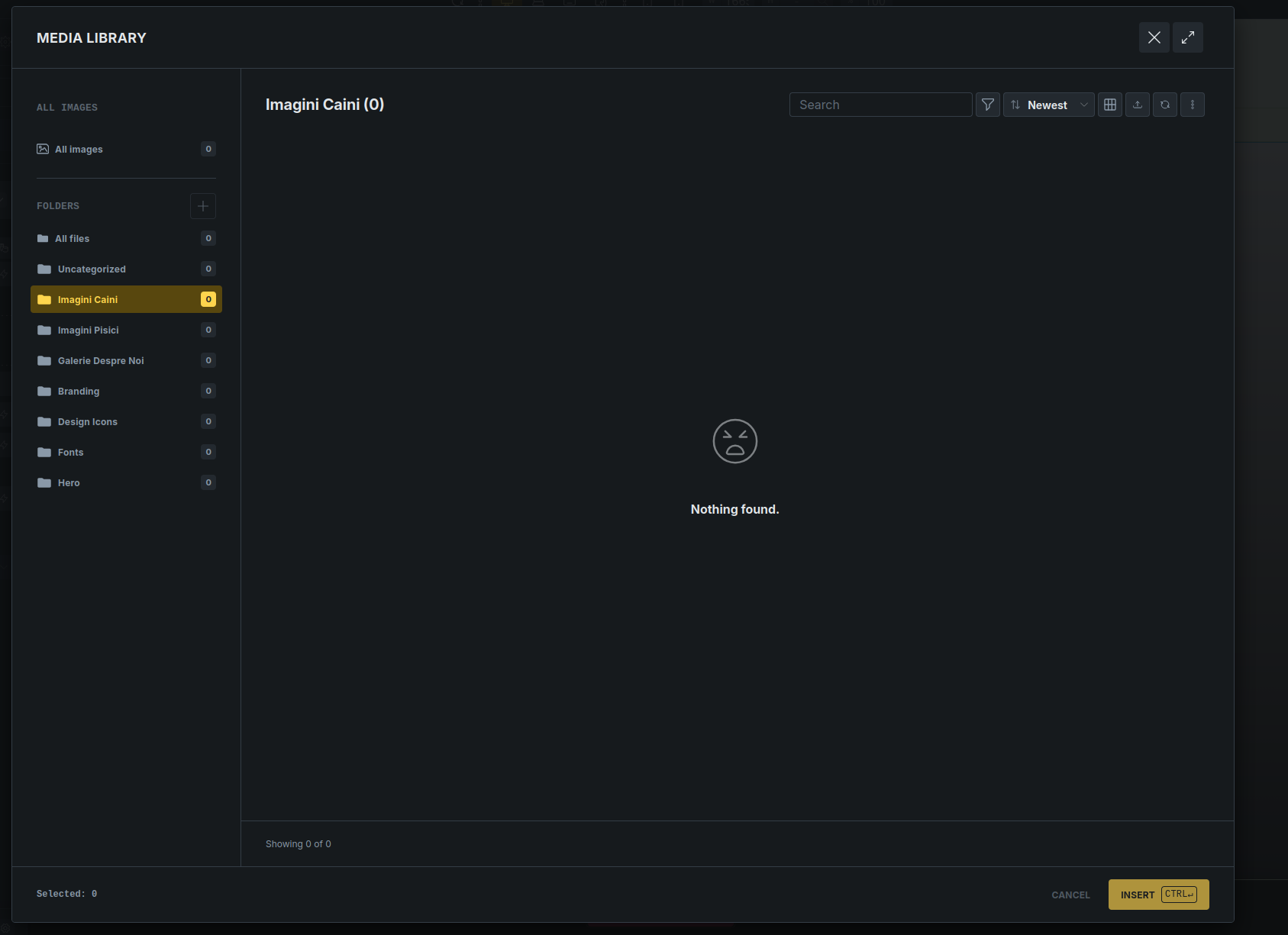
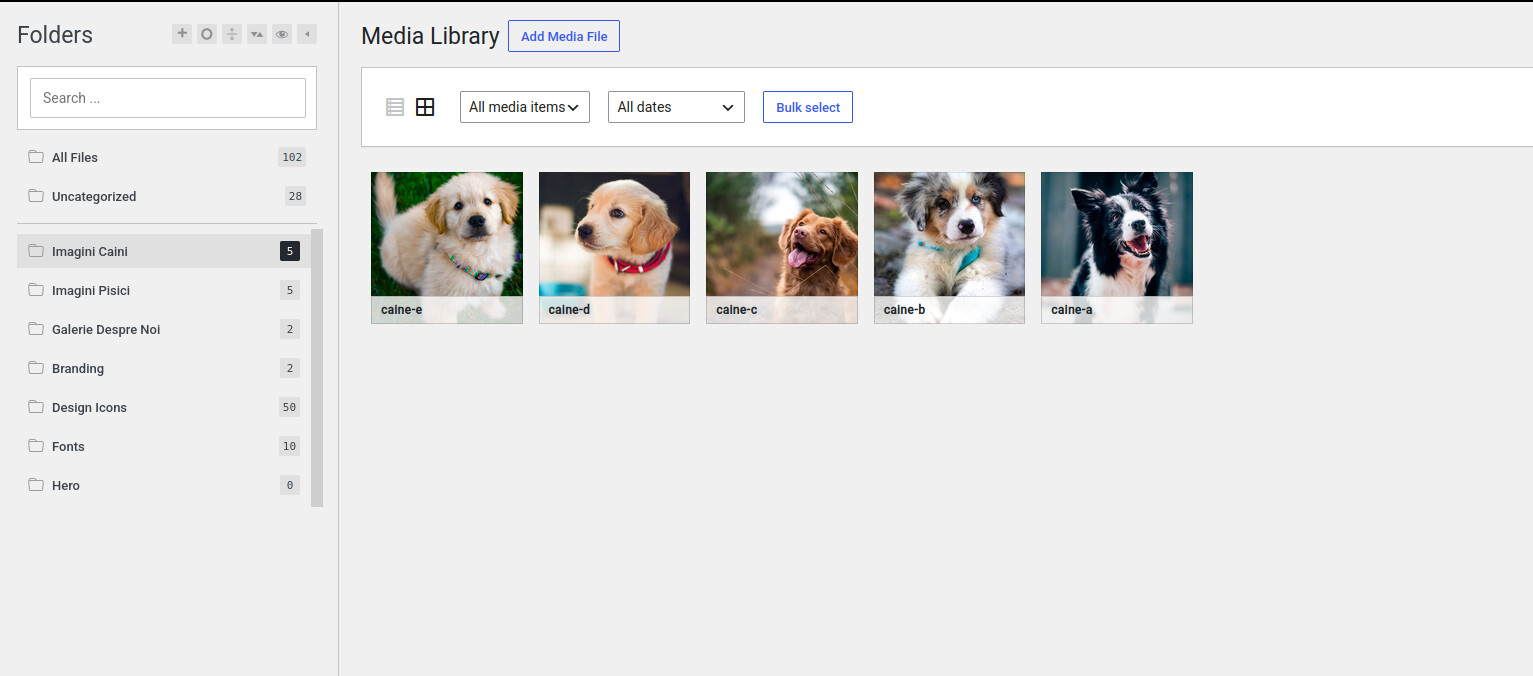
I am trying to add a background image and Media Library seems to be empty while it is not…as you can see in the second image.
Hi Lucian,
Thanks for the report. Which media-folder plugin and version are you using? Also, if you select “All images” in the Bricks media picker, do your images appear, or is that view empty too?
I am using Happy Files latest version. I tried deactivating it and also choosing the following in Bricks Settings but that didn’t fixed the issue.

Selecting “All images” did not fixed the issue.
However, it seems that deactivating WPML Multilingual CMS brought back the images. Not sure whose fault is in this case - WPML or Bricks - but I need WPML active..
With WPML active, could you open Media → Library and select the same language as the page you’re editing? Do the images appear there, and do they appear when you switch to the default language?
Please also let us know your WPML version.