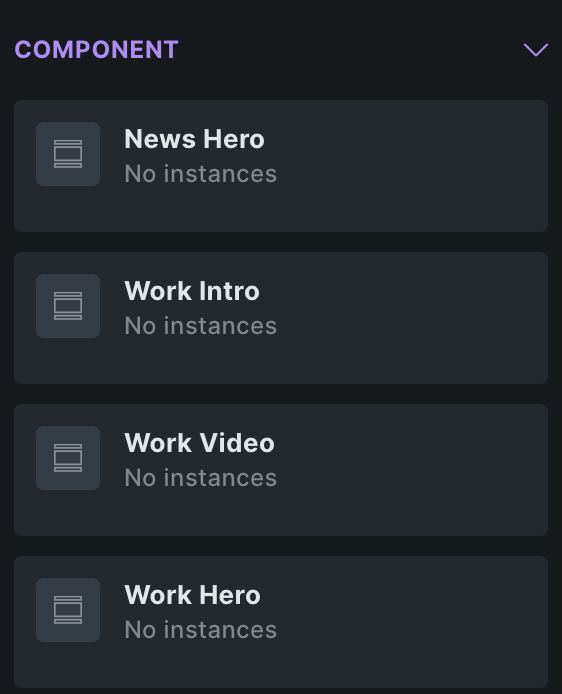
Also used components does not reflect instances correctly. I have multiple pages where I use specific components but in manager there is no number at all or smaller number of instances than in reality.
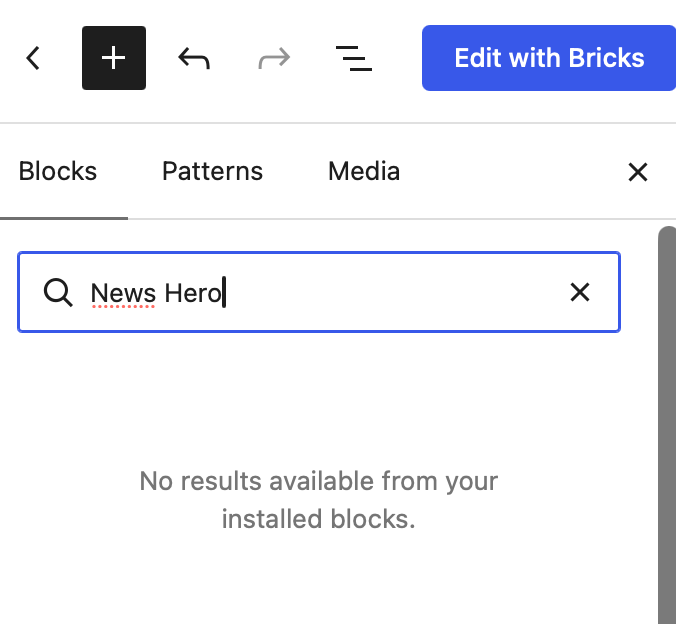
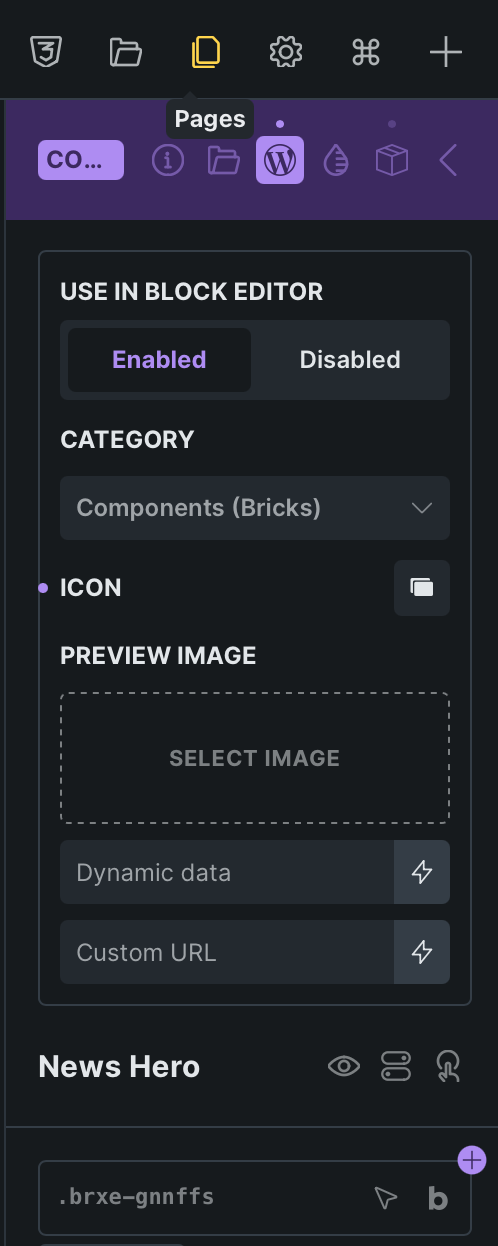
hmm, I can’t replicate it. Could you temporarily change Bricks → Settings → Gutenberg → Bricks components in block editor to All, save, and reload the block editor? Does the component then appear when searching for its name?
If it’s still missing, please export one affected component and share the JSON file so I can test the same component locally.
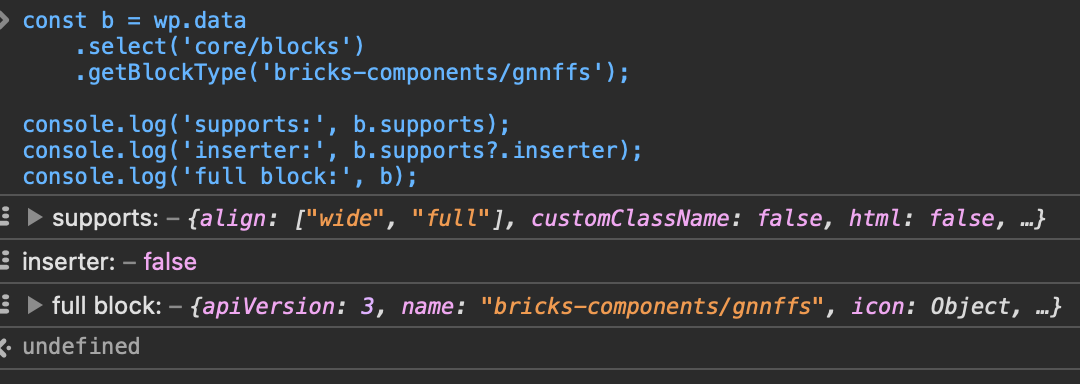
The inserter: false value also appears on my working setup, this should not be an issue (it’s there for a compatibility)
Well the thing is I am hiding all components by default and only allowing specified by me. Because I need control which components clients can move/remove or add.
Thanks for sharing your filter—that explains the difference from my test setup.
In Bricks 2.4.1, those components have new registered block names. Their old bricks-components/… names remain registered for compatibility with existing content, but are hidden from the inserter. Your filter currently allows only those old names.
Please update your filter as follows. The helper returns the correct block name for each component ID:
Remove the JavaScript override, reload the block editor, and check whether the allowed components now appear.
My earlier reply needed that clarification: inserter: false is intentional on the compatibility blocks, but it does matter when those are the only names your filter allows.