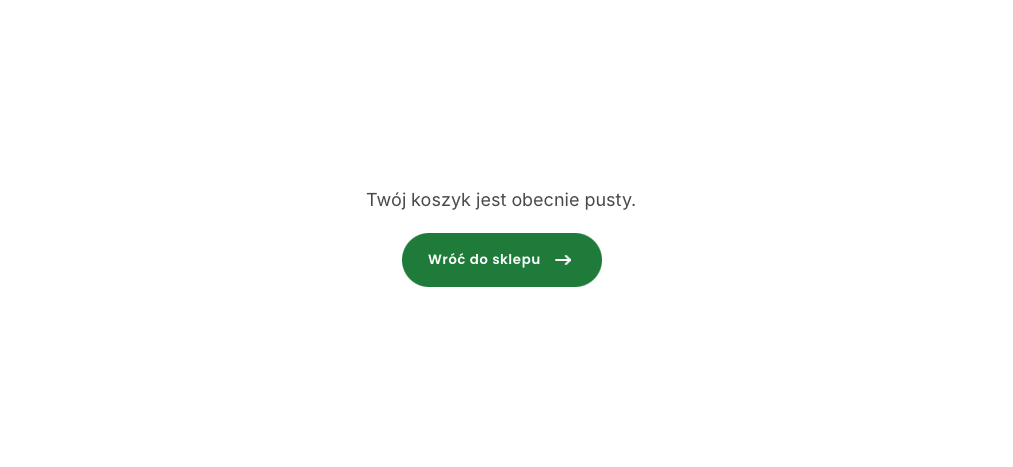
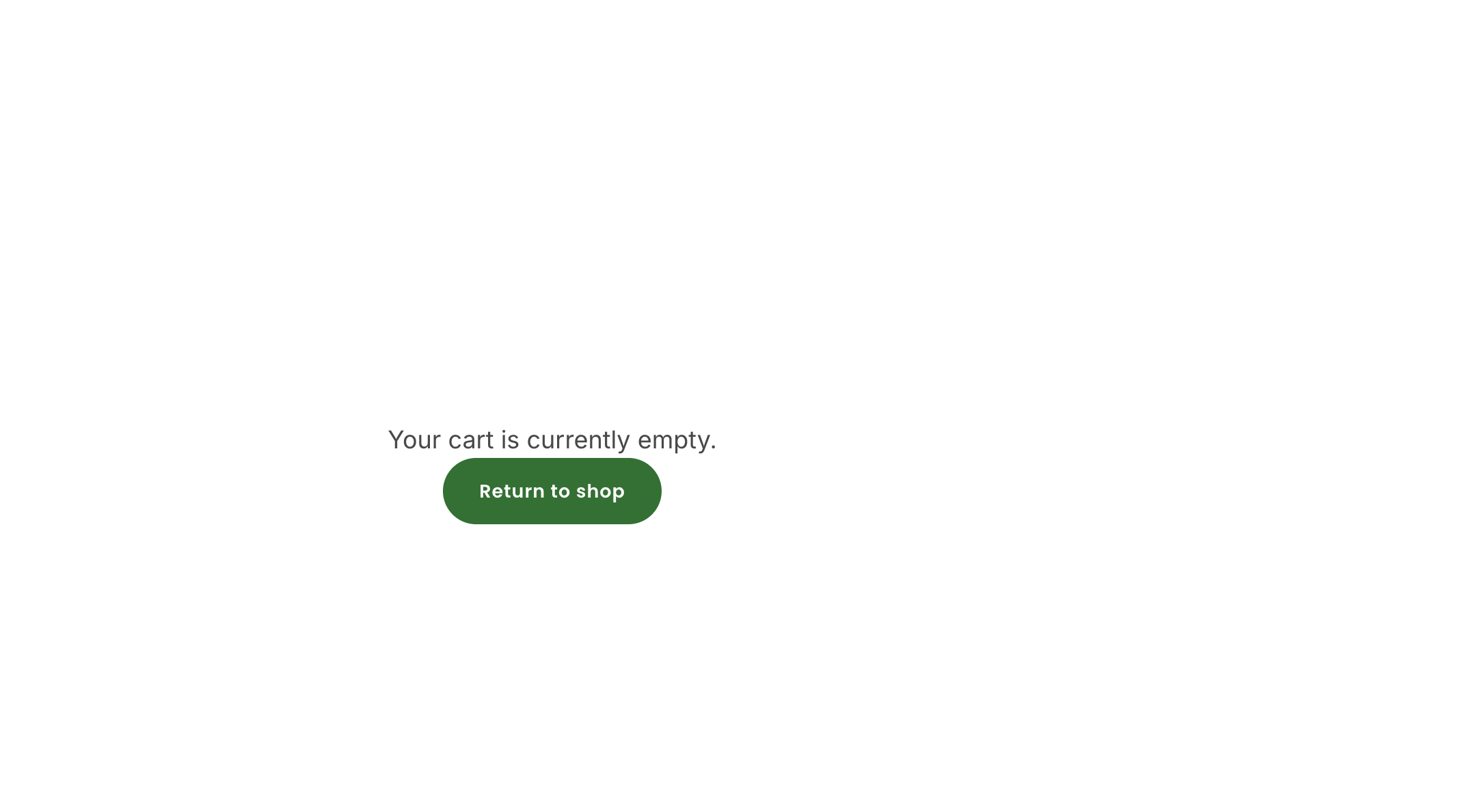
Hi I set simple empty cart template, but It’s not render correctly on the frontend.
Hi,
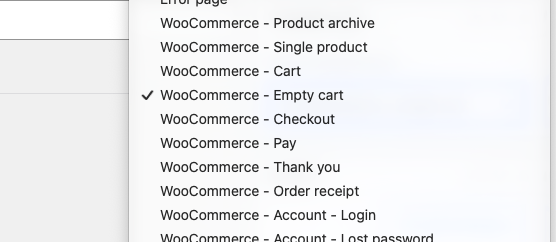
The separate Empty Cart template is used with the classic [woocommerce_cart] shortcode. Cart v2 uses its own Empty cart state instead, as described in our Cart guide.
Could you send the affected cart page URL and confirm whether it uses the shortcode, the WooCommerce Cart block, or Bricks Cart v2? Does this happen on a fresh page load, or only after removing the last item?
Also, your title says 2.4.3 while the topic tag says 2.4-rc—which version is installed?
I have 2.4.3 version but on the list of tags I can set this version. I’ve used Cart v2 workflow Wizard and this happened. Also when I try remove this template from wizard and create a new one from scratch, the problem still exist. Page with cart doesn’t have any shortcode. All I based on template, don’t use any shortcodes into page . About URL - I working on localhost so I can’t send a link.
EDIT: Ohh now I see it! There’s a switching between empty/filled cart. I didn’t see this before.
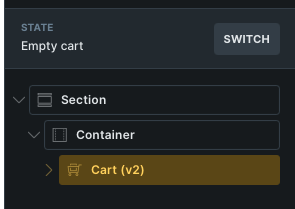
Yes, that’s the switch you need. Edit the Cart v2 element’s Empty cart state on your assigned Cart page to customize the empty-cart layout. The separate WooCommerce – Empty Cart template belongs to the classic shortcode workflow.
The Cart guide explains both workflows.