Not big bug, it’s really just a disturbing phenomenon.
When i delete a value, example padding, the number is stay there with light grey. If i put it 0 and after delete again it is gone, or i have to reload the editor to gone.
Not big bug, it’s really just a disturbing phenomenon.
When i delete a value, example padding, the number is stay there with light grey. If i put it 0 and after delete again it is gone, or i have to reload the editor to gone.
I think this is one of those “not a bug but a feature” things  … I like it because it tells me what I used to have there before I erased it—this forgetful Lucy thinks it’s handy! lol
Hey @simplecreative,
thanks for your report.
Unfortunately I am not able to reproduce your issue. Am I missing something while trying to replicate it?
Can you please completely disable all caching and plugins and also try different browsers?
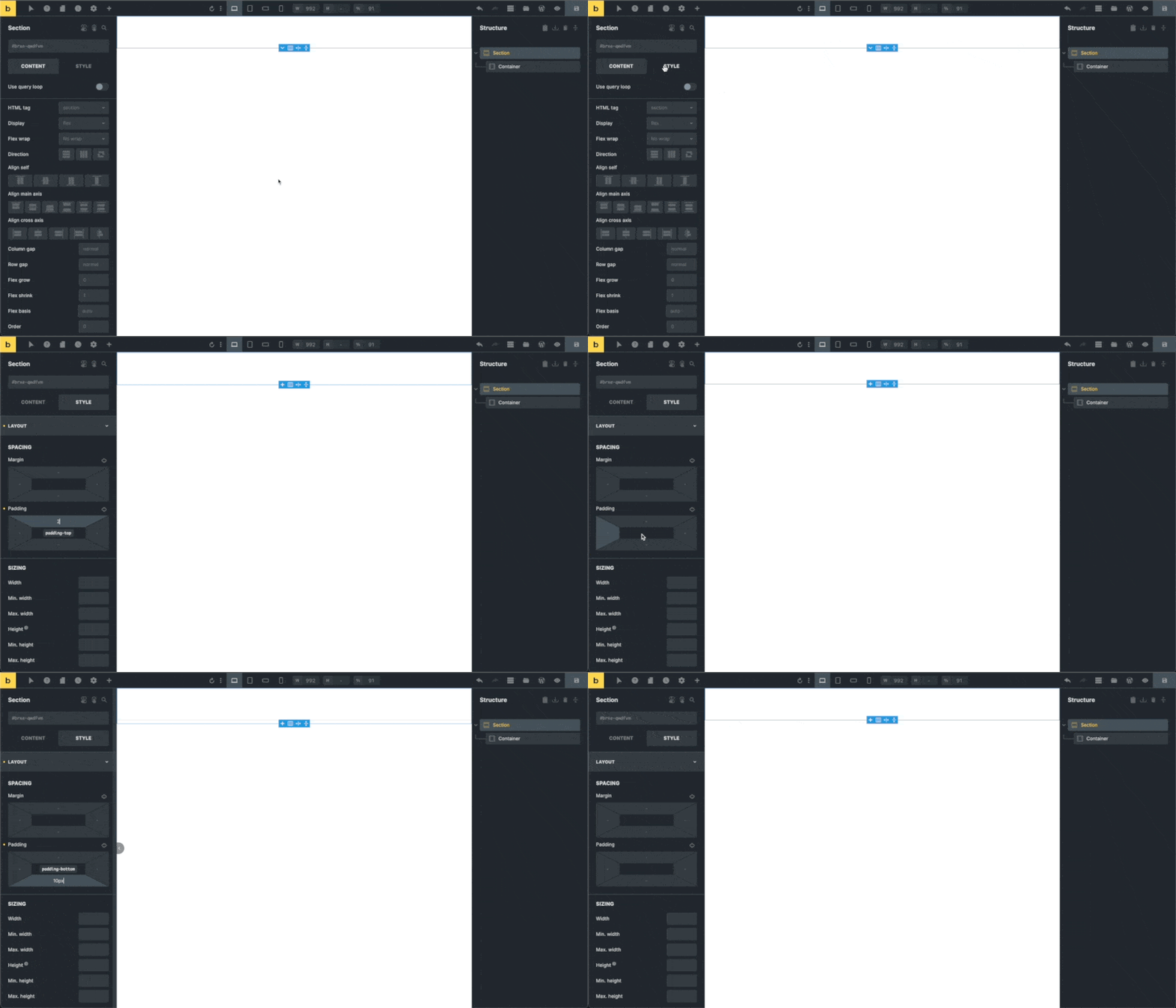
Note: Although using a section element in the GIF it also works as expected for me on the dropdown element’s content element.
Best,
André
Thanks your answer. With Section and others working me too. I can only do this glitch with nestable nav, like in the video.
This site is under development, so we dont use any cache or optimization plugin. On the other hand using lates version of chrome.
Hey @simplecreative,
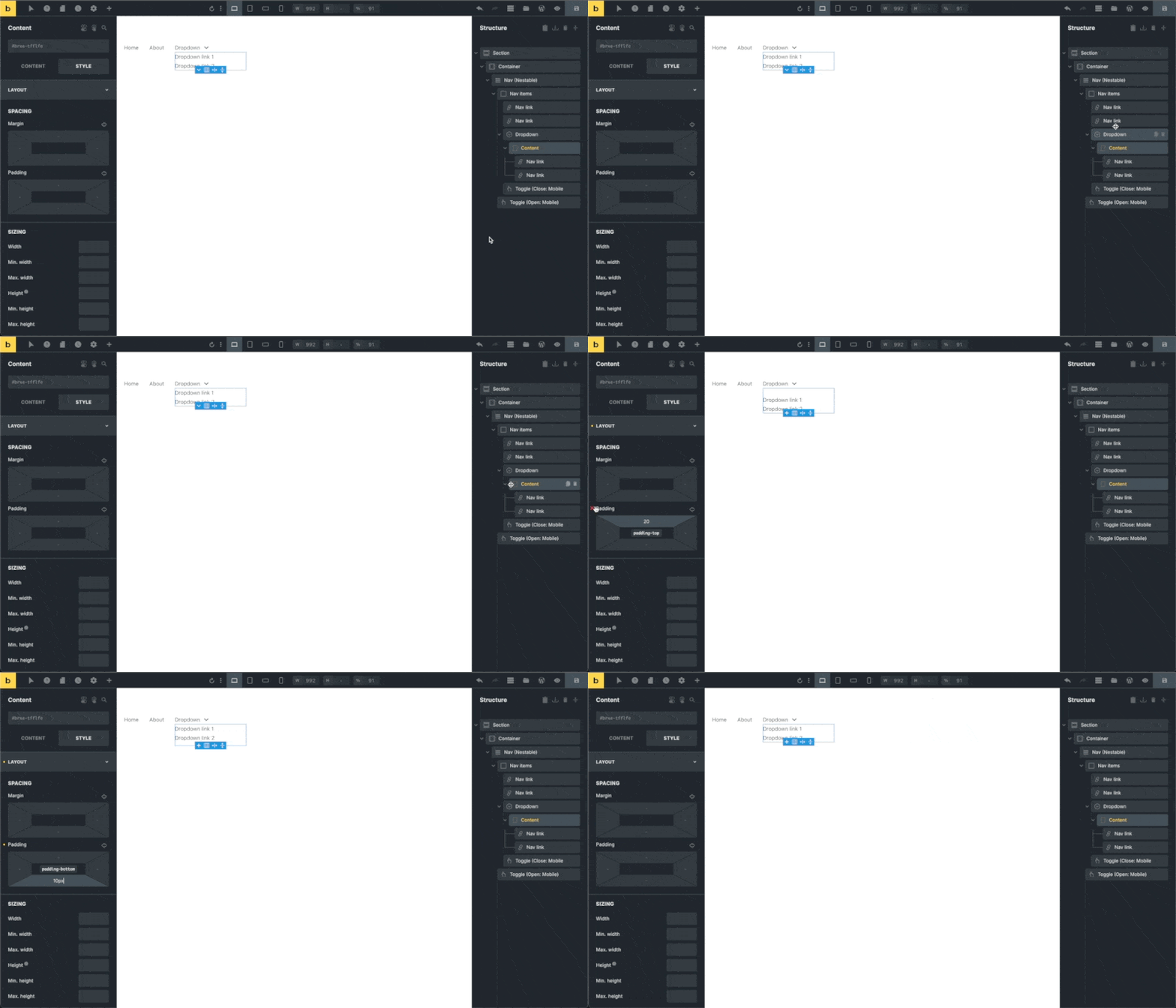
as I already wrote in my previous answer I am not able to reproduce it on the dropdown element’s content element either:
Did you follow my advice and disable all the caching and plugins? What about different browsers?
If it’s the same for you with every plugin and caching being disabled please send some temporary credentials to help@bricksbuilder.io. Then I’m happy to have a look.
Best,
André
I dont know, what is happeing, yes I cant reproduce the glitches every time. It has random pattern.
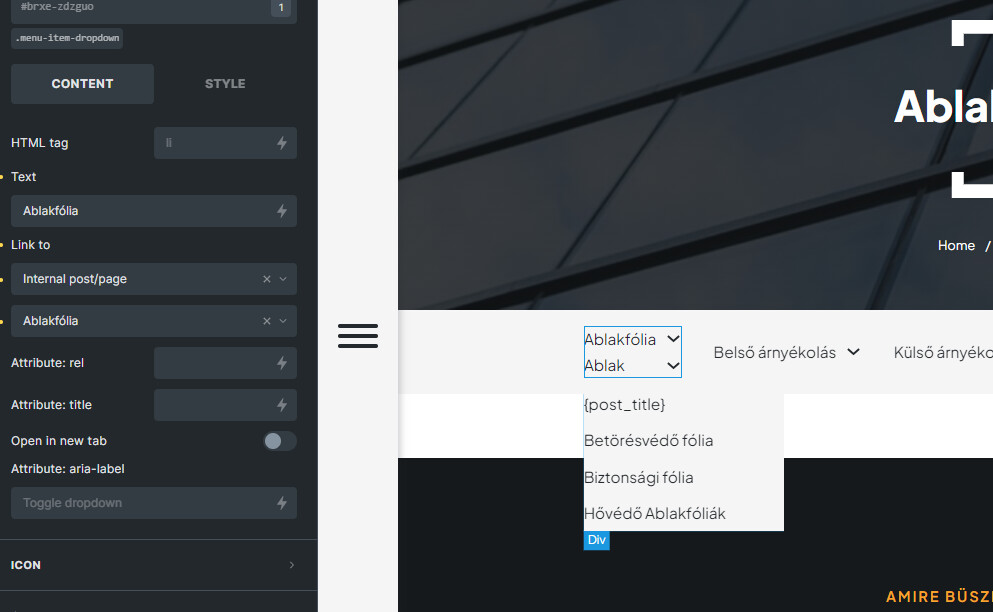
Like under in another screenshot. You can see, dropdown menu name glicth and the {post_title} menupoint. It is happeing sometimes, and other time is not. If I refresh the editor page, everything is good again. 
Now, I will turn off all of other plugins, only active Bricks, and CPT plugin (ACPT pro) and test it again.
Hey @simplecreative,
without any reproducible steps it’s hard to confirm any issue unfortunately. Let me know if you have some more findings.
Best,
André