When using components on multiple pages, a change made on the component doesn’t ‘regenerate’ the CSS for the pages where the component has instances.
So in my case, I have a component that is present on page 30 and on page 50. Changing, say, a background color on the component instance on page 30 does not change the post-50.min.css, the modified time stays the same, the ?ver timestamp in page 50’s DOM stays the same, so the change does not get reflected.
To double check that it wasn’t a server side issue, I tried it on my old bricks test site, and the issue is still present. I made a video showing the issue:
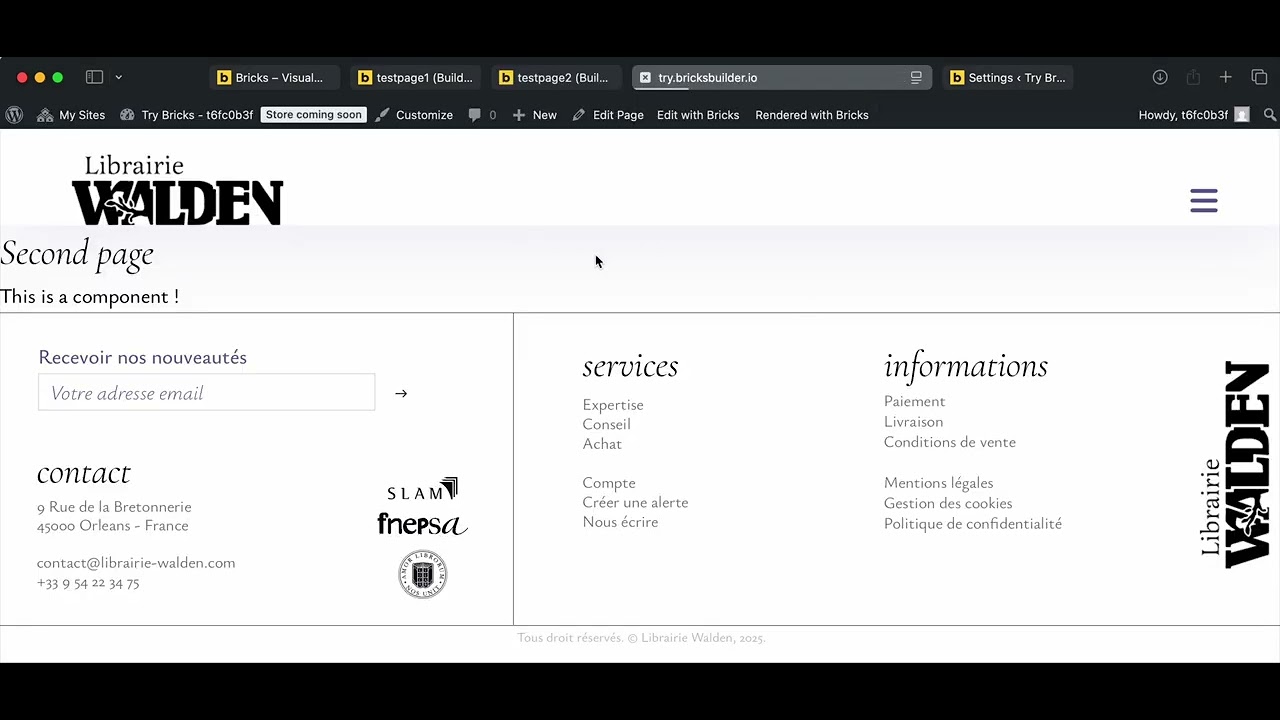
The component is present on two pages, I update the first one, the second one does not change on the frontend (but it does in the builder). When I change anything on the second page, and save it, it regenerates the page’s CSS and applies the component’s styling.
Hmm, can you export the component and Bricks settings, so I try with the same setup? If I’ll not be able to replicate it, then I will ask for login access if possible.
here is the video of me testing this, let me know if I do anything different than you. Sadly, I could not use your theme styles export, as you did not included it in ``` so it is bit broken. However, from the JSON, I don’t see anything special.
If possible, can you send temporary login credentials to your test/staging website and a link to this topic to help@bricksbuilder.io using the email address you used during the purchase, so we can take a look?
I made a fresh bricks playground account, set files to external, created two pages, one component, and it still doesn’t work. I don’t know what to tell you.
I dont know the exact hooks / actions are fired when a css file is regenerated, but I can pretty trivially see that the CSS for posts containing the component do not get updated, so this isn’t about cache (the ?v= timestamp would bust it anyway). In the video I’m saving the post before exiting the ‘edit component’ context, but it doesnt work either if I go back to the actual post structure.
I lazily vibe coded this fix (which works but is slow as hell):
here is the (also vibe coded) recap of the fix.
Bug: Bricks ajax.php:save_post() saves components to the bricks_components option but only regenerates CSS for the current page via wp_update_post(). No code exists to find other pages using the same component and regenerate their CSS.
Fix: mu-plugin hooks update_option_bricks_components, diffs old vs new to find changed component IDs, scans all Bricks posts for matching "cid" references, and calls Bricks\Assets_Files::generate_post_css_file() for each dependent page.
 , or perhaps not. I’ll answer you there.