Bricks Version: 1.5
Browser: Chrome 90
OS: macOS
So I’m still digging into all the template stuff, and I successfully achieved to import the images, theme settings and color palette, but the imported color palette is missing some colors. Here is my color palette on the template source site:
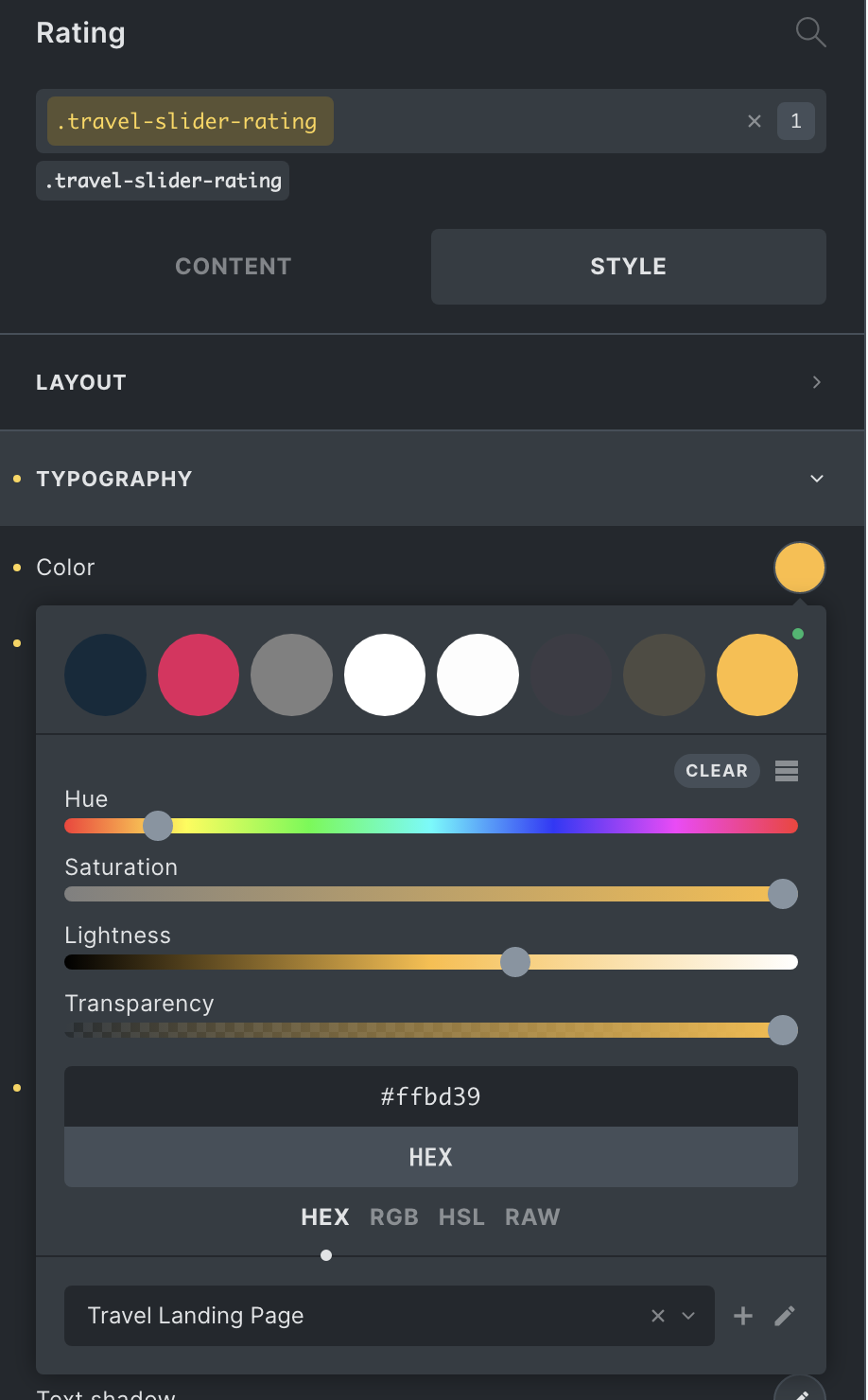
As you can see it’s correctly assigned to a class and there are 8 colors in it. Here is the imported palette:
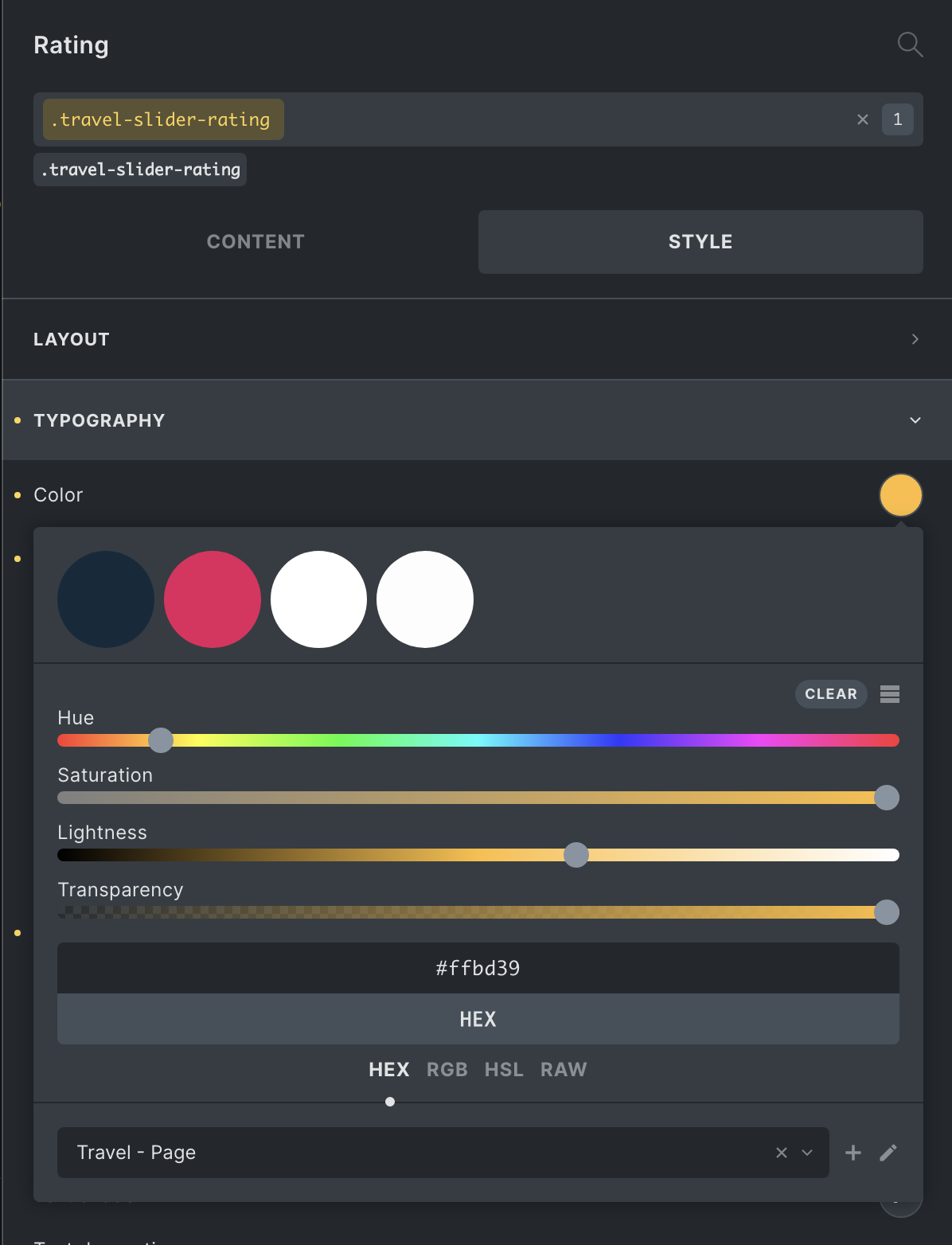
Only the first 4 colors are in it - the orange one is not there, and thus no global color is assigned.
It might be a bug, isn’t? Or am I missing something?