WAIT: Classes not working anymore + white screen editor (WPengine staging site)

Browser: Chrome 110
OS: Windows 11 + MacOS
URL: https://segastg.wpengine.com/

Hi everyone, so I have this site: https://sega.dk/
As we are about to change up some stuff I decided to make a staging site, to make these changes. Now all of a sudden bricks decided to show a “white” screen builder and all ACSS/Frames classes doesn’t work anymore thoughout the entire site. I did a backup to solve this issue, but it keeps happening after some time.

Here is the staging site where you can see that no classes are applied: https://segastg.wpengine.com/

Anyone else experienced this issue?

Hi @jagge72,

Thank you for your report,

Can you disable your CDN and all plugins (except ACSS & Frames)? Does the issue persist?

Hi @charaf ,

I tried to disable all plugins except ACSS and Frames, and the problem persists. I am told by WPengine that the staging environment doesn’t utilize a CDN. Thanks for taking your time to look into the issue :blush:
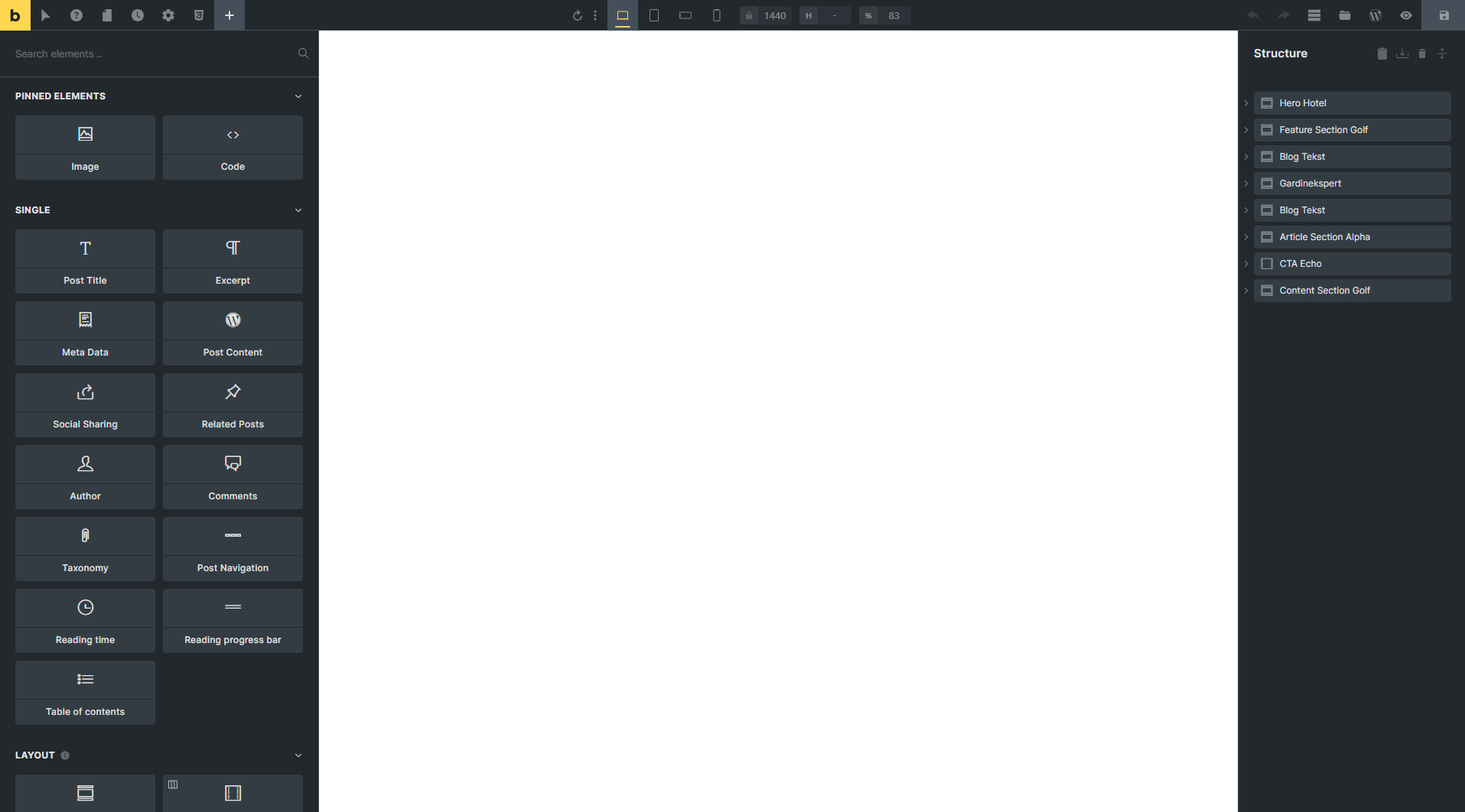
Hmm, that’s odd! Can you please share temporary admin access to help@bricksbuilder.io over the same email thread?

My site just started doing the same thing. My screen builder is white. Did this problem get solved? Thanks

@charaf replied to the email, with login details :grinning:

Hi @tntdiddy,

Welcome to the forum :slight_smile:

If you’re using Cloudflare Rocket Loader please check this article: Known issues – Bricks Academy

Cloudflare Rocket Loader was the problem! That article helped. Thanks!!

1 Like