Hi @Matej ,
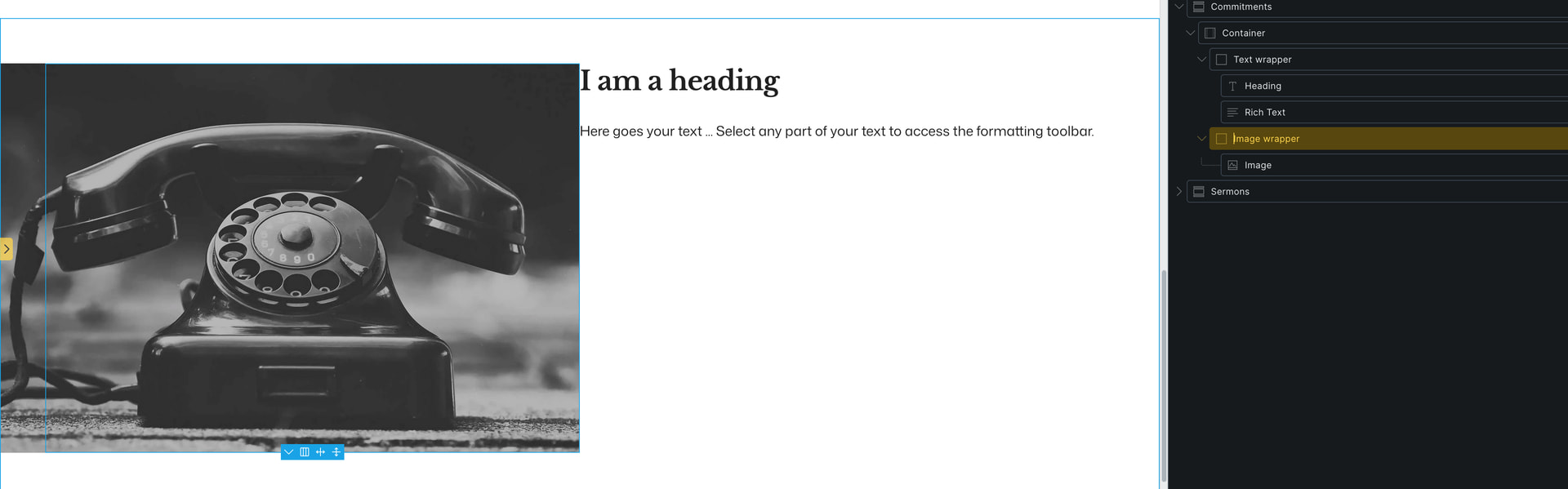
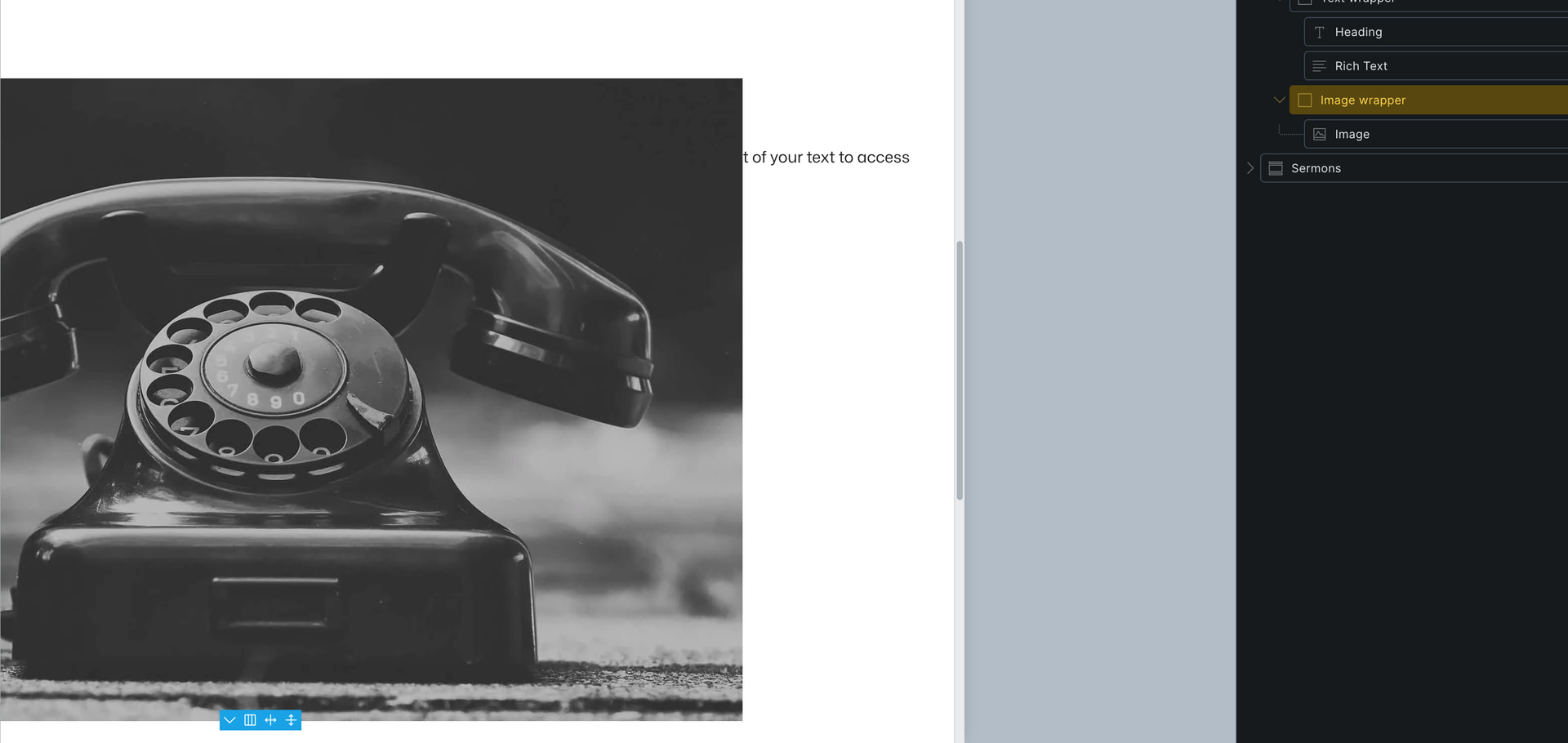
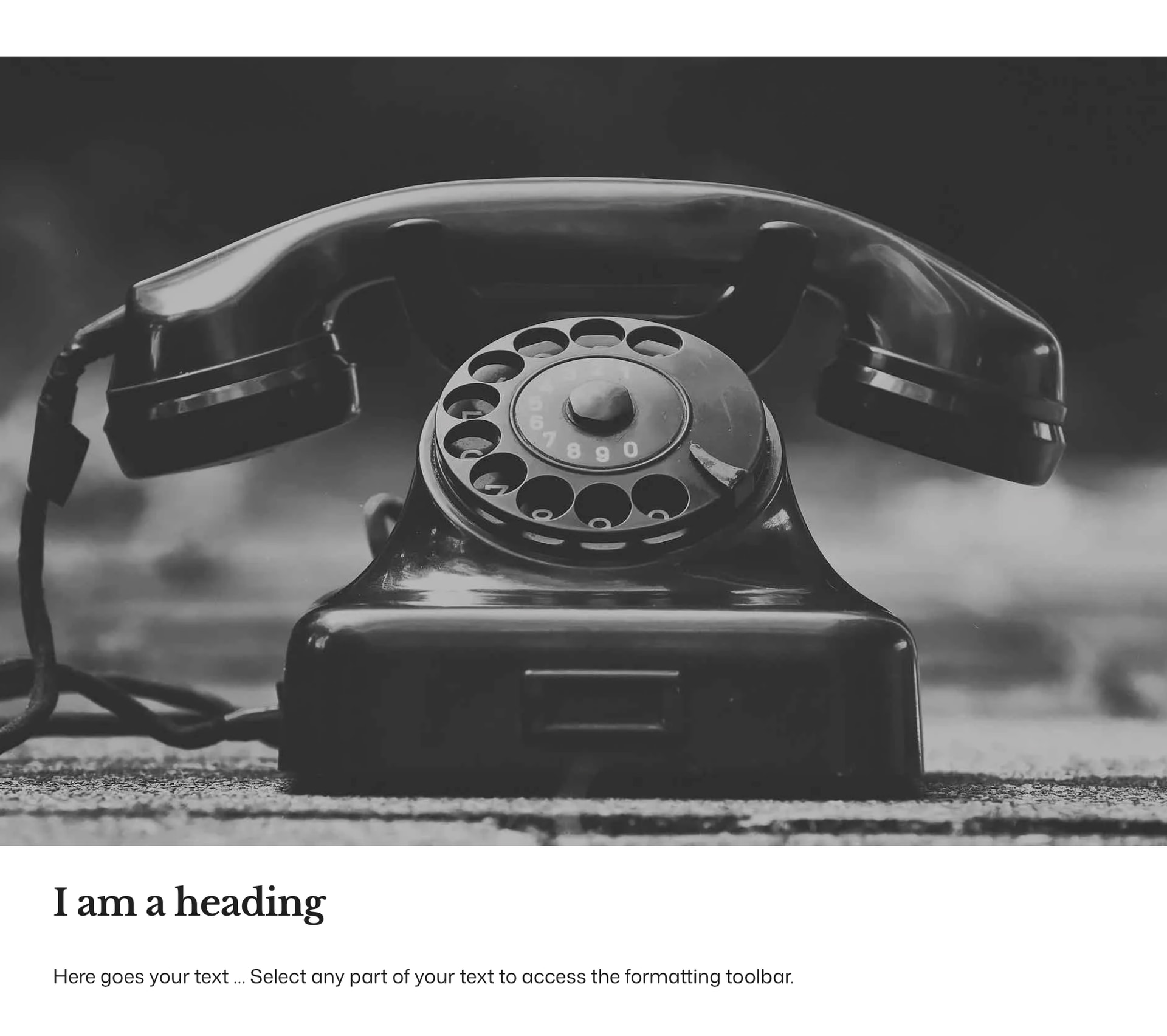
I’ve pasted the entire section below, hopefully it is quoted correctly. The section contains a single component and the component is the issue as when I recreate the layout but do not make it a component, the Bricks canvas displays the layout correctly below the breakpoint.
Thanks,
Simon
‘‘‘

{“components”: [{“id”: “eksuny”,“category”: “”,“desc”: “”,“elements”: [{“id”: “eksuny”,“name”: “container”,“parent”: 0,“children”: [“plvkvv”,“jacrcx”],“settings”: {“_cssCustom”: “/* Set overflow to hidden on parent section to avoid horizontal scrollbar for image /\n.brxe-eksuny {\n  :has(> &) {\n    overflow: hidden;\n  }\n}\n\n/ Set the image to breakout to the left /\n.brxe-eksuny img {\n  width: 50vw;\n\tmax-width: 50vw;\n  margin-left: calc(-50vw + 100%);\n}\n\n/ On small devices make one column, remove the text block left padding and make the image full width /\n@media screen and (max-width: 1024px) {\n  .brxe-eksuny {\n    grid-template-columns: 1fr;\n  }\n  \n  .brxe-eksuny img {\n  left: 50%;\n\tmargin-left: -50vw;\n\tmargin-right: -50vw;\n\tmax-width: 100vw;\n\tposition: relative;\n\tright: 50%;\n\twidth: 100vw;\n  }\n}",“_display”: “grid”,“_gridTemplateColumns”: “repeat(2, minmax(0, 1fr))”,“_gridTemplateRows”: “1fr”},“label”: “Image breakout left”},{“id”: “plvkvv”,“name”: “block”,“parent”: “eksuny”,“children”: [“usmkey”,“hnkjck”],“settings”: {“_rowGap”: “var(–content-gap)”},“label”: “Text wrapper”},{“id”: “usmkey”,“name”: “heading”,“parent”: “plvkvv”,“children”: [],“settings”: {“text”: “I am a heading”}},{“id”: “hnkjck”,“name”: “text”,“parent”: “plvkvv”,“children”: [],“settings”: {“text”: “Here goes your text … Select any part of your text to access the formatting toolbar.”}},{“id”: “jacrcx”,“name”: “block”,“parent”: “eksuny”,“children”: [“roiuae”],“settings”: {“_order”: “-1”},“label”: “Image wrapper”},{“id”: “roiuae”,“name”: “image”,“parent”: “jacrcx”,“children”: [],“settings”: {“image”: {“id”: 205,“filename”: “old-fashioned-telephone.jpeg”,“size”: “full”,“full”: “https://otterystmarychurch.org/wp-content/uploads/old-fashioned-telephone.jpeg”,“url”: “https://otterystmarychurch.org/wp-content/uploads/old-fashioned-telephone.jpeg”},“caption”: “none”,“_objectFit”: “cover”,“_height”: “100%”}}],“properties”: [{“label”: “Heading”,“type”: “text”,“group”: “pvkoea”,“default”: “Heading goes here”,“id”: “jgnaqg”,“connections”: {“usmkey”: [“text”]}},{“label”: “Heading level”,“type”: “select”,“group”: “pvkoea”,“options”: [{“id”: “qwpmvt”,“label”: “H2”,“value”: “h2”},{“id”: “qcxlrn”,“label”: “H3”,“value”: “h3”}],“default”: “h2”,“id”: “ytgjpa”,“connections”: {“usmkey”: [“tag”]}},{“label”: “Text”,“type”: “editor”,“group”: “pvkoea”,“default”: “Text goes here”,“id”: “epghgb”,“connections”: {“hnkjck”: [“text”]}},{“label”: “Image”,“type”: “image”,“group”: “pvkoea”,“default”: {“id”: 61,“filename”: “horizontal-image-placeholder.svg”,“size”: “full”,“full”: “https://otterystmarychurch.org/wp-content/uploads/horizontal-image-placeholder.svg”,“url”: “https://otterystmarychurch.org/wp-content/uploads/horizontal-image-placeholder.svg”},“id”: “uyfbzf”,“connections”: {“roiuae”: [“image”]}},{“label”: “Text vertical alignment”,“type”: “class”,“group”: “jekuii”,“options”: [{“id”: “noufop”,“label”: “Top”,“value”: [“jhfzek”]},{“id”: “nyvhci”,“label”: “Middle”,“value”: [“wxlmpa”]},{“id”: “awiyrz”,“label”: “Bottom”,“value”: [“dgznae”]}],“id”: “gfahtq”,“connections”: {“plvkvv”: [“_cssGlobalClasses”]},“desc”: “Set whether the text is vertically aligned at the top of the text block (default), middle or bottom”},{“label”: “Text block padding”,“type”: “class”,“group”: “jekuii”,“options”: [{“id”: “qwozcv”,“label”: “Small”,“value”: [“kuyqmr”]},{“id”: “bqviik”,“label”: “Medium”,“value”: [“fatrox”]},{“id”: “vycgwg”,“label”: “Large”,“value”: [“nyivxo”]}],“id”: “cnbftt”,“connections”: {“plvkvv”: [“_cssGlobalClasses”]},“desc”: “Use if a coloured background is chosen so there is space around the text”},{“label”: “Text block background colour”,“type”: “class”,“group”: “jekuii”,“options”: [{“id”: “stwtzp”,“label”: “Primary ultra light”,“value”: [“eweyof”]},{“id”: “fcupig”,“label”: “Primary light”,“value”: [“fhnays”]},{“id”: “fdvijq”,“label”: “Primary dark”,“value”: [“xqjohl”]},{“id”: “yqbjjs”,“label”: “Primary ultra dark”,“value”: [“gojfyo”]},{“id”: “vskbyd”,“label”: “Accent ultra light”,“value”: [“temeqf”]},{“id”: “ftbqdt”,“label”: “Accent light”,“value”: [“oziolm”]},{“id”: “dyoihq”,“label”: “Accent dark”,“value”: [“ksxvqj”]},{“id”: “vyhrzs”,“label”: “Accent ultra dark”,“value”: [“xyzrpl”]},{“id”: “kbospl”,“label”: “White”,“value”: [“jaeidh”]}],“id”: “acrpqv”,“connections”: {“plvkvv”: [“_cssGlobalClasses”]},“desc”: “Choose a colour for the text block which automatically sets the text colour”},{“label”: “Column gap”,“type”: “class”,“group”: “jekuii”,“options”: [{“id”: “glssqf”,“label”: “Yes”,“value”: [“gambri”]}],“id”: “sjckrb”,“connections”: {“eksuny”: [“_cssGlobalClasses”]},“desc”: “Use if the text block has no coloured background and no padding applied so there is space between the text and the image”}],“_created”: 1775821783,“_user_id”: 1,“_version”: “2.3.1”,“propertyGroups”: [{“id”: “pvkoea”,“name”: “Content”},{“id”: “jekuii”,“name”: “Style”}]}],“globalClasses”: [{“id”: “jhfzek”,“name”: “align-v-top”,“settings”: {“_justifyContent”: “flex-start”},“category”: “vcradd”},{“id”: “wxlmpa”,“name”: “align-v-middle”,“settings”: {“_justifyContent”: “center”},“category”: “vcradd”},{“id”: “dgznae”,“name”: “align-v-bottom”,“settings”: {“_justifyContent”: “flex-end”},“category”: “vcradd”},{“id”: “kuyqmr”,“name”: “padding-all–s”,“settings”: {“_padding”: {“top”: “var(–space-s)”,“right”: “var(–space-s)”,“bottom”: “var(–space-s)”,“left”: “var(–space-s)”}},“category”: “vcradd”},{“id”: “fatrox”,“name”: “padding-all–m”,“settings”: {“_padding”: {“top”: “var(–space-m)”,“right”: “var(–space-m)”,“bottom”: “var(–space-m)”,“left”: “var(–space-m)”}},“category”: “vcradd”},{“id”: “nyivxo”,“name”: “padding-all–l”,“settings”: {“_padding”: {“top”: “var(–space-l)”,“right”: “var(–space-l)”,“bottom”: “var(–space-l)”,“left”: “var(–space-l)”}},“category”: “vcradd”},{“id”: “eweyof”,“name”: “bg-primary-ultra-light”,“settings”: {“_cssCustom”: "/ Set colour for text if class is on a section so we don’t change the colour anywhere else /\n.bg-primary-ultra-light .brxe-container > :is(h2, h3, p, a:not(.button), .brxe-text, .brxe-text li, svg) {\n  color: var(–primary-dark);\n}\n\n/ Set colour for text if class is on a block /\n.brxe-block.bg-primary-ultra-light :is(h2, h3, p, a:not(.button), .brxe-text, .brxe-text li, svg) {\n  color: var(–primary-dark);\n}",“_background”: {“color”: {“id”: “hrpoge”,“raw”: “var(–primary-ultra-light)”,“light”: “hsl(60, 3.45%, 94.31%)”}}}},{“id”: “fhnays”,“name”: “bg-primary-light”,“settings”: {“_background”: {“color”: {“id”: “feppbq”,“raw”: “var(–primary-light)”,“light”: “hsl(30, 3.45%, 88.63%)”}},“_cssCustom”: "/ Set colour for text if class is on a section so we don’t change the colour anywhere else /\n.bg-primary-light .brxe-container > :is(h2, h3, p, a:not(.button), .brxe-text, .brxe-text li, svg) {\n  color: var(–primary-ultra-dark);\n}\n\n/ Set colour for text if class is on a block /\n.brxe-block.bg-primary-light :is(h2, h3, p, a:not(.button), .brxe-text, .brxe-text li, svg) {\n  color: var(–primary-ultra-dark);\n}"},“modified”: 1775832484,“user_id”: 1},{“id”: “xqjohl”,“name”: “bg-primary-dark”,“settings”: {“_background”: {“color”: {“id”: “xjwzco”,“raw”: “var(–primary-dark)”,“light”: “hsl(25.71, 4.52%, 30.39%)”}},“_cssCustom”: "/ Set colour for text if class is on a section so we don’t change the colour anywhere else /\n.bg-primary-dark .brxe-container > :is(h2, h3, p, a:not(.button), .brxe-text, .brxe-text li, svg) {\n  color: var(–primary-ultra-light);\n}\n\n/ Set colour for text if class is on a block /\n.brxe-block.bg-primary-dark :is(h2, h3, p, a:not(.button), .brxe-text, .brxe-text li, svg) {\n  color: var(–primary-ultra-light);\n}"},“modified”: 1776081170,“user_id”: 1},{“id”: “gojfyo”,“name”: “bg-primary-ultra-dark”,“settings”: {“_background”: {“color”: {“id”: “tcuudt”,“raw”: “var(–primary-ultra-dark)”,“light”: “hsl(15, 4%, 19.61%)”}},“_cssCustom”: "/ Set colour for text if class is on a section so we don’t change the colour anywhere else /\n.bg-primary-ultra-dark .brxe-container > :is(h2, h3, p, a:not(.button), .brxe-text, .brxe-text li, svg) {\n  color: var(–primary-light);\n}\n\n/ Set colour for text if class is on a block /\n.brxe-block.bg-primary-ultra-dark :is(h2, h3, p, a:not(.button), .brxe-text, .brxe-text li, svg) {\n  color: var(–primary-light);\n}",“icon”: []},“modified”: 1775922299,“user_id”: 1},{“id”: “temeqf”,“name”: “bg-accent-ultra-light”,“settings”: {“_background”: {“color”: {“id”: “jccquj”,“raw”: “var(–accent-ultra-light)”,“light”: “hsl(202.5, 22.22%, 92.94%)”}},“_cssCustom”: "/ Set colour for text if class is on a section so we don’t change the colour anywhere else /\n.bg-accent-ultra-light .brxe-container > :is(h2, h3, p, a:not(.button), .brxe-text, .brxe-text li, svg) {\n  color: var(–accent-dark);\n}\n\n/ Set colour for text if class is on a block /\n.brxe-block.bg-accent-ultra-light :is(h2, h3, p, a:not(.button), .brxe-text, .brxe-text li, svg) {\n  color: var(–accent-dark);\n}"}},{“id”: “oziolm”,“name”: “bg-accent-light”,“settings”: {“_background”: {“color”: {“id”: “ekksuk”,“raw”: “var(–accent-light)”,“light”: “hsl(202.86, 23.6%, 82.55%)”}},“_cssCustom”: "/ Set colour for text if class is on a section so we don’t change the colour anywhere else /\n.bg-accent-light .brxe-container > :is(h2, h3, p, a:not(.button), .brxe-text, .brxe-text li, svg) {\n  color: var(–accent-ultra-dark);\n}\n\n/ Set colour for text if class is on a block /\n.brxe-block.bg-accent-light :is(h2, h3, p, a:not(.button), .brxe-text, .brxe-text li, svg) {\n  color: var(–accent-ultra-dark);\n}"},“modified”: 1775831514,“user_id”: 1},{“id”: “ksxvqj”,“name”: “bg-accent-dark”,“settings”: {“_background”: {“color”: {“id”: “xohsam”,“raw”: “var(–accent-dark)”,“light”: “hsl(203.81, 54.78%, 22.55%)”}},“_cssCustom”: "/ Set colour for text if class is on a section so we don’t change the colour anywhere else /\n.bg-accent-dark .brxe-container > :is(h2, h3, p, .brxe-text, a:not(.button), .brxe-text li, svg) {\n  color: var(–accent-ultra-light);\n}\n\n/ Set colour for text if class is on a block /\n.brxe-block.bg-accent-dark :is(h2, h3, p, a:not(.button), .brxe-text, .brxe-text li, svg) {\n  color: var(–accent-ultra-light);\n}"},“modified”: 1775999276,“user_id”: 1},{“id”: “xyzrpl”,“name”: “bg-accent-ultra-dark”,“settings”: {“_background”: {“color”: {“id”: “kuywyf”,“raw”: “var(–accent-ultra-dark)”,“light”: “hsl(204, 55.56%, 10.59%)”}},“_cssCustom”: "/ Set colour for text if class is on a section so we don’t change the colour anywhere else /\n.bg-accent-ultra-dark .brxe-container > :is(h2, h3, p, a:not(.button), .brxe-text, .brxe-text li, svg) {\n  color: var(–accent-light);\n}\n\n/ Set colour for text if class is on a block */\n.brxe-block.bg-accent-ultra-dark :is(h2, h3, p, a:not(.button), .brxe-text, .brxe-text li, svg) {\n  color: var(–accent-light);\n}”},“modified”: 1775998985,“user_id”: 1},{“id”: “jaeidh”,“name”: “bg-white”,“settings”: {“_background”: {“color”: {“id”: “omaowl”,“raw”: “var(–white)”,“light”: “hsl(0 0% 100%)”}}},“modified”: 1775656652,“user_id”: 1},{“id”: “gambri”,“name”: “grid-gap”,“settings”: {“_gridGap”: “var(–grid-gap)”},“category”: “iotzih”}]}

‘‘‘
 . Can you send temporary login credentials to your website and a link to this topic to