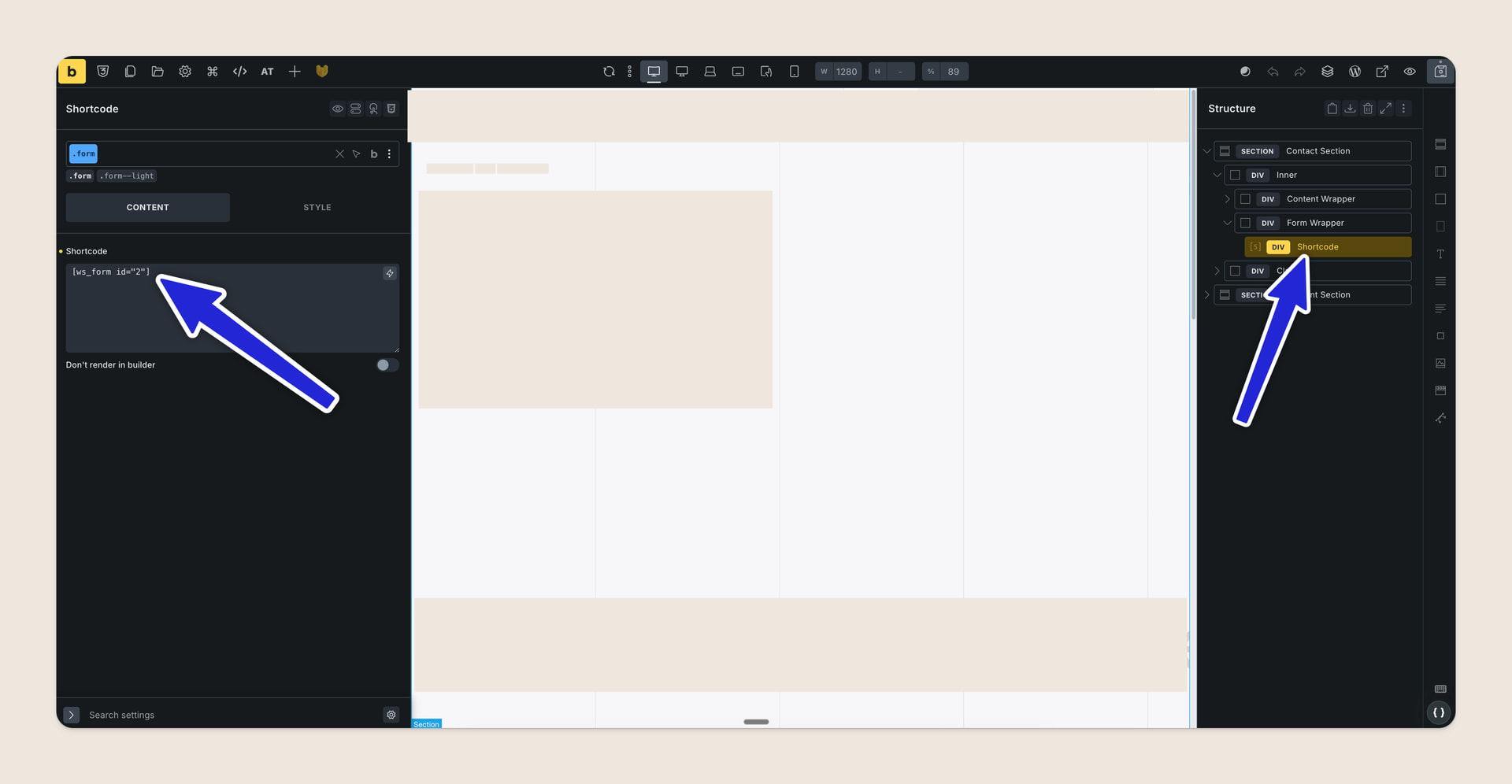
It has a shortcode element with a WS Form shortcode.
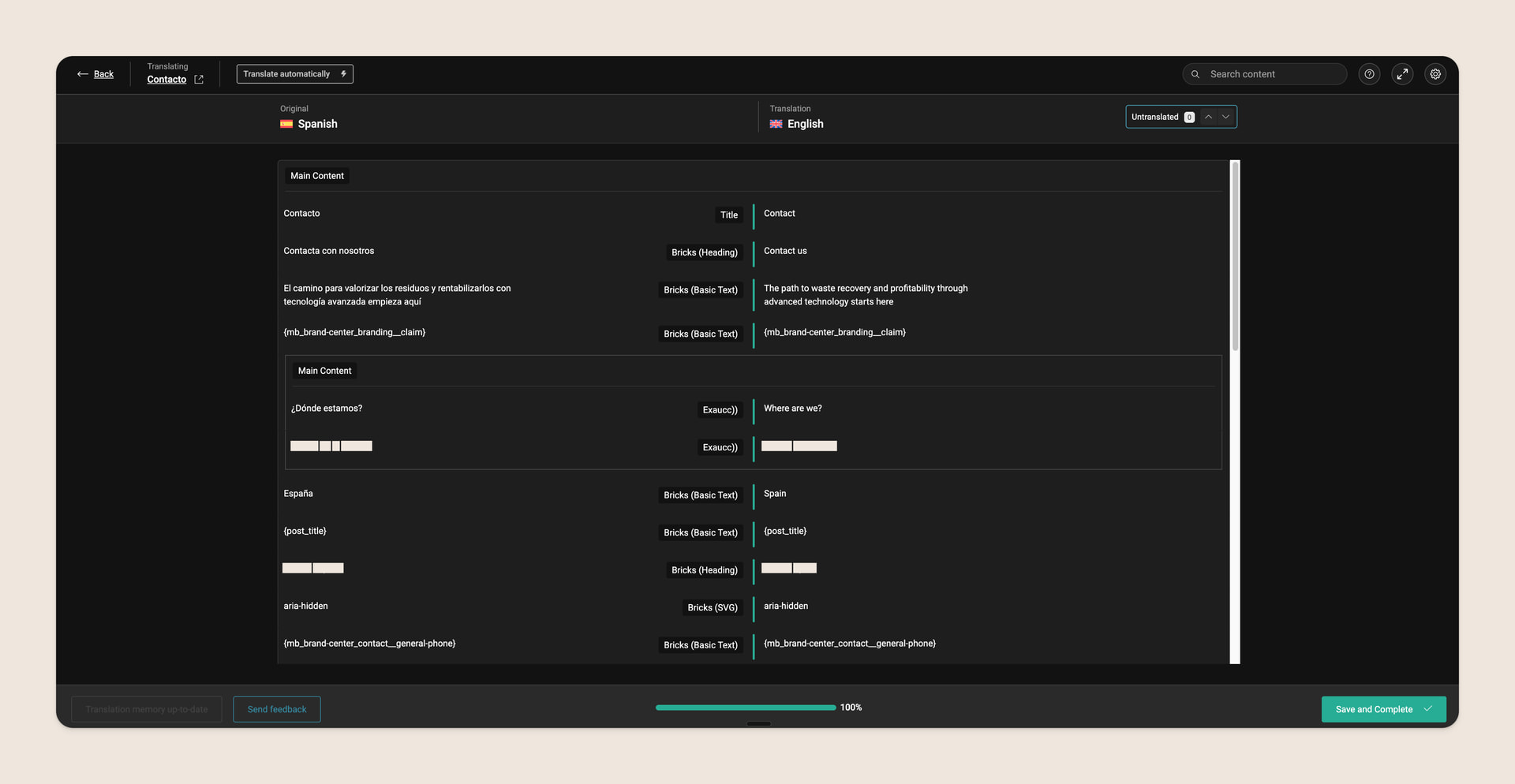
The problem is that when translating the page to English, in the WPML Editor the shortcode doesn’t appear, so in both languages I can only have the same shortcode, which is the form just in Spanish.
shortcodes and WPML are a bit jerky in general. At least that’s been my experience.
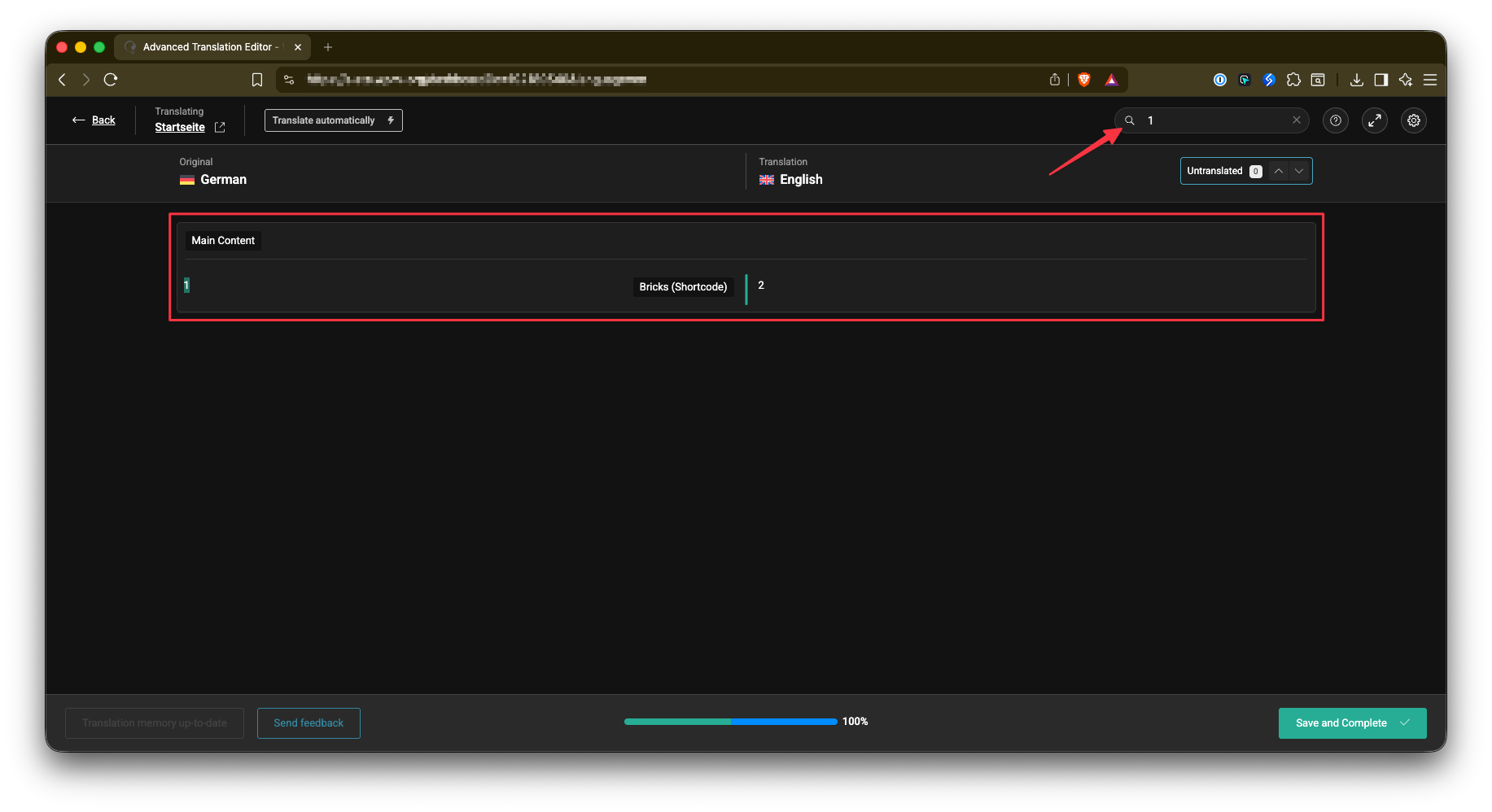
However, did you try to search for the form id in the ATE? In my case I searched for “1” (german form ID), found it and could then translate it to “2” (english form ID).
As @aslotta had mentioned shortcodes get automatically hidden by WPML’s Advanced Translation Editor, so unfortunately there isn’t much we can do on our end. If I search for the ID it also shows up on my end. Maybe best to ask WPML’s team about this.