Clearly I’ve done something wrong, but I don’t know what:
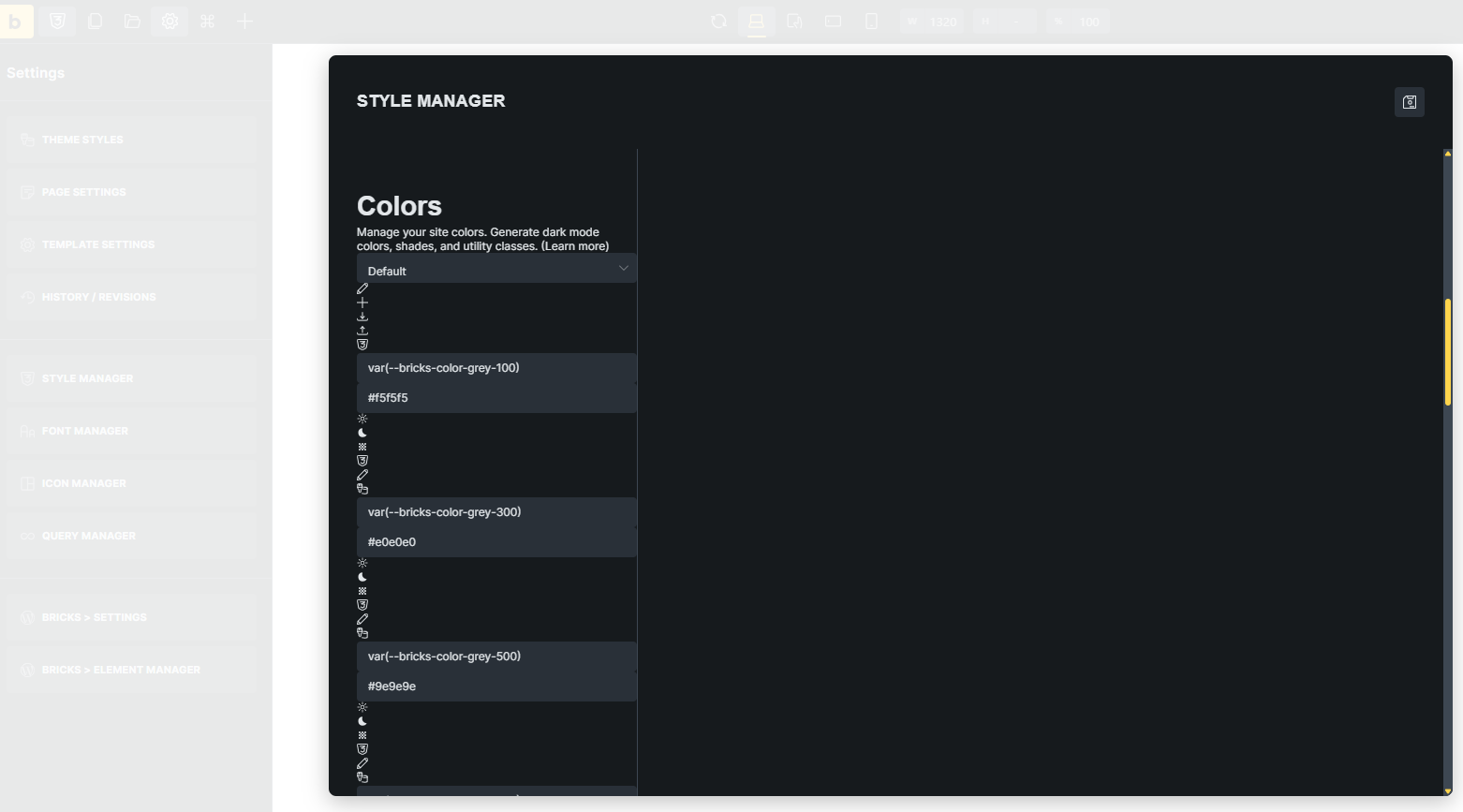
Updated the theme files manually from Bricks 2.1 to 2.2 RC on a test website, cleared all caches…
Clearly I’ve done something wrong, but I don’t know what:
Updated the theme files manually from Bricks 2.1 to 2.2 RC on a test website, cleared all caches…
Hi Jamie,
Thanks so much for your report!
The only thing that will help here is to send login details to the website 
Btw., what do you mean by “Updated the theme files manually”? Did you install the theme manually, or did you replace everything manually via FTP? 
So, please send temporary login credentials and a link to this thread to help@bricksbuilder.io using the email address you used during the purchase.
Best regards,
timmse
Hi @timmse
I have sent you an email with the login details, as requested.
The “bricks” theme folder was replaced with the one in 2.2RC.
Troubleshooting steps:
Possibly relevant:
Thanks
Jamie
@timmse This had me completely stumped for longer than I care to admit, but it turned out to be my fault (as expected) due to a problem with my deployment process. Ultimately, the files in bricks/assets/css were not getting updated to the versions supplied in 2.2RC.
I do have a request though @timmse. Could all files that Bricks may want to write to be synced/managed in wp-content/uploads/bricks? I may have requested this before, and there may be a good reason not to, but it would help in environments where theme files are not writable.