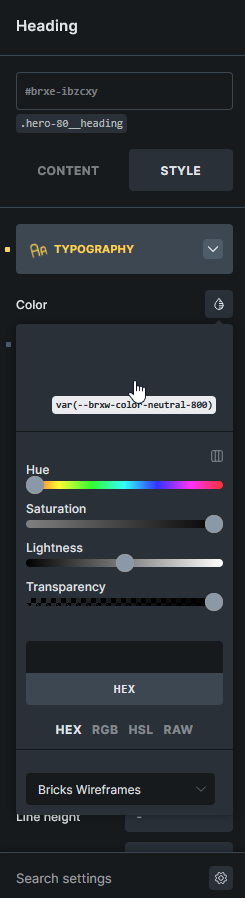
This appears to be happening in the latest version of Bricks, across different browsers. When I want to choose a color (or colour as we spell it here in NZ), they are not rendering, I have to hover over a blank area to see values, which upsets workflow. Anyone else got this issue? Screen-shot here:
Hi Jimmy,
As far as I can tell from the screenshot, that’s not the latest version (2.2), but apparently 2.1.4
Could it be that you haven’t imported the variables? Check the variable manager to see if you can find variables such as --brxw-color-neutral-800. If not, import one of the wireframe templates and confirm the variable import (there’s a prompt asking you if you want to import them).
So sorry, turns out we didn’t have the Core Framework Bricks integration license saved! That’s working now.
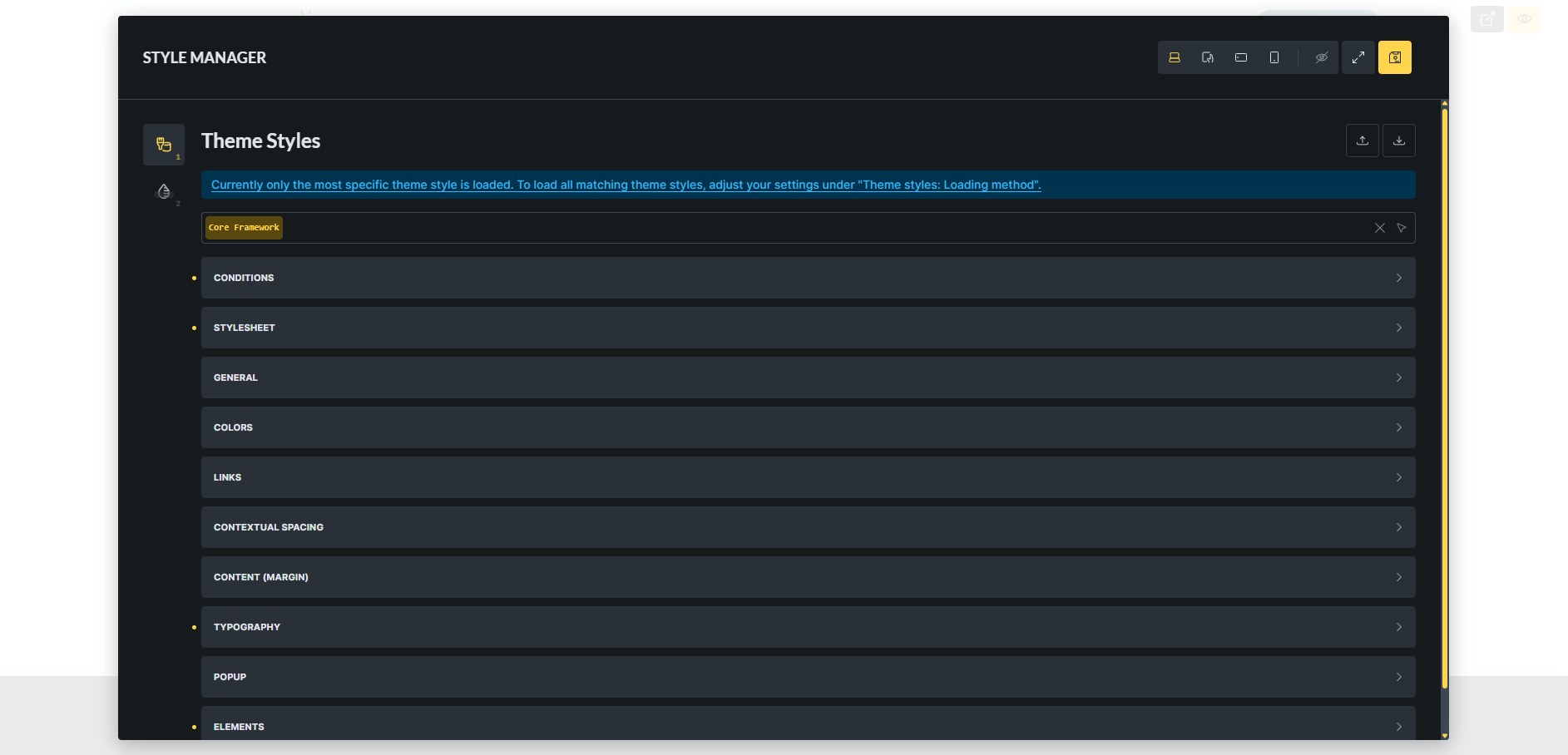
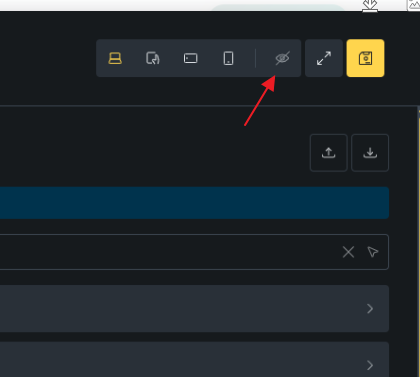
We did notice that the style manager takes up the whole screen when it’s not in full screen mode, is this intentional? it would be good to see the canvas while we’re in those settings:
Thanks! That’s helpful. We have another issue with style manager, which is right click not working. Browser is Chrome. Created a new thread here: Style Manager - large layout with no right click