**
Shortcuts in top bar**
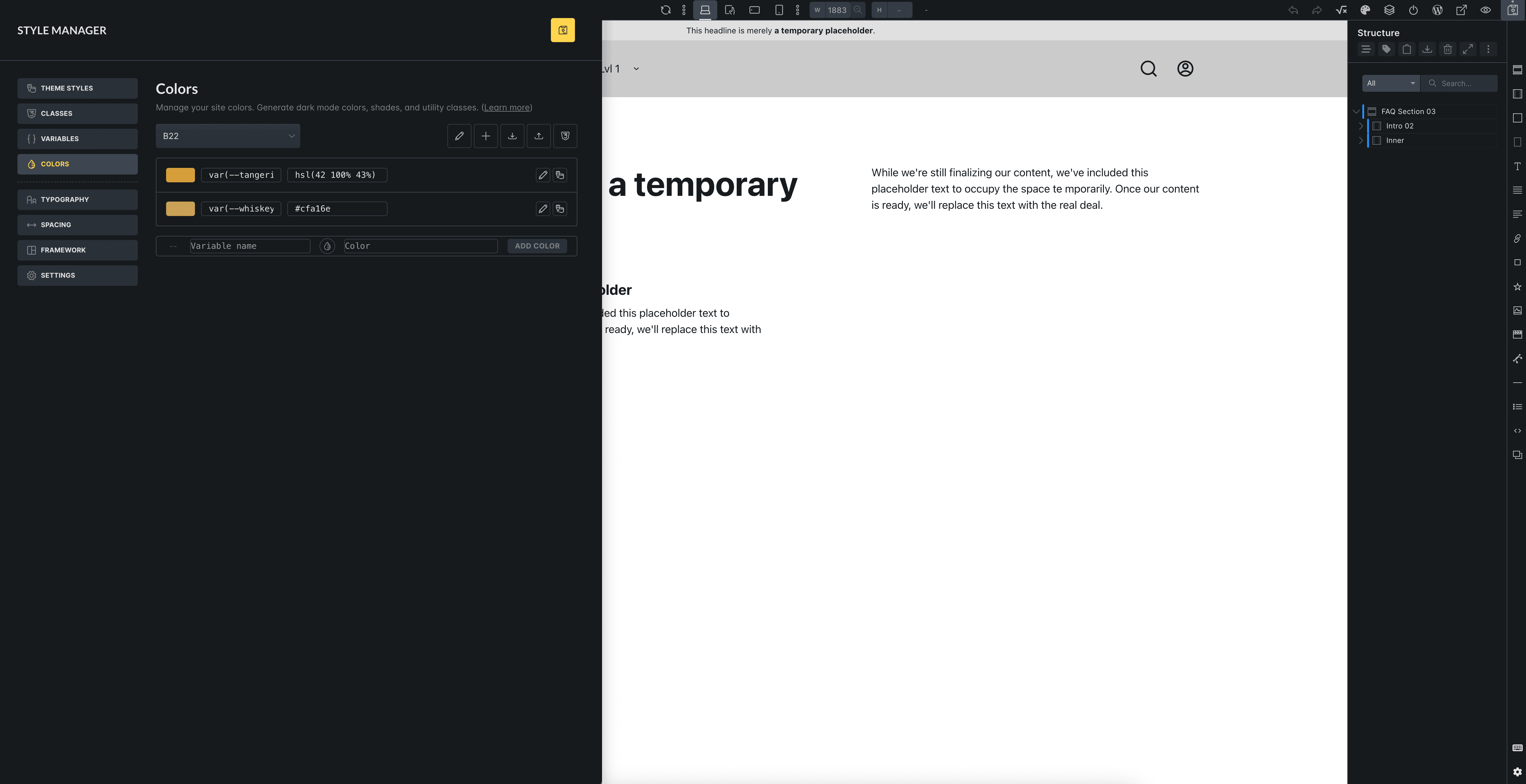
It would be great if you added shortcuts in the top bar for colors and variables. Now we have an classes icon that takes us to style manager, but it opens the entire style manager. It would be good if there were fewer clicks and this element opened immediately in a specific view Variables and Colors.
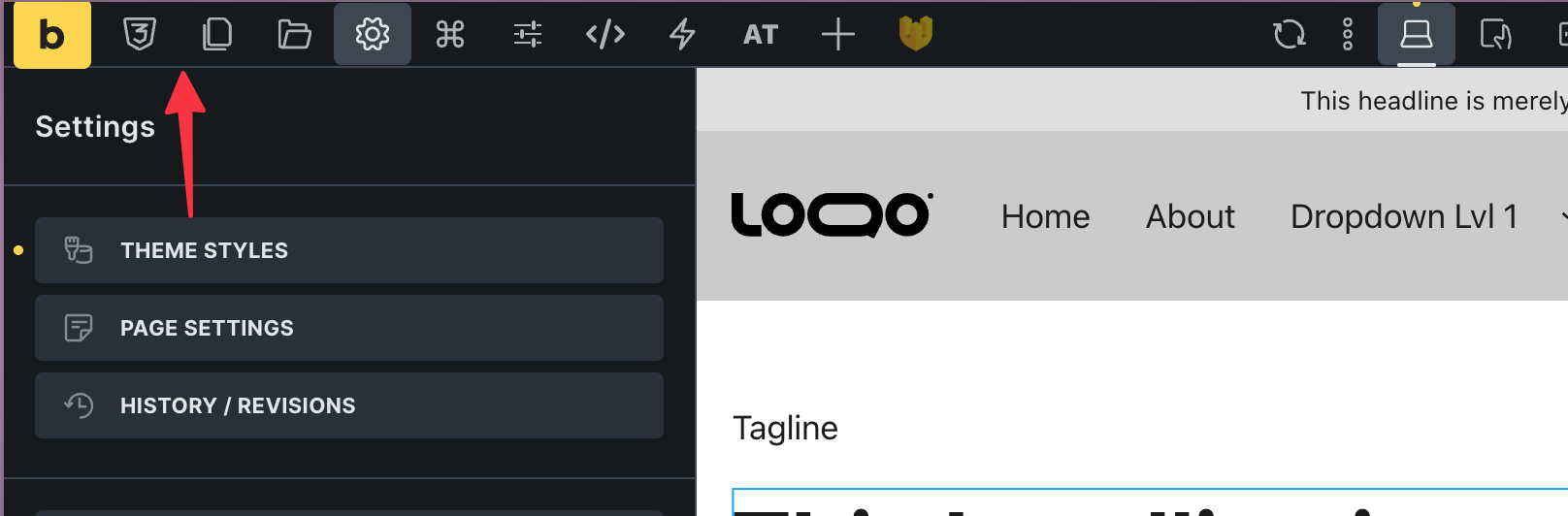
Location of the style manager panel and templates in popup
For quite some time now, I have felt that clicking on templates or opening the class manager and now the style manager, which appears in the middle, is inconvenient. It takes up the entire screen, and we cannot see what is happening underneath. In addition, the overlay is white, which does not match the Builder’s style at all.
It would be much better if this window were visible on the left side, stuck to the left edge. Then it would only take up part of the screen. Just as we currently enter all settings for manipulating elements on the left side, we would have this panel in one place here as well.
Then, when this pop-up element is attached to the left edge, we can see the entire structure on the right and know exactly where we are inserting a specific template at that moment.